

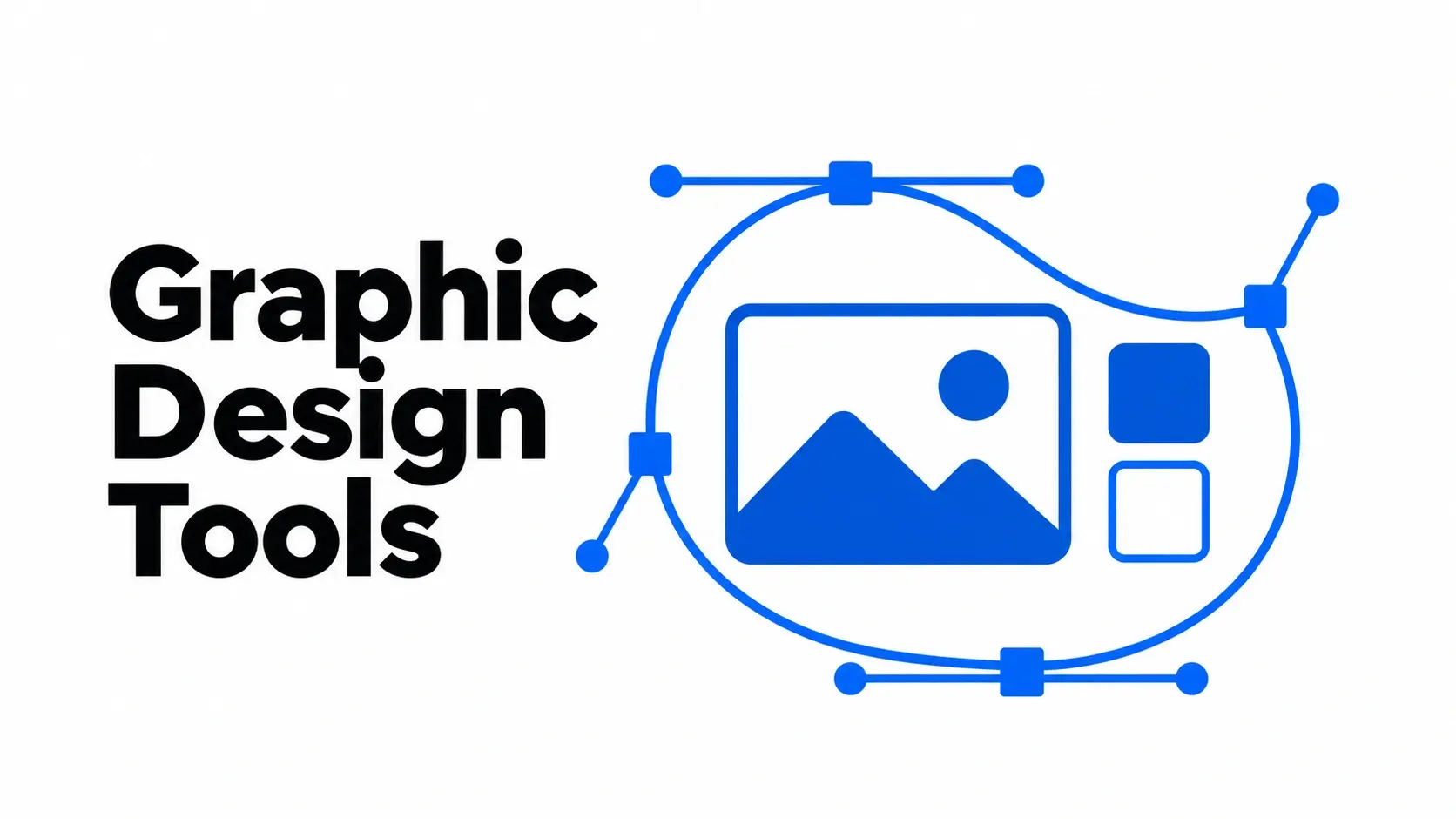
Canva is a good starting point for social graphics and marketing templates. Choose Photoshop for detailed photo editing, Illustrator for scalable branding, or Figma for collaborative website and app design. If you want free graphic design software with vector, photo, and page layout tools in one app, start with Affinity.
The best graphic design tool depends on the file you need to deliver. A social post needs a readable layout at the right size. A logo needs to scale from a favicon to a sign. An app mockup needs to show how screens connect. Use those requirements to narrow the list before comparing plans.
The comparison uses official product documentation reviewed in November 2026. Picks reflect the type of work each tool supports, the available free options, and what teammates or clients need for handoff.
1. Canva for social media and marketing templates
Canva’s drag-and-drop editor makes it easy to start with a template for a LinkedIn post, blog thumbnail, presentation, or flyer. Small teams can reuse one campaign design and update the copy and imagery for each new post.
Canva has a free plan. Check whether the template, stock elements, or export options you need are available on it. If a designer will need to edit the source later, share the Canva project as well as the exported image.
2. Adobe Photoshop for photo editing and compositing
Photoshop is a paid tool for detailed, pixel-based work. Layers and masks let you isolate parts of an image, adjust the background, or combine multiple photos. A store can use it to clean up a product photo and build several campaign visuals from the same layered file.
Save the editable PSD when another designer needs to revise the composition. Export a web-ready image for publishing. If most of your work involves reusable icons or logos, a vector editor gives you better control over scaling.
3. Adobe Illustrator for logos and vector graphics
Illustrator is a paid vector editor for brand marks, icon systems, and packaging artwork. Its path-editing tools let you refine curves and shapes precisely. A single vector logo can serve as the master for a small website icon and a large printed sign.
Keep an editable master and export the format your recipient needs. Use SVG for supported web placements and ask your print vendor for its preferred file format and color settings before exporting.
4. Figma for UI design and interactive prototypes
Figma helps product teams design website and app screens, connect them into clickable prototypes, and review the same file. Use it to show a checkout flow or test the order of steps before development starts.
The free Starter plan includes Figma Design. Check shared library, file, and handoff needs before committing. Figma’s Starter documentation lists team libraries and Dev Mode among the features unavailable on that plan.
5. Affinity for vector photo and layout work
Affinity combines vector design, photo editing, and page layout in one app. A freelancer can build a brand mark, edit product images, and lay out a brochure without moving the project among separate editors. The core app is available for free.
Check the file handoff early if a client uses another design suite. Test an editable sample with its layers, fonts, and effects before starting a large project, especially when the client expects to revise the artwork later.
6. Inkscape for free vector design
Inkscape is a free, open-source vector editor built around SVG. Use it for icons, line illustrations, diagrams, and logo masters. It makes sense for projects that need editable paths and shapes without a software subscription.
If a client or print shop uses another vector editor, send a test export first. Check that fonts, strokes, and transparency appear as intended in their software.
7. GIMP for free photo retouching
GIMP is a free, open-source image editor for photo retouching and compositing. It works well for editing blog images, removing unwanted details, and building layered graphics on a budget.
Use GIMP for the images you need to edit regularly. If your team exchanges layered files across editors, test a sample round trip and check the layers and effects before adopting the workflow.
8. Krita for digital painting and illustration
Krita is a free, open-source painting app with customizable brushes, layers, drawing assistants, and stroke stabilizers. It suits original illustrations, concept sketches, and textured artwork.
Use Krita to create the artwork, then bring the finished illustration into a layout tool if it needs to sit alongside headlines, prices, or other campaign copy.
How to choose the right graphic design software
Start with the deliverable. Choose a template editor for repeatable social graphics, a raster editor for photos, a vector editor for logos, or a prototyping tool for interactive screens.
Check the file formats. Ask for the required source and final files up front. Common handoffs include an editable project, an SVG for a scalable mark, a transparent PNG for an overlay, or a PDF for print review.
Test a real revision. Recreate an existing asset, change the headline or colors, and ask a teammate to make another change. Check how much work it takes to find the source file and export the update.
Compare plan limits against actual work. Check paid assets, shared libraries, and export options before purchasing. For team projects, account for how many people need to edit.
Frequently asked questions
What are the best free graphic design tools?
Canva Free is a good starting point for template-based marketing graphics. Inkscape is useful for SVG artwork, GIMP for photo editing, and Krita for digital painting. Affinity covers vector work, photo editing, and page layout in one free app.
What graphic design software is best for beginners?
Canva is easy to start with when you need a finished post or presentation quickly. Start with one layout, learn how spacing and type hierarchy affect readability, and build a reusable template once the design works.
What is the difference between raster and vector design?
Raster images are made of pixels and suit photos and digital paintings. Vector graphics use paths and shapes that scale cleanly, which makes them useful for logos, icons, and line art.
Which design tools should a small marketing team use?
Start with Canva for recurring campaign assets. Add a vector editor such as Affinity or Inkscape if the team needs original brand artwork, or Figma if it regularly collaborates on web and app designs.