


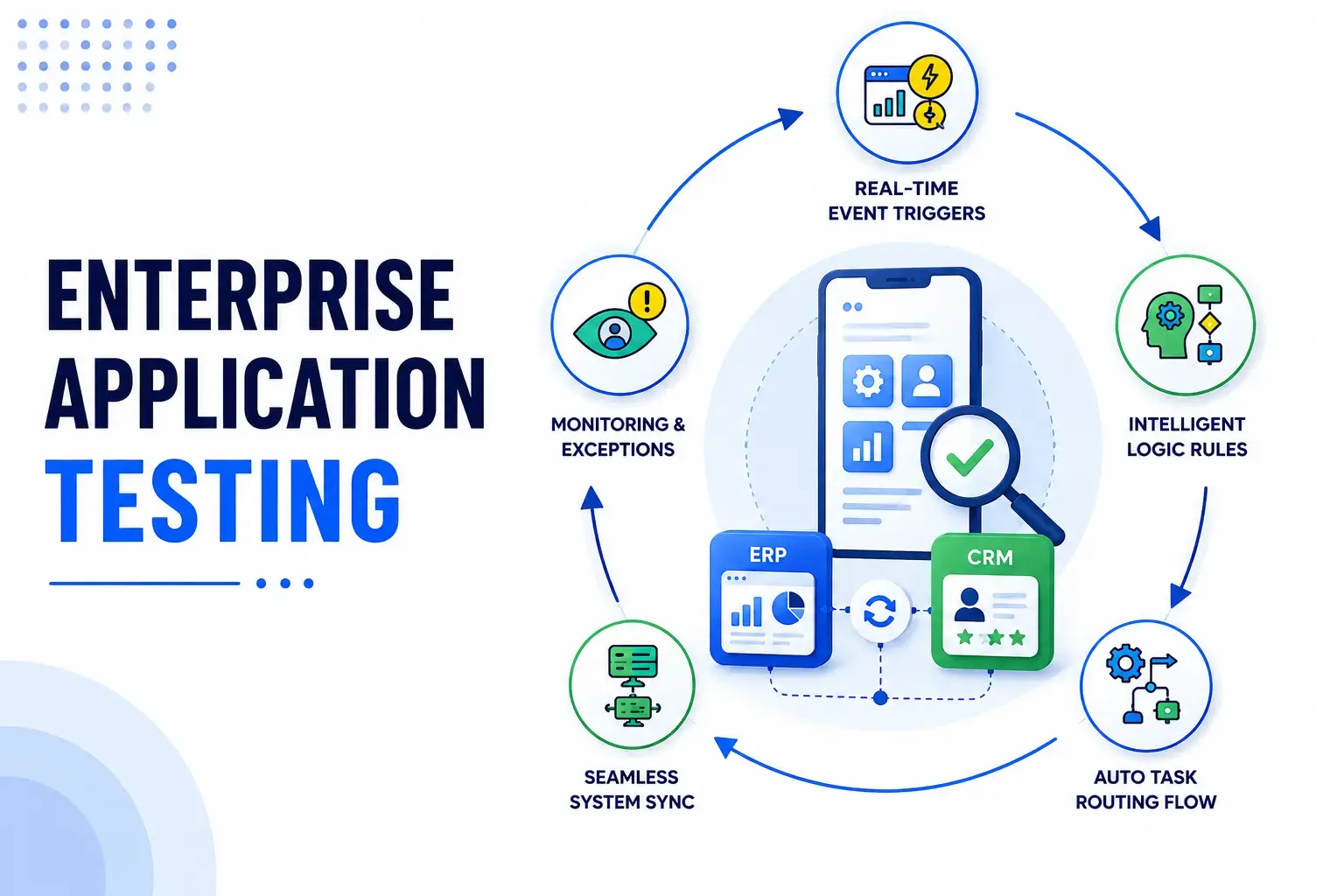
An ERP upgrade rarely fails on a single screen. It fails at the handoff, the moment a quote created in a CRM system has to land in an ERP sales order, pricing and tax intact. Miss it, and every module can pass its own tests while the business process breaks in production. That gap is where most enterprise application testing efforts fall short.
Enterprise application testing, sometimes called end-to-end enterprise testing, validates Enterprise Resource Planning (ERP) platforms, CRM systems, and other business-critical software for functionality, integration accuracy, security, and performance. ERP testing and CRM testing done properly means full workflow validation across every handoff, not just individual screens. This guide covers what to test and how to decide between in-house and a QA partner.
What Is Application Testing?
Application software testing checks that software behaves as specified and holds up under actual use. Enterprise application testing applies the same quality control discipline to enterprise systems, where a workflow crosses several modules, user roles, and often more than one application or SaaS platform.
Testing a screen in isolation tells you almost nothing about whether the workflow holds together. Web applications, mobile apps, and APIs connected to the same ERP or CRM backend need to be validated together, not screen by screen.
Types of Testing Covered in Application Testing
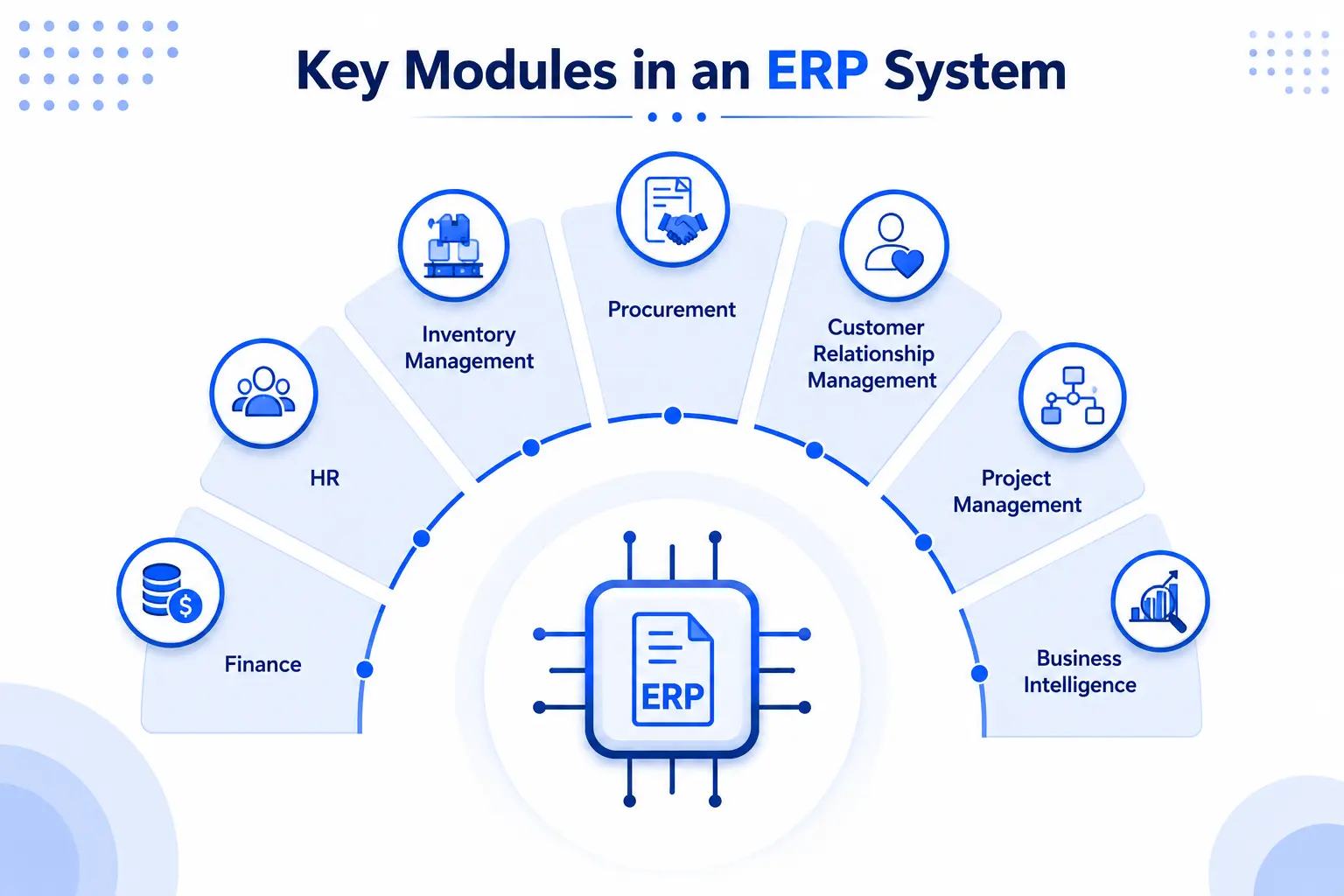
A full test plan for enterprise systems spans several categories, each answering a different question about system behaviour. Enterprise software testing and enterprise testing programmes generally combine:
- Functional testing: Each feature works as specified, checked with functional testing tools and automated functional testing scripts.
- Integration testing (system integration testing): a change in a CRM module shows up correctly in ERP platforms, not just an API call succeeding.
- Regression testing: Existing workflows still work after a release, run with regression testing tools as automated regression testing.
- Non-functional testing: The system holds up on performance, scalability, and usability
- Security testing: Permissions and data handling are correct.
- Visual regression testing: The UI still renders correctly after a change, which matters more in ERP and CRM systems than most web applications.
- Mobile & API testing: Mobile and API layers stay in sync with the core system.
- User acceptance testing (UAT): Real business users confirm the workflow makes sense.
Regression and functional testing are usually the first candidates for test automation. Exploratory UAT stays manual much longer. For ERP testing and CRM testing specifically, nobody automates a step nobody has mapped yet.
Why It's Complex to Test ERP and CRM Workflows
A finance team at a mid-size distributor rolled out a new CRM-to-ERP integration last year. Every module passed UAT, yet order-to-cash started double-billing customers weeks later, because nobody had tested what happened when a CRM discount met ERP tax rules.
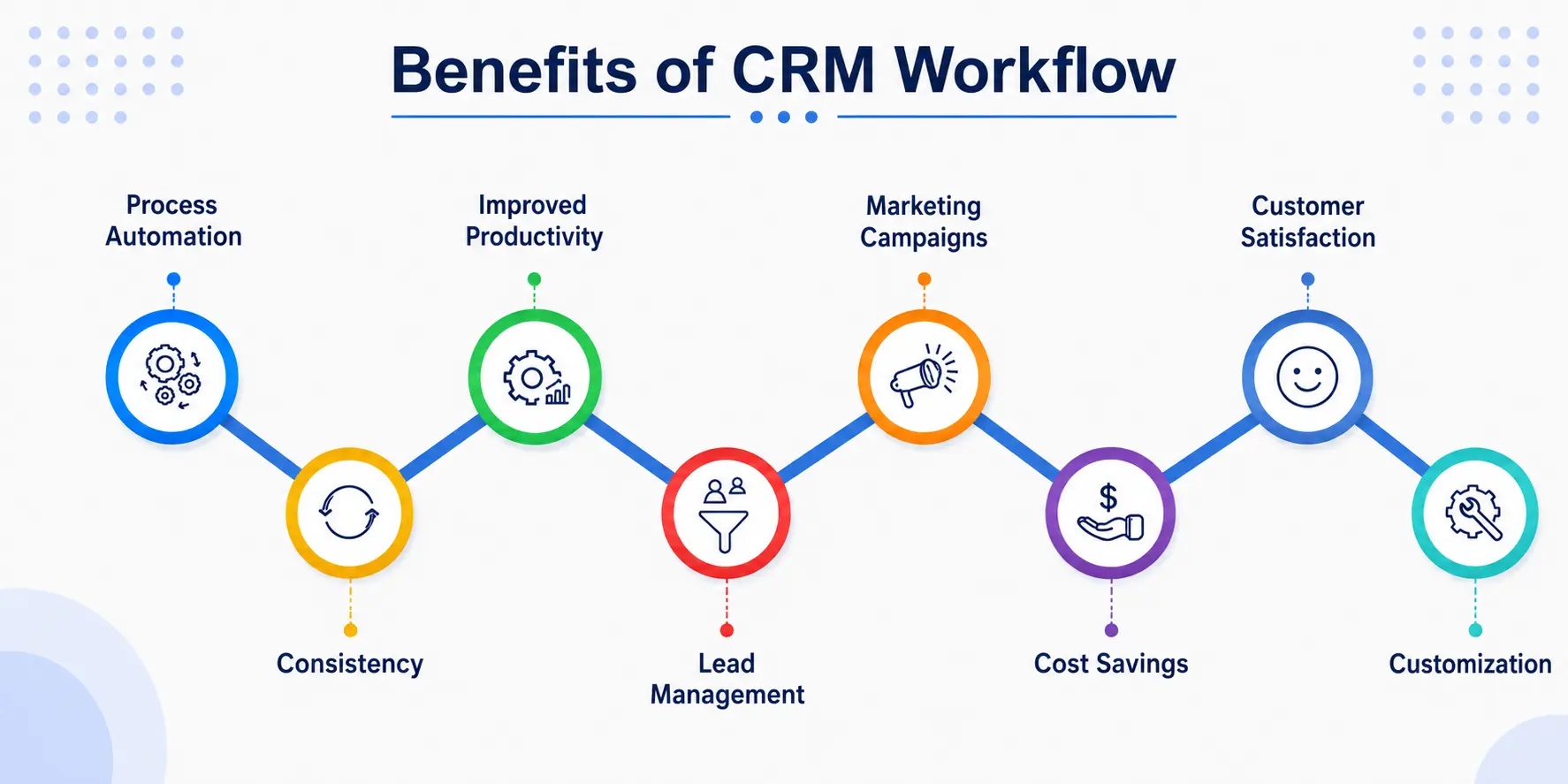
That is the pattern behind most post-production defects in enterprise systems, and it shows up in a few recurring ways:
- Complex integrations across systems. One workflow- order-to-cash, procure-to-pay, shipping and logistics coordination, or supply chain integration- routinely crosses ERP, CRM, and a third-party system, so testing any single component misses where defects live.
- Role-based access. Admins, reps, and finance users see different permissions on the same record, multiplying test cases per workflow, not per screen.
- Compliance obligations. Finance, customer-data, and payment processing workflows often carry SOC 2, HIPAA, or PCI DSS requirements, so test evidence doubles as audit evidence.
- Two recurring failure modes. Customisation drift after an update, and test data that does not resemble production volume.
How to Test Complex ERP and CRM Workflows
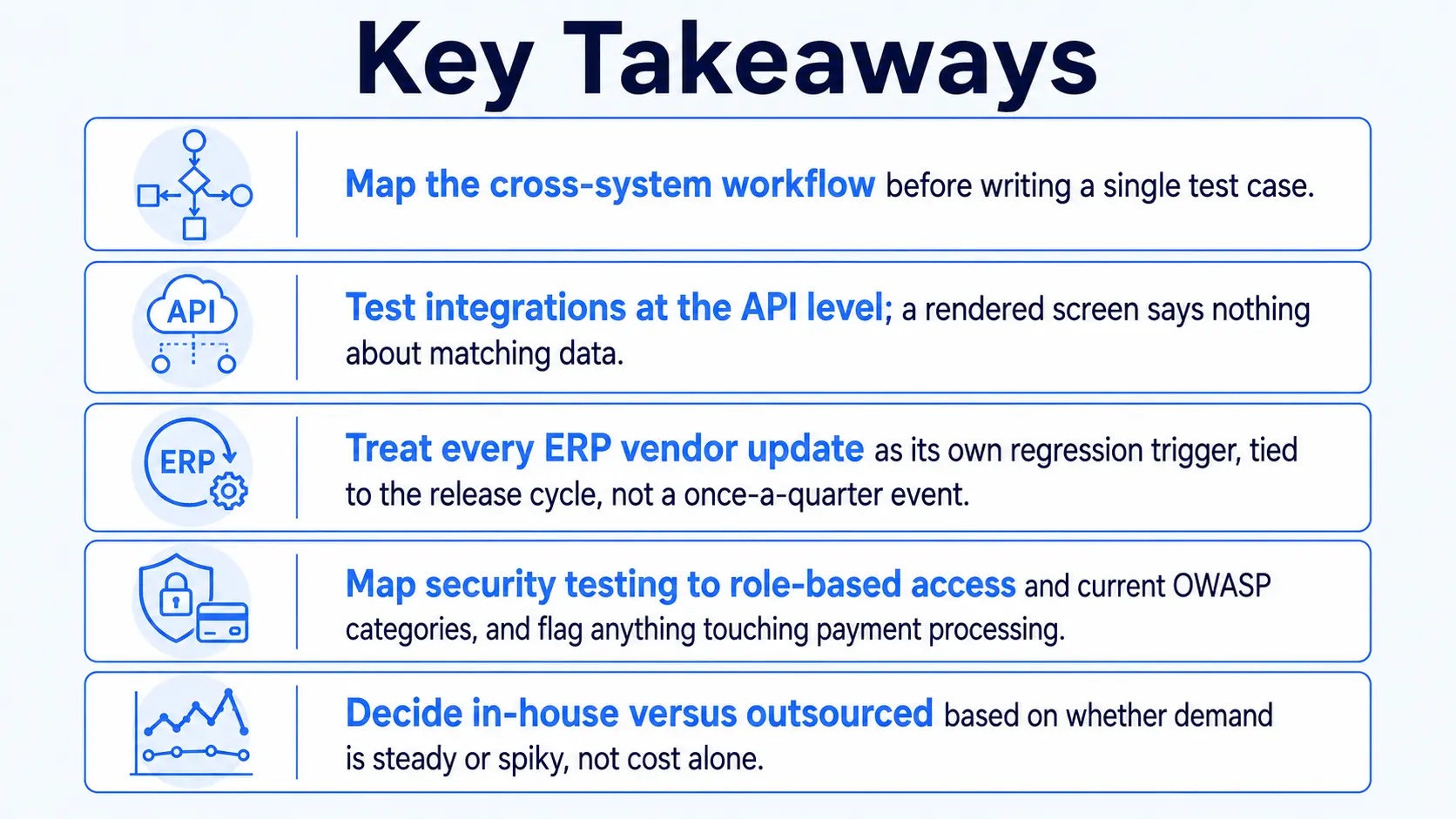
Map the workflow first, then test each layer against it. Testing layer by layer and hoping it holds together afterward is how the double-billing scenario above happens. Workflow validation done this way catches the handoff, not just the screen.
Mapping Workflows Before You Test
Mapping starts with the workflow itself, not the system architecture diagram in a vendor's documentation. A few steps make this concrete:
- Identify the actual cross-system workflows- order-to-cash, procure-to-pay, hire-to-retire- by talking to the department that owns each one, not the module list.
- Document every system, integration point, and data handoff before writing a test case.
- Convert each mapped workflow into a scenario validating the full path end to end.
- Include data migration wherever an implementation moves historical records, a common source of workflow validation gaps.
Functional and Integration Testing Across Modules
Testing runs across two layers: what each module does alone, and what happens when modules hand data to each other. Here is how to do integration testing and functional testing together:
- Verify each module's functional requirement first, then test the handoffs: a quote in a CRM module syncing correctly to an ERP sales order, pricing and tax intact.
- Run this at the API level, not just the UI, since a UI test confirms a screen rendered, not that data matches.
- Postman or SoapUI typically cover the API layer, while Selenium or Playwright, via a test automation framework, handle the workflow layer with reusable automation scripts.
- Self-healing automation, built in early, adjusts locators when UI changes ship and cuts brittle-script maintenance.
Regression Testing for Upgrades and Customisations
Here is how to do regression testing well: treat every vendor update as its own trigger, not a once-a-quarter event.
- SAP, Oracle, and Dynamics 365 typically ship changes every four to six weeks, so a quarterly cadence is already behind.
- Set the baseline against payroll, financial posting, and order fulfilment before the update ships, using automated regression tests where the workflow is stable enough to script.
- Pay particular attention to customisations. Z-code extensions and custom SAP modules are the most common source of silent post-update failures.
- Run regression validation after UI changes too, not only backend releases, since layout changes break scripts as often as logic changes.
Security Testing for Sensitive Business Data
Security testing here covers both the permission model and the data itself; a workflow that leaks the wrong record is as damaging as one that lets an unauthorized user in.
- Test role-based access control, confirming authorised actions succeed and unauthorised ones are blocked.
- Map checks to the OWASP Top 10 categories most relevant to business applications: broken access control and misconfiguration lead the list.
- Verify encryption in transit and at rest, and treat any payment-processing workflow with higher scrutiny.
Best Practices for Enterprise Application Testing
Smarter QA strategies for enterprise systems share a few habits, mostly treating testing as a continuous discipline rather than a pre-release checkpoint.
- Risk-based testing. Prioritise by business risk; payroll and order fulfilment get full coverage, a rarely used report gets a lighter pass.
- Production-like environments. Match production data volume, with realistic test data management, since thin staging data produces false positives.
- CI/CD pipelines. Run continuous integration testing on every change, so defects surface within minutes, not at a pre-release window.
- Test management. Keep test cases tied to mapped workflows, so a failed regression test points back to the process, not just a module name.
How Frugal Testing Helps You Test Complex ERP and CRM Workflows Without the Overhead
Our Enterprise Application Assurance work covers SAP applications, SAP CRM, Dynamics 365, and Salesforce integrations, part of the wider digital transformation programmes clients run. We map critical workflows first, build the regression baseline before any upgrade goes live, and hand off a suite the team can maintain.
Our capabilities span application testing services, ERP testing services, functional testing services, CRM testing, platform testing services, and penetration testing consulting, delivered as managed software testing services and enterprise testing solutions, backed by software testing consulting services rather than a generic playbook. Most application testing companies and testing-as-a-service companies work off a checklist; ERP and CRM workflows need something mapped to the actual process.
Custom application testing here means AI test automation, from AI-powered enterprise testing automation to AI-generated test suites, layered with self-healing automation. Workflows that break after a patch are almost always the ones nobody mapped before the last update, the actual argument for outsourcing QA testing around upgrade windows rather than year-round.
What Our Engagement Looks Like
An engagement runs in a fairly consistent order:
- Map the client's critical workflows with department leads, not the module list.
- Build the regression baseline and run functional, integration, and security testing at API and UI level.
- Hand off a maintainable automated suite tied to the release cadence, with a clear picture of what passed and what is flagged.
Who This Is For
This fits enterprise teams mid-implementation, or running production SAP, Dynamics 365, or Salesforce that keeps breaking after patches. Talk to us before your next upgrade window, not after it breaks.
Conclusion
Enterprise application testing covers more ground than any single module ever will. ERP and CRM complexity comes from processes crossing systems, roles, and compliance boundaries at once, and the fix is mapping the workflow before writing test cases.
Most teams learn this the expensive way, right after an upgrade they assumed was routine, and whether it costs a weekend of firefighting or a quarter of customer trust depends on timing.
People Also Ask (FAQs)
Q1. How long does it typically take to test an ERP or CRM system before go-live?
Ans: Most enterprise rollouts need six to twelve weeks of dedicated testing, run parallel to the vendor's release cycle rather than as a separate phase.
Q2. What is test data management, and why does it matter for ERP testing?
Ans: It means maintaining test data that mirrors production in volume and variety, since thin or synthetic data lets defects pass unnoticed until go-live.
Q3. Do enterprise application testing teams need ISTQB-certified testers?
Ans: Certification isn't mandatory, but ISTQB training gives testers a shared vocabulary for planning and defect reporting, useful when QA is split in-house and outsourced.
Q4. How does testing a cloud-based ERP system differ from testing an on-premise deployment?
Ans: Cloud ERP testing has to account for shared infrastructure and frequent vendor updates, while on-premise testing gives teams more control over when changes ship.
Q5. How do you measure the ROI of test automation for enterprise systems?
Ans: Track time saved per regression cycle and defects caught before production, then weigh that against the ongoing cost of maintaining the scripts.

.webp)


.webp)