

Your website depends on DNS every day. When someone types your domain name into a browser, DNS helps their device find your website's server.
If your DNS setup has a problem, people may not reach your website. Your emails may also stop working. That is why you should test your DNS setup from time to time.
What Does DNS Do for a Website?
DNS stands for Domain Name System. Networking experts refer to it as the phonebook of the internet. It helps resolvers locate websites' IP addresses by resolving their domain names.
A website DNS setup plays various crucial roles. It connects the domain name with its nameservers and corresponding IP addresses. Additionally, a website's DNS configuration enables it to connect to various services, such as webmail.
Any misconfiguration in a website's DNS setup can cause serious problems. It can take down the whole website or direct the users to the wrong IP address. Misconfiguration can occur on both the admin side and the hacker's side.
If you are a website owner or manage a website, it is crucial to test the site's DNS setup from time to time.
How to Test the DNS of a Live Website?
There are several ways to test a website's DNS setup. If you have access to the domain admin panel, you can check everything manually. Or you can use the Command Prompt on Windows and the Terminal on Linux or macOS.
Alternatively, there are now web utilities available that help you test a website’s DNS setup. In fact, using these utilities is the easiest and most efficient way to cross-check a website's DNS records.
Let us walk you through how things work in practice.
1. Check DNS Records
Start by reviewing all the DNS records for the website and verifying that your Website backup strategy is up to date before making any changes. The process of retrieving records from a website's DNS setup is also referred to as a DNS record lookup.
To check the record, search for the DNS Lookup tool online. Open a DNS record checker and run your domain name through it.
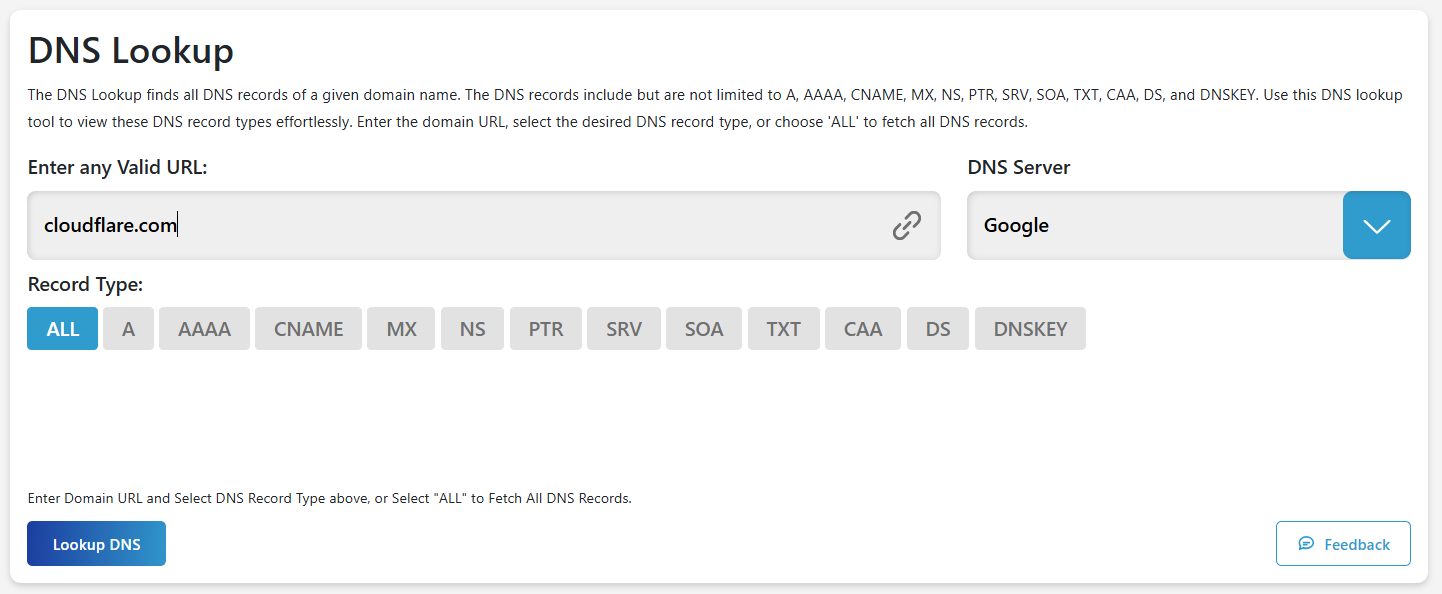
You can check all the records at once or each one individually. The tool shows you the propagated records in a well-organized manner along with raw data.
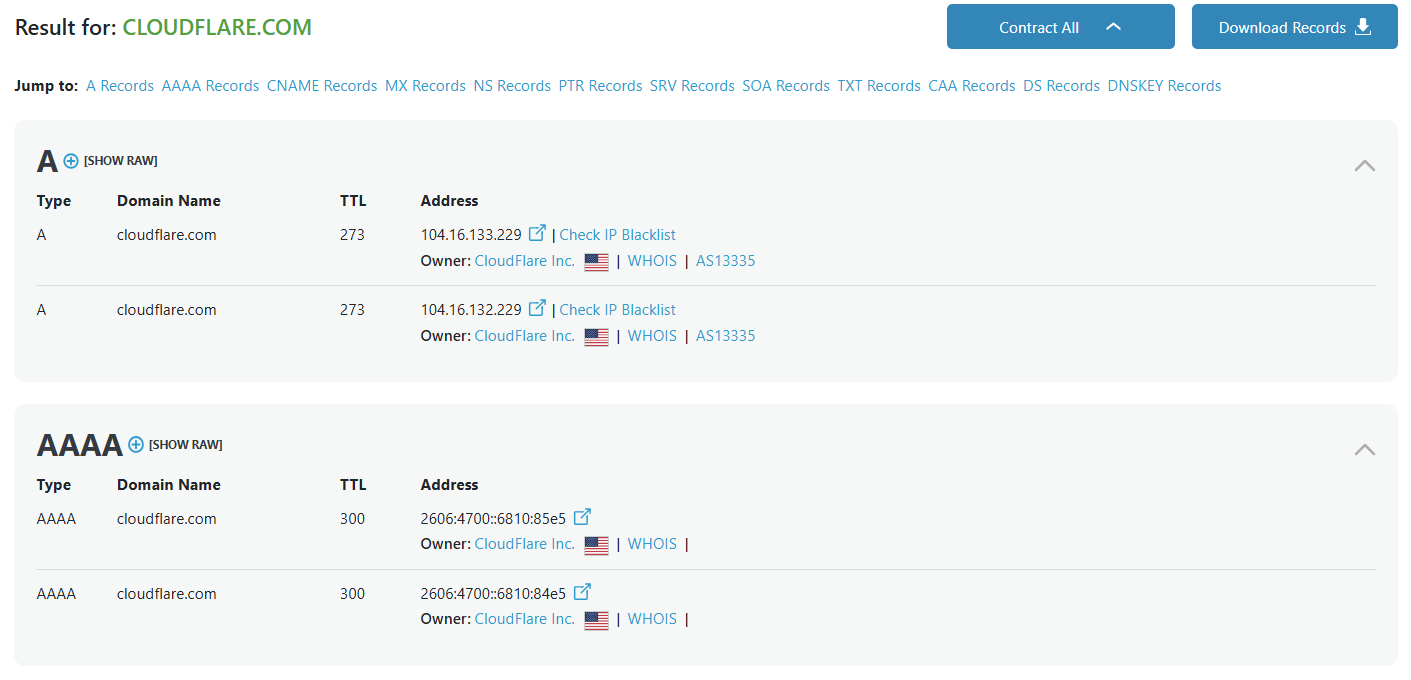
Once you get the results, make sure every record is present and points to the correct place.
2. Domain DNS Validation
Looking up individual DNS records is helpful. However, it is also a good idea to validate your complete DNS setup. To do this, search for Domain DNS Validation utility online and run the website domain name through it.
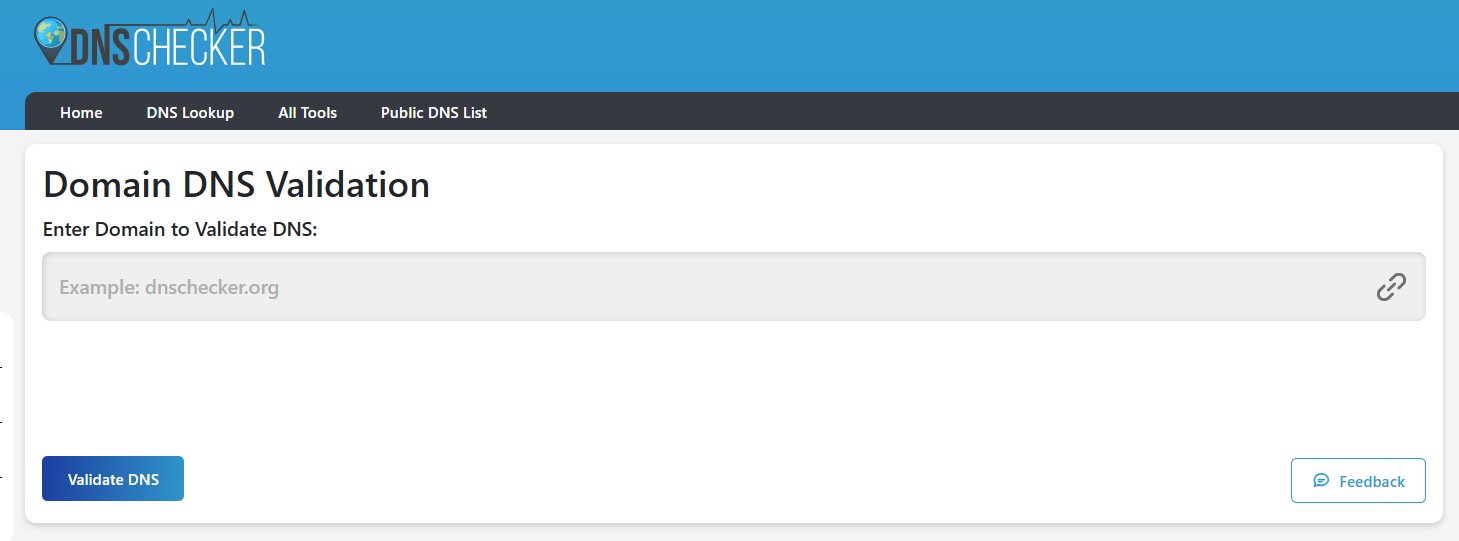
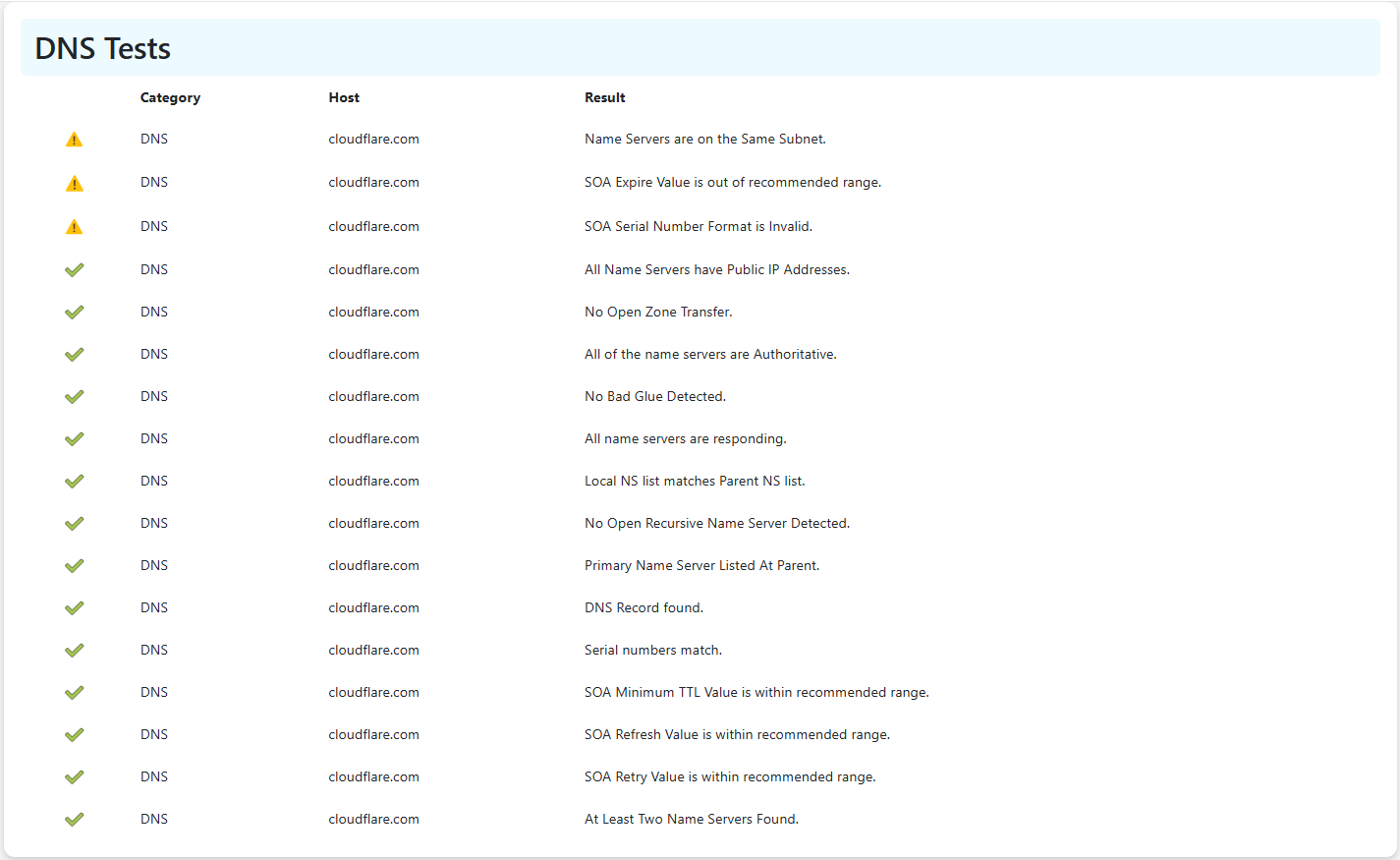
Domain DNS validation utility will test whether your records work together correctly. It can also identify missing, incorrect, or conflicting records.
3. Test DNS Propagation
When you change DNS settings, the update does not appear everywhere at once. This process is called DNS propagation. The propagation time of records can be from a few minutes to 48 hours.
Use an online DNS propagation checker to see if servers around the world have received the new records.

Simply open the tool, add your domain name, select the record type, and click the search button. The tool will show you what records are being propagated at different locations. You will see both record values and their location pointed on the map.
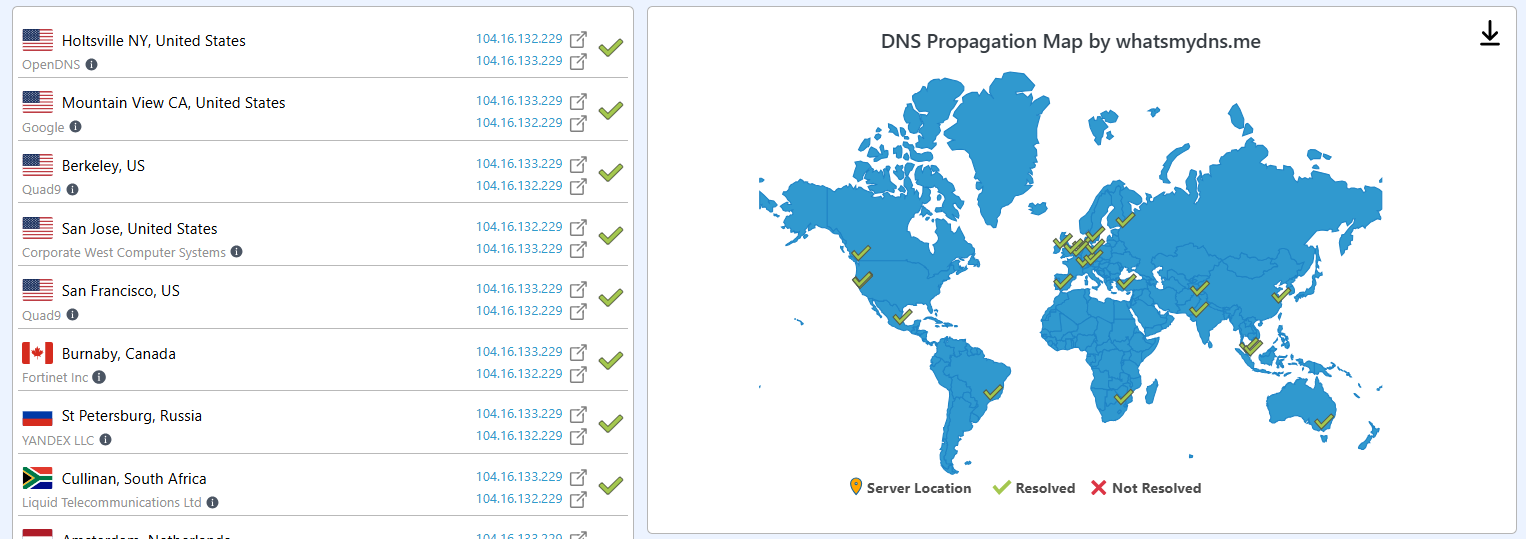
If some locations still show old records, you may need to wait a little longer.
4. Verify Your Nameservers
A website’s nameservers tell the internet where the DNS records are stored. If they are incorrect, the website may stop working. Use the NS Lookup utility to check whether the website is using the correct nameservers provided by the hosting provider.
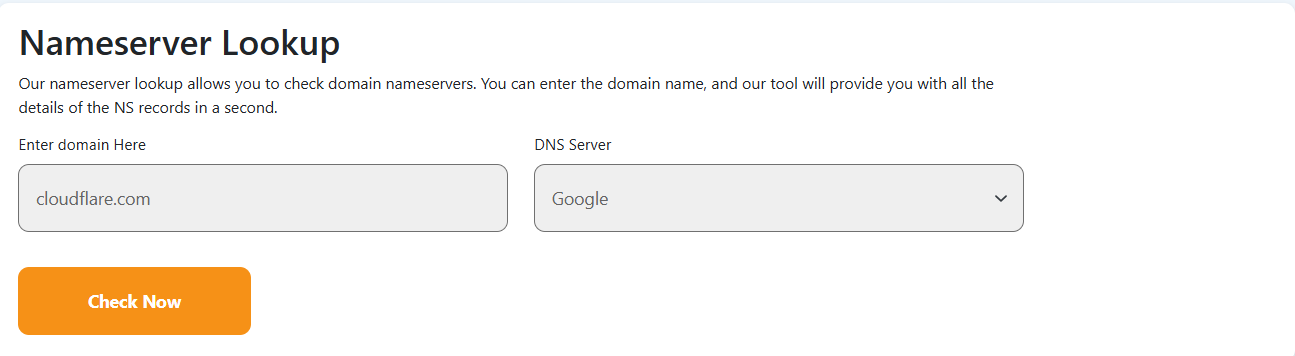
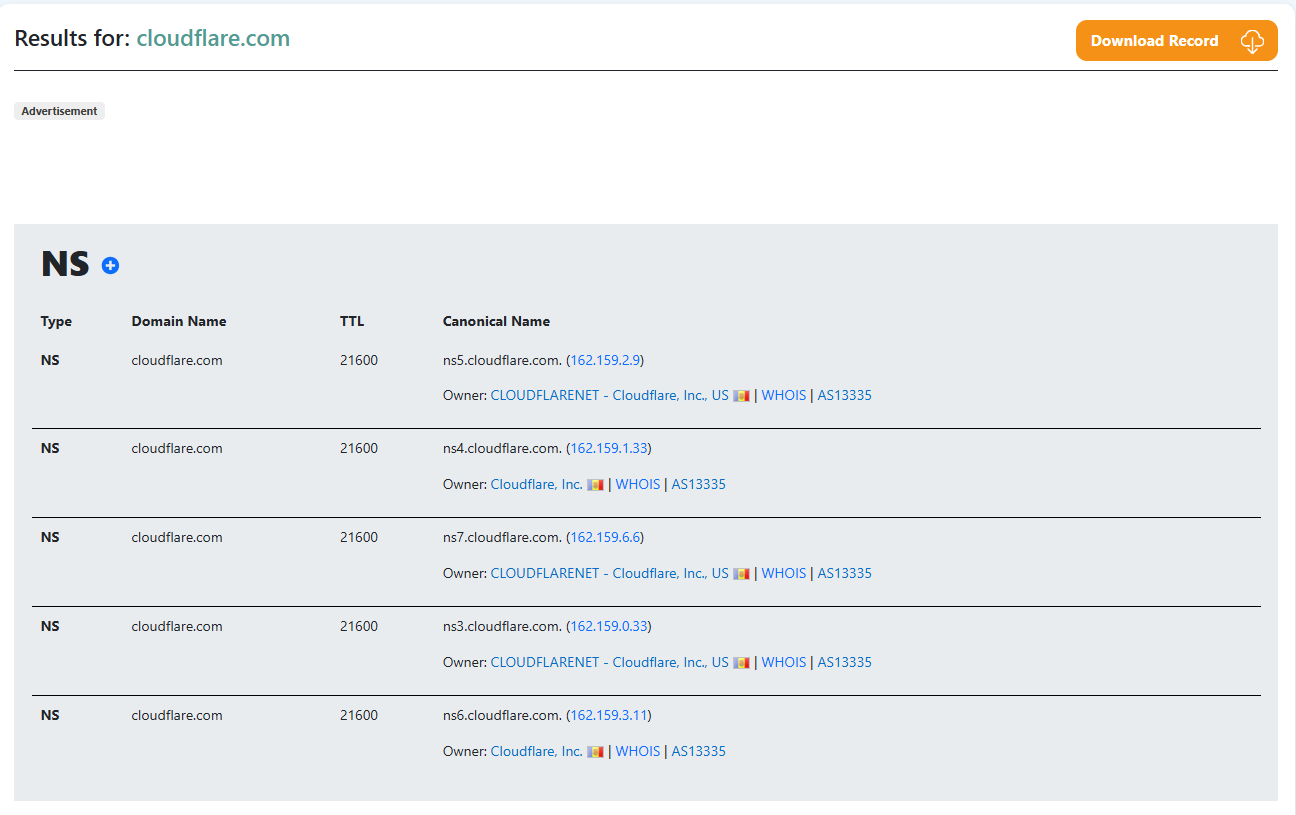
To check nameservers, open the NS lookup tool, enter the domain name, and click the Check Now button.
The tool will analyze the DNS setup of the website and retrieve all the configured name servers for the provided domain name, as shown in the image below.
5. Check Domain IP Resolution
By checking domain IP resolution, we mean checking which IP address a web domain points to. This check can use tools like dig. Or you can perform a domain IP lookup online to see which IP addresses are used by a domain name.
To look up the IP address of a domain, run that domain name through a domain IP lookup utility.
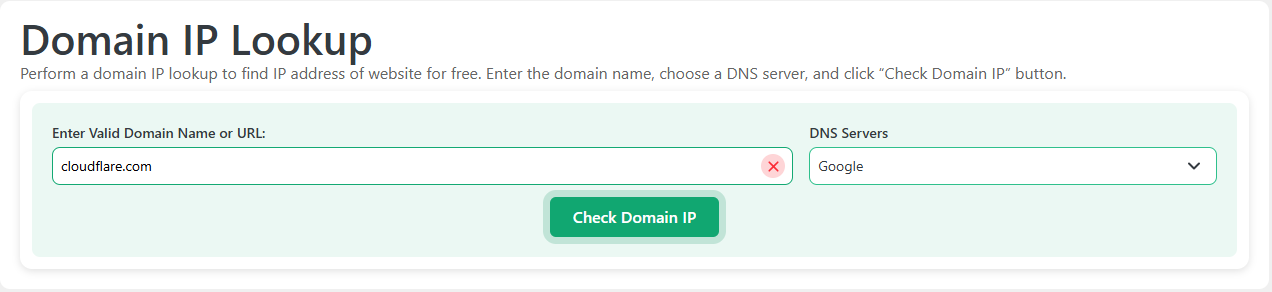
Among the results, you will see all IP addresses, whether IPv4 or IPv6, configured in the DNS setup for the provided domain.
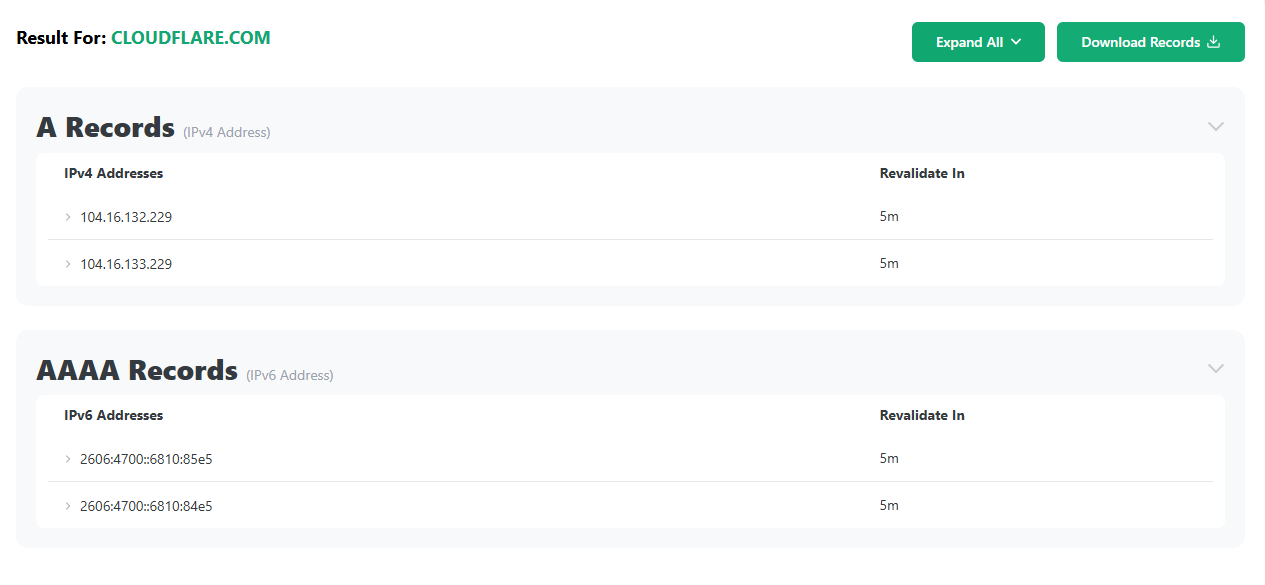
If the IP address is wrong, visitors may end up on the wrong server.
6. Test Your Email Records
If you use email with your domain, check your email-related DNS records. These usually include MX, SPF, DKIM, and DMARC records.
Using a DMARC record checker can help you test all these records. Simply open a DMARC checker and use it to test a domain's records.
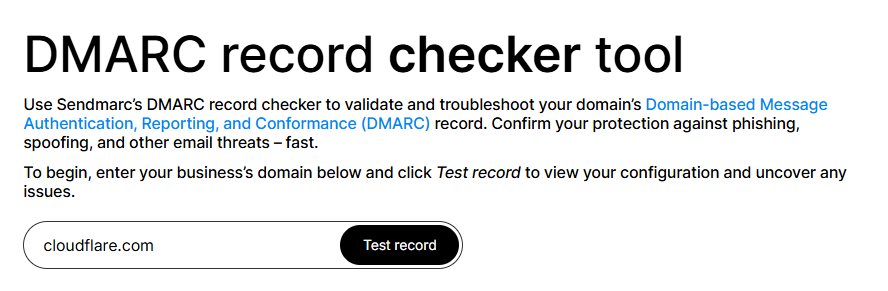
The tool will provide you with a detailed report of all the mentioned records if configured to the DNS setup of the provided domain name.
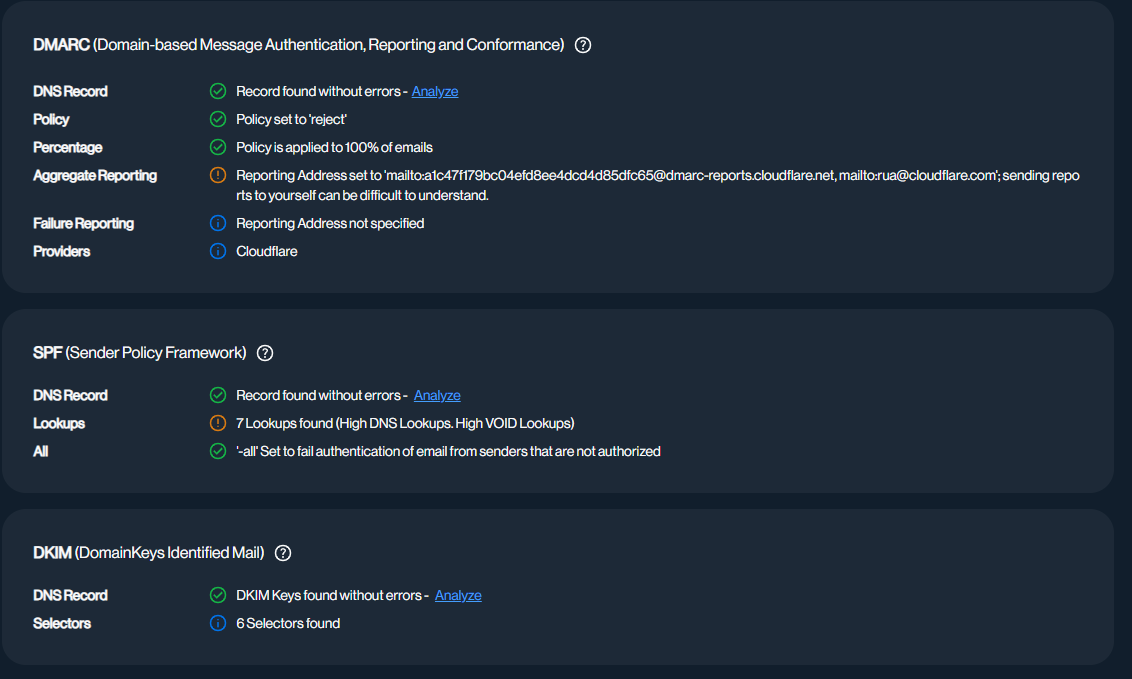
Missing or incorrect records can cause emails to fail or land in spam folders.
7. Check Domain Blacklist Status
Many times, websites end up on a domain blacklist or reputation database for various reasons. If your domain is blacklisted, emails may not reach users. Some browsers or security tools may warn visitors before they open your website.
To check your domain, use a Domain Blacklist Checker. Enter your domain name and start the scan.
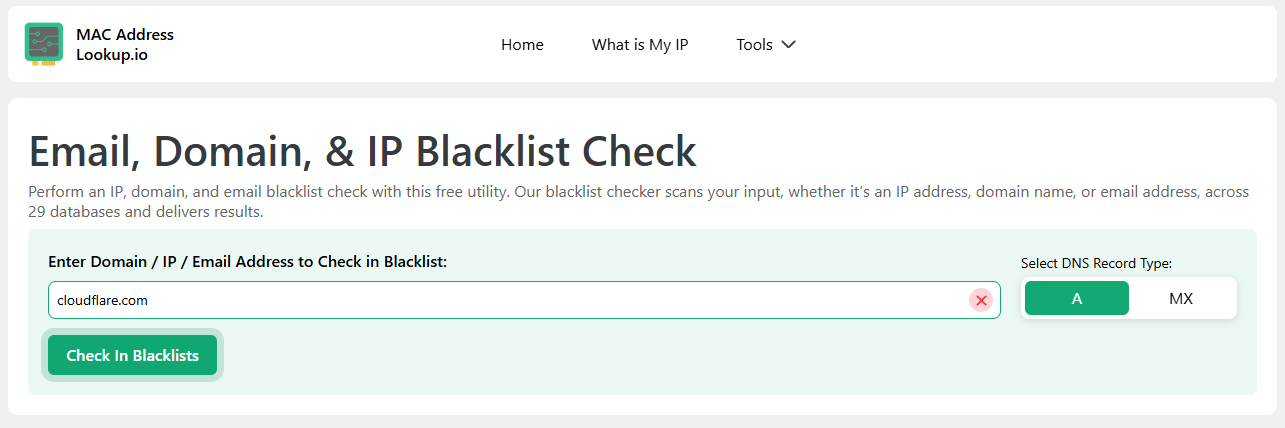
The tool checks your domain against multiple blacklist databases and shows whether it has been listed.
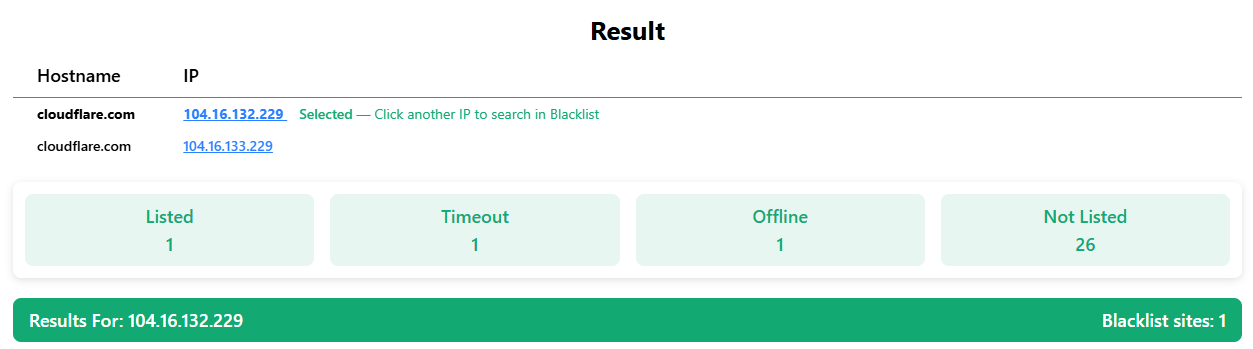
If your domain appears on any blacklist, review the details and identify the reason. Then fix the issue, such as removing malware or stopping spam emails, before requesting removal from the blacklist.
Final Thoughts
DNS setup plays an important role in keeping a website online and emails working. A small mistake in DNS records can cause visitors to lose access to your site or stop important emails from arriving.
Following the guide we provided above, you can easily test the DNS setup of any live website. Testing will help you spot mistakes so you can fix them and keep your website accessible and error-free.

.webp)

.webp)