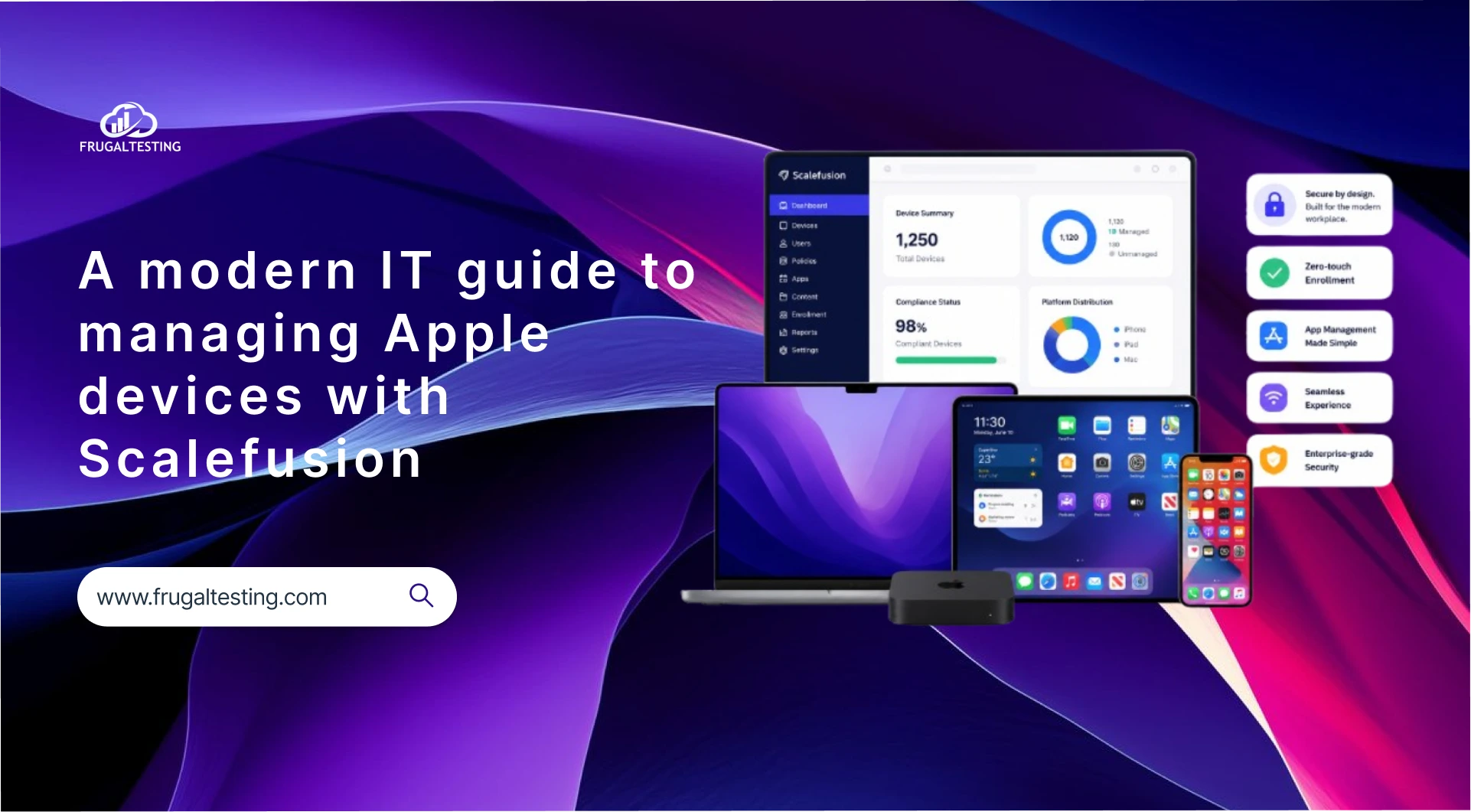
Your modern workplace runs on Apple, but managing an ecosystem of Macs, iPads, and iPhones is overwhelming for your busy IT teams. Is there a solution that can ease Apple management? Well, managing Apple devices at scale doesn’t have to be difficult. With Scalefusion, IT admins can unify endpoint management across macOS, iOS, iPadOS, and tvOS.
Balancing corporate data security with employee privacy requires a modern approach to unified endpoint management (UEM). And that’s also what Scalefusion does, without compromising the seamless Apple user experience that your workforce loves.
This guide breaks down how Scalefusion simplifies Apple device management for both corporate-owned hardware and BYOD setups. Explore how to seamlessly deploy, secure, and monitor your Apple devices using Scalefusion’s modern, intuitive, and feature-rich dashboard.
Why choose Scalefusion for Apple management?
Apple’s ecosystem is known for its user-friendly interface and ironclad security. However, for enterprise IT, integrating Macs and iPhones into a centralized, corporate-owned infrastructure comes with unique challenges. Traditionally, IT teams had to rely on cumbersome scripting or multiple point solutions.
Scalefusion simplifies this with its powerful UEM solution tailored for the Apple ecosystem. Whether you are dealing with a handful of iPads for a remote sales team or hundreds of MacBooks for deskbound graphic design folks, it provides the tools to enforce compliance, deploy apps, and secure corporate data without sacrificing the native Apple experience.
Smooth zero-touch deployment
One of the greatest benefits of the modern Apple management framework is the elimination of manual device setup. Scalefusion integrates seamlessly with Apple Business Manager (ABM).
- Zero-touch provisioning: You can configure devices so that the moment an employee opens their shrink-wrapped MacBook or iPhone, connects to Wi-Fi, and enters their corporate credentials, the device automatically pulls all security policies, Wi-Fi profiles, and applications.
- ADE integration: Through Apple’s Automated Device Enrollment (ADE), IT can prevent users from bypassing mobile device management (MDM) or removing the Scalefusion MDM profile on corporate-owned devices. Even if an end-user wipes the device, it will automatically re-enroll back into Scalefusion upon reboot.
Streamlined application management
Keeping enterprise applications up-to-date and deployed across a distributed workforce is a historically tedious task. Scalefusion removes this friction through robust app management capabilities:
- Apple VPP support: Through the Apple Volume Purchase Program (VPP), organizations can purchase and distribute applications in bulk. Scalefusion lets you silently push App Store applications to enrolled devices without requiring end-user interaction.
- Enterprise application distribution: For proprietary or custom-built macOS software, IT admins can deploy in-house .pkg files directly from the Scalefusion dashboard.
- Application configurations: You can pre-configure application settings (like application installation mode, enable application catalog, override App Store applications, auto-update applications) before the applications even hit the user’s device.
Comprehensive policy & compliance enforcement
Every organization has different security requirements. Scalefusion allows IT to enforce precise restrictions depending on user roles and device ownership models.
- Configuration profiles: Group common settings into reusable profiles. You can toggle settings such as access to the camera, AirDrop restrictions, and Siri availability. Scalefusion also supports Blueprints in Apple Configurator for enrolling corporate-owned iOS devices.
- Kiosk modes: For frontline, retail, or educational devices, Scalefusion enables IT admins to lock iPads and iPhones into iPad kiosk mode with single-app or multi-app configurations. This prevents users from accessing unauthorized websites or tinkering with device settings.
- Security and privacy: On macOS, IT can enforce Gatekeeper settings, mandate secure password policies, configure firewall settings, and manage the Privacy Preferences Policy Control (PPPC).
- CIS compliance: Scalefusion enables CIS Levels 1 & 2 compliance for Apple devices with automated monitoring and remediation. IT teams can always stay audit-ready as they gain detailed reports highlighting trends, risks, and remediation actions for informed decision-making.
Continuous security & data protection
Protecting corporate data is paramount. Scalefusion equips IT with proactive monitoring and remote security commands to prevent data breaches.
- Remote wipe and lock: If an iPhone is lost or a MacBook is stolen, IT can instantly issue a remote wipe or lock command from the dashboard.
- Web content filtering: IT can restrict access to malicious or non-compliant websites by allowlisting or blocking specific URLs, whole category and domain blocking directly from the dashboard.
- VPN policies via Veltar: Ensure data remains secure in transit by routing specific enterprise traffic through a secure corporate VPN tunnel.
- Device Attestation: Scalefusion integrates with Apple’s Managed Device Attestation framework, verifying hardware and software integrity to detect jailbreaks or tampering.
OS update & patch management
Keeping operating systems updated is the first line of defense against cyber threats, but forced updates often disrupt employee workflows. Scalefusion balances security and productivity through robust patch management:
- Declarative Device Management (DDM): Scalefusion supports Apple’s DDM, streamlining software update workflows natively. IT can approve critical patches, view device compliance summaries, or allow users a grace period to defer updates until the end of the workday.
- Update deferrals: If your enterprise relies on proprietary software that requires testing against new iOS or macOS versions, you can defer OS upgrades to ensure business continuity.
Real-time monitoring & troubleshooting
Scalefusion transforms remote support by giving IT teams the visibility they need to resolve issues quickly.
- Dashboard analytics: IT admins get a birds-eye view of all their Apple devices, from OS version breakdowns to update compliance.
- Location tracking: For mobile teams or remote deployments, IT admins can use GPS-based Apple device tracking.
- Remote troubleshooting: Instead of directing users blindly, IT can mirror device screens and execute diagnostics remotely, massively reducing device downtime.
Simplified Apple BYOD management
Modern work environments often require BYOD strategies. Scalefusion makes managing employee-owned Macs and iPhones non-intrusive, balancing enterprise security with user privacy. It helps create a secure, encrypted “container” for work data, leaving the employee’s personal photos, messages, and apps completely untouched and private.
With Apple User Enrollment and Managed Apple IDs, IT teams can deploy work apps, configure policies, and remotely wipe enterprise data without invading employees’ personal privacy. Scalefusion provides IT admins with other key capabilities to streamline BYOD management:
- Easy onboarding: Allows employees to quickly enroll personal devices using QR code, Managed Apple ID, or enrollment invitation email.
- Policy enforcement: Pushes Wi-Fi configurations, enforces passcodes, and securely distributes work apps.
- Remote wipe: Protects sensitive business information by remotely wiping only corporate data if a device is lost or an employee leaves.
Start managing Apple devices with ease
Managing Apple devices doesn’t have to mean building a massive dedicated engineering team. By leveraging Scalefusion, your IT department can automate provisioning, streamline application deployment, enforce uncompromising security, and provide real-time support from a single intuitive dashboard. It’s an investment that saves time, reduces IT workload, and ultimately ensures that your workforce can stay productive, no matter where they are.



.webp)