

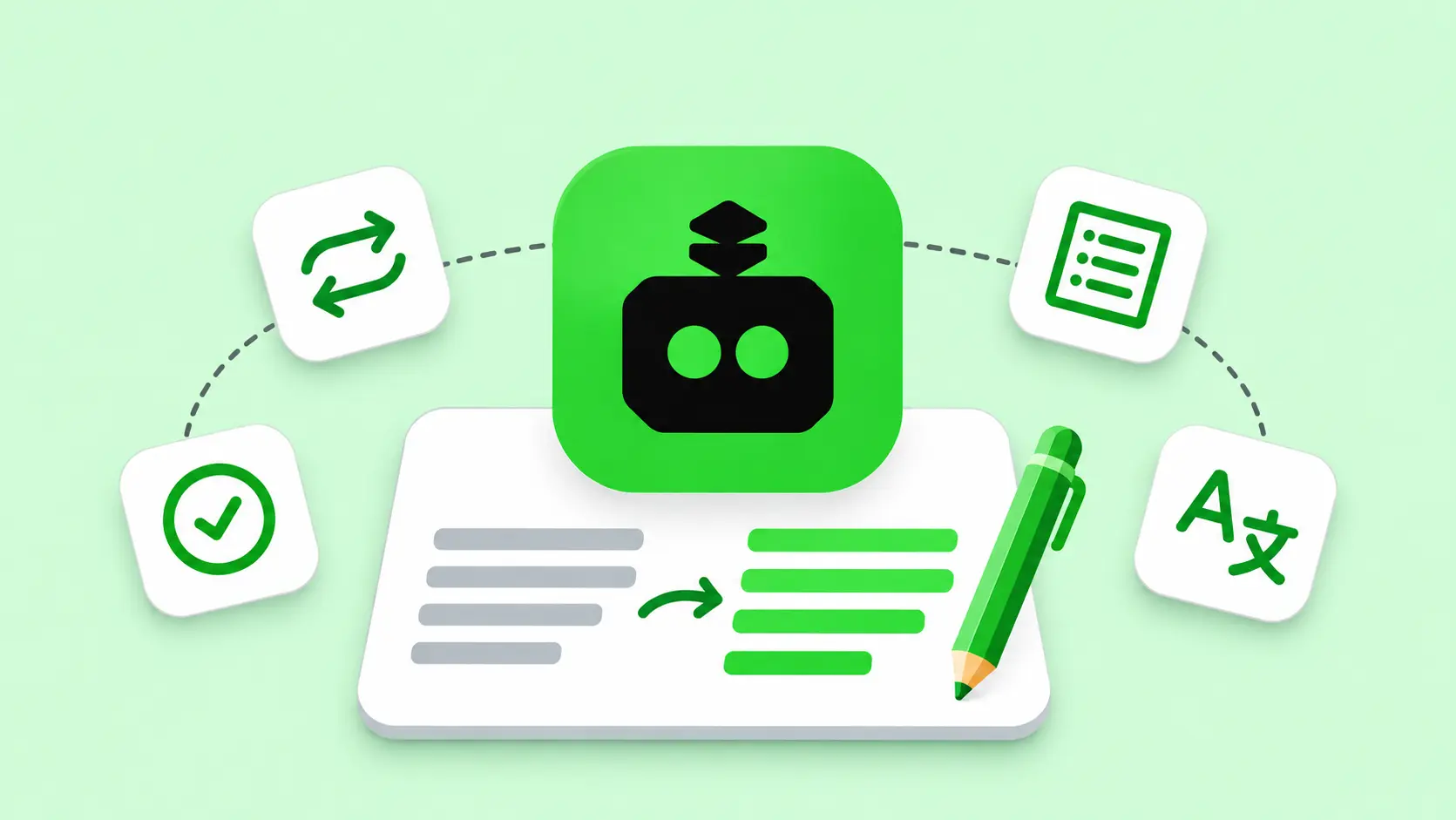
A sentence can be grammatically correct and still take two reads to understand. QuillBot AI gives you several ways to fix it. You can simplify the wording, adjust the tone, shorten the sentence, or check whether a rewrite changed its meaning.
QuillBot started as a paraphrasing tool and now offers a broader set of AI writing tools, including a Grammar Checker, Summarizer, AI Detector, AI Humanizer, and Citation Generator. The free plan covers short edits. Premium is easier to justify if you regularly revise long documents, need more control over tone, or want to run plagiarism checks.
Key takeaways
Start with the free Paraphraser if you mostly edit short passages. It supports up to 125 words at a time in Standard and Fluency modes.
Consider Premium for regular editing. It adds more paraphrasing modes, custom summaries, advanced grammar suggestions, and a Plagiarism Checker. The annual plan is listed at $99.95 USD, equivalent to $8.33 per month.
Review every rewrite for meaning. Pay particular attention to numbers, conditions, technical terms, and citations. Treat AI Detector scores as one signal when reviewing a passage.
What QuillBot AI does
QuillBot is an AI writing assistant that helps you revise, condense, and proofread text. You can paste a paragraph into the Paraphraser, pick a writing mode, and get a revised version you can edit further. The suite also includes tools for translation, citation formatting, and drafting through AI Chat. You can access QuillBot on the web, through browser extensions such as Chrome, in its iOS and Android apps, and through its Microsoft Word add-in.
QuillBot writing tools
Tool availability and usage limits vary by plan and platform. Compare the QuillBot Free and Premium features.
How to use the QuillBot Paraphraser
The Paraphraser uses natural language processing to generate alternate wording and sentence structures. Standard and Fluency are available on the free plan. Other modes include Formal, Academic, Simple, Creative, Shorten, and Expand. The synonym slider controls how much wording changes, and Freeze Words lets you preserve terms such as a product name or a technical phrase. Try these settings in the QuillBot Paraphraser.
Paste one passage at a time. Start with the paragraph that needs the most work.
Pick a mode for the reader. Try Fluency for an awkward sentence or Simple for a dense explanation aimed at a general audience.
Keep important terms intact. Freeze a product name, policy term, or acronym before paraphrasing.
Compare the rewrite with the original. Check whether the same people, actions, conditions, and deadlines still apply.
Proofread the final version in context. Read it alongside the surrounding paragraphs so the terminology and tone stay consistent.
“Customers may request a replacement within 14 days if the item arrives damaged” can become “If your item arrives damaged, you can request a replacement within 14 days.” The second version puts the condition first and preserves both the eligibility rule and the deadline.
QuillBot pricing in 2026
QuillBot offers a free plan, individual Premium subscriptions, a verified student discount, and a Team Plan. The prices below are in USD. Annual rates show the monthly equivalent where indicated, with payment collected upfront.
Teams that need Premium features, centralized billing, and seat management. Larger teams have separate pricing tiers.
QuillBot’s Help Center says refunds are issued where required by law and under the applicable terms. Check the terms for your region and purchase channel before subscribing. Review QuillBot’s refund policy.
Who gets the most value from QuillBot
Students and researchers can use it to untangle long sentences, prepare preliminary summaries, and format citations. Read the original source before paraphrasing it, keep the attribution, and check your institution’s AI policy before submitting edited work.
Content writers and marketers can use it to revise headlines, tighten product descriptions, and adapt copy for a different audience. Review factual claims and product terminology after each pass, especially when testing a more creative rewrite.
Support and documentation teams can use it to simplify help articles and standardize the tone of response templates. Check that the final copy preserves policy conditions, time limits, and promises made to customers. If those documents also drive QA coverage, see our guide to AI test case generation.
The free plan is a good starting point for short edits. Premium makes more sense when the 125-word limit interrupts your workflow or when you repeatedly need paid features such as additional writing modes and plagiarism checks.
QuillBot and AI agent platforms
QuillBot helps your team edit what customers read. An AI agent platform such as bnxt.ai lets you build the chatbot or voice agent that customers interact with. It combines a knowledge base, workflows, playbooks, and tool integrations so an agent can answer questions and carry out tasks. Model selection, evaluations, observability, and deployment environments help teams test and monitor those interactions.
A returns workflow shows how the two can fit together. A writer can use QuillBot to clarify the returns policy. A support agent can then use the approved policy to answer questions, look up an order, and escalate exceptions. The writing review checks whether the policy is clear. Agent testing checks whether the system applies it correctly across customer scenarios. For a QA checklist, read our guide to testing AI agent workflows before production.
If the agent gives different answers to the same question, use repeat runs and score whether each answer follows the policy. Our guide to testing non-deterministic AI features explains how to set those scoring criteria.
Frequently asked questions
Is QuillBot free
Yes. QuillBot’s free plan includes basic grammar checking and summarizing, limited AI Detector access, and up to 125 words per paraphrase in Standard or Fluency mode. Premium expands access and adds features such as the Plagiarism Checker.
Is QuillBot safe to use
For everyday editing, review QuillBot’s privacy settings before entering sensitive material. QuillBot says supported browser extensions store text inputs by default and offer controls for storage and, for account holders, model training. For client documents or internal company material, follow your organization’s rules for sharing text with third-party tools. See the QuillBot Trust Center.
Can QuillBot content be detected as AI
Yes, an AI detector can flag text rewritten with QuillBot. Detector results are estimates, and a score alone cannot establish who wrote a passage. Review writing history, sources, and other evidence if authorship matters. See how QuillBot describes its AI Detector.
How the AI Detector and Plagiarism Checker differ
The AI Detector estimates whether text contains patterns associated with AI-generated writing. The Plagiarism Checker looks for similarities to existing sources. A passage can be flagged by either tool for different reasons, so inspect the specific result before deciding what to revise.
Who owns QuillBot
QuillBot is owned by Learneo, formerly Course Hero, Inc. Learneo acquired QuillBot in September 2021.
Can you build an AI agent with QuillBot
QuillBot offers AI Chat and writing tools. To deploy a customer-facing agent that retrieves information from your knowledge base, follows workflows, or calls business systems, use an AI agent platform. QuillBot can help edit the source content that the agent uses.