A company came to us after their augmented reality app passed every office test, then failed the moment real customers pointed a phone at their own coffee tables to anchor a 3D object. The test input suddenly included room lighting, surface texture, and how steady someone's hand was. That's the gap augmented reality testing has to close.
Most teams treat AR app testing like an extension of mobile QA and get blindsided at release, usually when tracking drift shows up somewhere nobody scripted for. This piece looks at where AI genuinely helps AR testing methods today, where it still falls short, and how to build a testing framework that uses AI and manual review together.
What Is AR Testing and Why It's Changing
AR testing is the process of validating spatial tracking, object occlusion, rendering performance, and cross-device behaviour in augmented reality applications, confirming that virtual elements stay correctly anchored and rendered against a live camera feed rather than simply checking whether a button works as it should.
A few shifts explain why AR VR testing looks different today than it did two years ago:
- Spatial computing and computer vision now sit at the centre of AR quality checks, not the edge.
- Digital image processing techniques catch rendering artefacts that manual review used to miss.
- Machine learning models flag tracking anomalies faster than a person scanning logs.
- Teams increasingly test augmented reality, virtual reality, extended reality, and mixed reality builds together from one shared codebase.
Core Challenges in Traditional AR Testing
Traditional AR app testing runs into the same obstacles again and again, and the costs are concrete, not abstract:
- Sensor fragmentation across ARKit and ARCore means a feature passing on one phone can fail on another released the same year.
- A test passing in a bright office can fail outright once lighting drops in a dim room.
- AR headsets and VR headsets multiply a device matrix teams already struggle to cover.
- Manual-only QA adds days to every release, so weekly ship cycles often skip AR-specific checks entirely.
How AI Is Transforming AR Test Automation
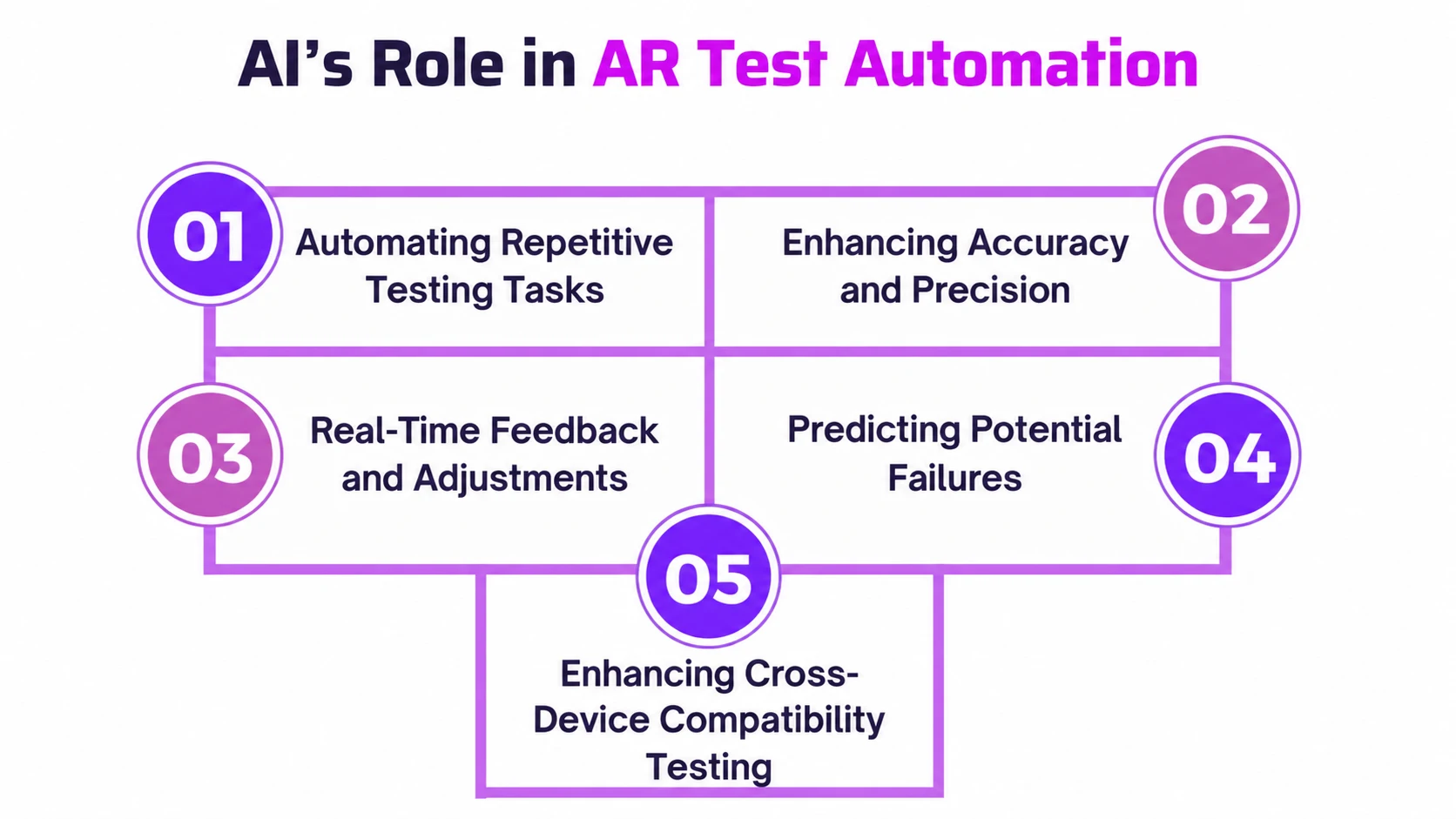
AI is transforming AR test automation by taking over the repeatable, measurable work that used to eat hours of manual time, and the value shows up fast:
- Visual regression through computer vision catches rendering differences in seconds instead of a manual frame-by-frame review.
- Anomaly flagging through machine learning surfaces tracking drift in log data before a tester would notice it live.
- Full automation of non-AR screens, onboarding, permissions, and settings removes the most repetitive slice of any AR suite.
- Testing AI-driven trackers is becoming its own skill inside modern AI QA teams.
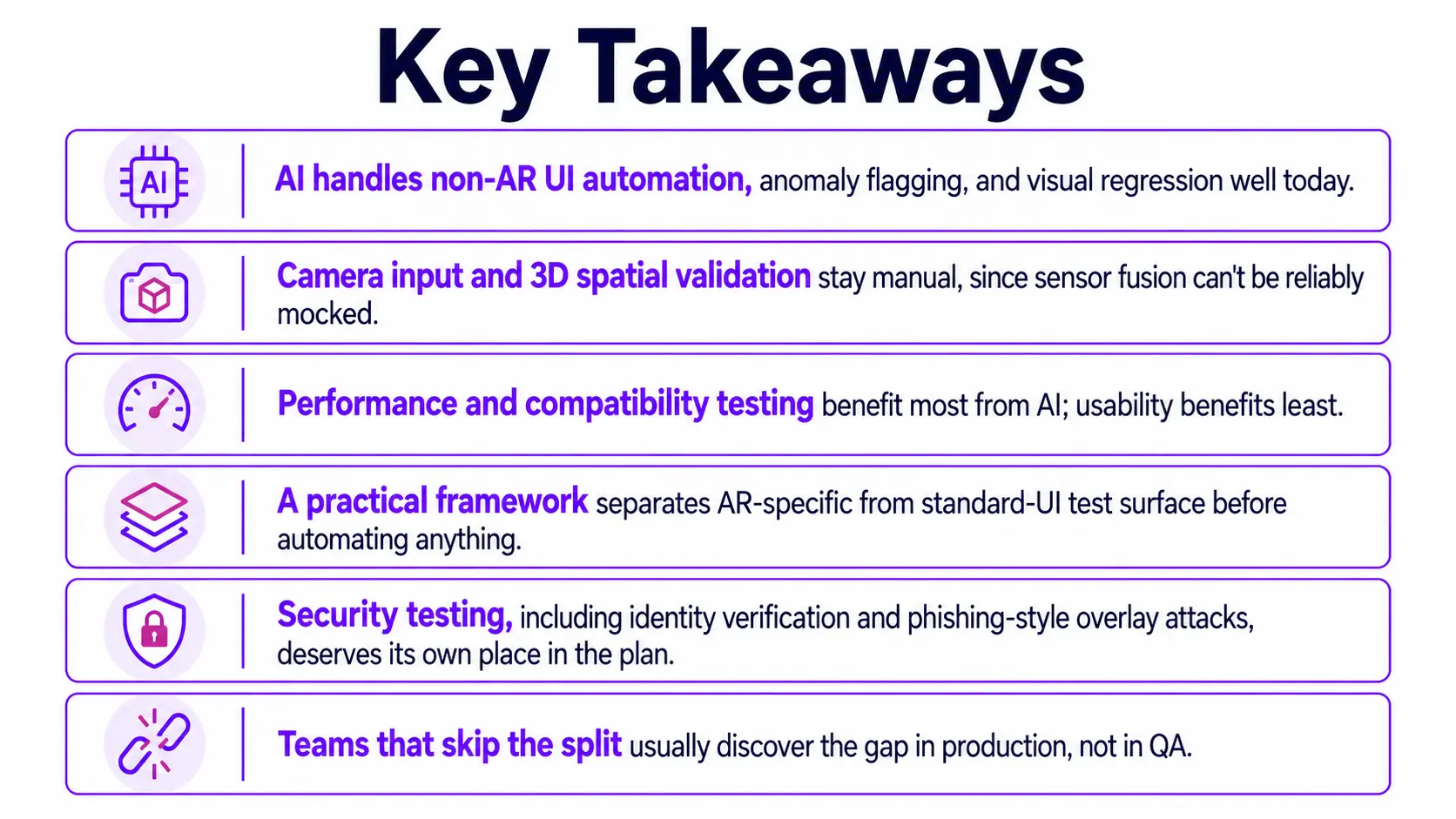
What it still can't do is mock camera and sensor fusion input well enough to trust 3D placement to a script, so every AI test automation gain still needs a manual counterpart downstream.
AI-Driven Test Case Generation for AR Apps
AI-driven test case generation gives AR teams a fast way to build coverage for the parts of an app that behave like standard mobile software, and the value compounds quickly:
- Plain-language flow descriptions turn into working scripts for login, purchase, and settings screens in minutes, not a full sprint.
- Generated scripts adapt automatically when button labels or layouts change, cutting the maintenance tax that breaks brittle suites.
- Teams building an AR testing checklist can use generated cases to cover the non-AR UI layer first, freeing manual hours for spatial work.
- This approach scales cleanly across AR VR testing projects that share a common mobile-UI shell.
The limit is scope, not quality. These tools say nothing about spatial validation, so treating generated coverage as complete testing creates a false sense of confidence that usually surfaces during a live demo.
Key AR Testing Methods Enhanced by AI
Not every AR test type benefits equally from AI, and pretending otherwise wastes automation effort across the whole test suite. AR functional testing and AR compatibility testing already lean on AI-assisted regression to catch build-to-build differences fast. AR performance testing gains from continuous frame-rate and thermal monitoring, plus performance prediction models that flag likely bottlenecks before they occur, work that would exhaust a manual tester. AR usability testing benefits least, since judging whether an experience feels natural still needs a human reaction.
Compatibility, Performance, and Usability Testing
Each of these three test types plays out differently in practice:
- Compatibility testing means checking how ARKit and ARCore render identical anchor logic differently across manufacturers, not just OS versions, which is why AR/VR device testing needs its own matrix.
- Performance testing tracks frame rate, thermal throttling, and battery drain together, since a phone that overheats after ten minutes fails even if frame rate looks fine on paper.
- Usability testing checks whether an overlay feels correctly placed and comfortable, a judgement no script can currently make, especially across wearable technology like AR headsets.
AI Testing Tools and Frameworks for AR/VR
AI testing tools for AR mostly apply to the mobile-UI layer, not the AR rendering itself. The table below compares platforms teams use today, from platform diagnostics to AI-assisted mobile automation, against the criteria that matter for AR-specific work.
Comparing AI-Powered Test Automation Tools
Building an AR Testing Framework with AI Integration
A practical AR testing framework keeps manual protocols for spatial and environmental validation while using AI automation for everything else, connected at defined points in the pipeline. Building one follows a repeatable sequence:
- Map the feature surface: Separate AR-specific elements, tracking, occlusion, rendering, from standard UI elements like login, settings, and purchase flow, before writing a single test case.
- Automate the standard layer first: Apply AI-assisted test generation and self-healing scripts to the non-AR UI, since this is where automation pays off fastest and cheapest.
- Build manual protocols for the AR-specific layer: Script structured checks for lighting variation, occlusion accuracy, motion analysis, and anchor stability that a tester runs by hand, every release.
- Wire monitoring into production: Real-time AR dashboards catch tracking failures and crash spikes once a feature ships, extending coverage past the release gate itself.
- Connect both layers in CI/CD: Automated UI tests run on every build; manual AR protocols run on a scheduled cadence tied to major releases, not every single commit.
The result is a framework that scales with release cadence instead of fighting it at every sprint.
Common AR Testing Challenges AI Still Can't Solve
No, AR testing cannot be fully automated today, and these are the specific reasons why, stated plainly rather than hedged:
- Camera input can't be reliably mocked, so every spatial test still needs a live feed from a real device.
- Environments are non-deterministic; the same test can pass and fail in the same room an hour apart.
- 3D objects have no stable selector, unlike a DOM element a script can reliably grab and check.
- Identity verification and phishing attacks through spoofed overlays add a security layer no current AI tool tests automatically.
- Device-to-cloud data streams need network security monitoring that most AR-specific cybersecurity policies don't yet cover.
None of this is a knock on the tooling. It's a description of a constraint that isn't closing soon.
How Frugal Testing Helps You Test AR Applications Smarter, Not Harder
The most common mistake we see: Teams try to build the AR-specific versus standard-UI split themselves without dedicated scoping time set aside up front. A client running an AR retail feature cut manual QA hours by automating the non-AR flow first, freeing testers for the occlusion and tracking checks that actually needed human eyes on every release.
Our augmented reality app testing services cover the non-AR layer end to end, using the same test automation services we run for standard mobile apps across every engagement. That split takes deliberate scoping work most teams don't have spare QA bandwidth to do themselves, which is exactly why clients bring us in rather than building it alone.
What Our AR Testing Engagement Looks Like
- Week 1: Audit the AR feature set and separate AR-specific test surface from standard UI.
- Week 2: Automate the non-AR UI layer using AI-assisted test generation and self-healing scripts.
- Week 3: Build and run structured manual protocols for spatial and environmental checks.
- Week 4: Hand back a documented, repeatable process and a maintained automation suite the client owns outright.
Conclusion: The Future of AI-Powered AR Testing
AR testing didn't get harder because tools got worse. It got harder because the test input now includes a living room, a person's hand, and whatever light comes through the window that day. AI closes the repeatable, measurable part of that gap, not all of it. When teams need reference visuals for different rooms, lighting conditions, or object placements, an AI picture maker can help prepare those scenarios before manual validation.
The future belongs to teams that treat AI and manual testing as partners, not substitutes. As AI models get better at reading sensor data, that boundary will keep shifting, but someone will still need to stand in the room and check.
People Also Ask (FAQs)
Q1. How long does a typical AR testing engagement take?
Ans: Most engagements run four to six weeks, covering the initial audit, automation build-out for the non-AR layer, and a full cycle of manual spatial testing before handoff.
Q2. Do small teams need dedicated AR testing tools?
Ans: Small teams can start with standard mobile QA tools for the UI layer, but spatial checks need AR-specific tools or a manual protocol for the camera-based parts.
Q3. Does AR testing cost more than standard mobile QA?
Ans: Usually, yes, since it requires automated UI coverage and dedicated manual protocols for spatial checks, though the split keeps costs lower than testing everything manually.
Q4. Can AR testing be done remotely?
Ans: Most of it can run remotely through cloud device farms and automated checks, but spatial and occlusion validation still benefits from testers physically present in varied real-world environments.
Q5. What's a reasonable AR testing checklist before a release?
Ans: Start with sensor and lighting variation, occlusion accuracy, cross-device compatibility across ARKit and ARCore, frame rate under load, and a basic security review of camera and data permissions.

.webp)