01Discovery
Scope the Real Architecture
We map the test to the client’s actual application architecture,traffic patterns and existing APM tooling during a focused discovery call.
Architecture and APM alignment


Yeshwanth Varma
July 31, 2026
9 Mins
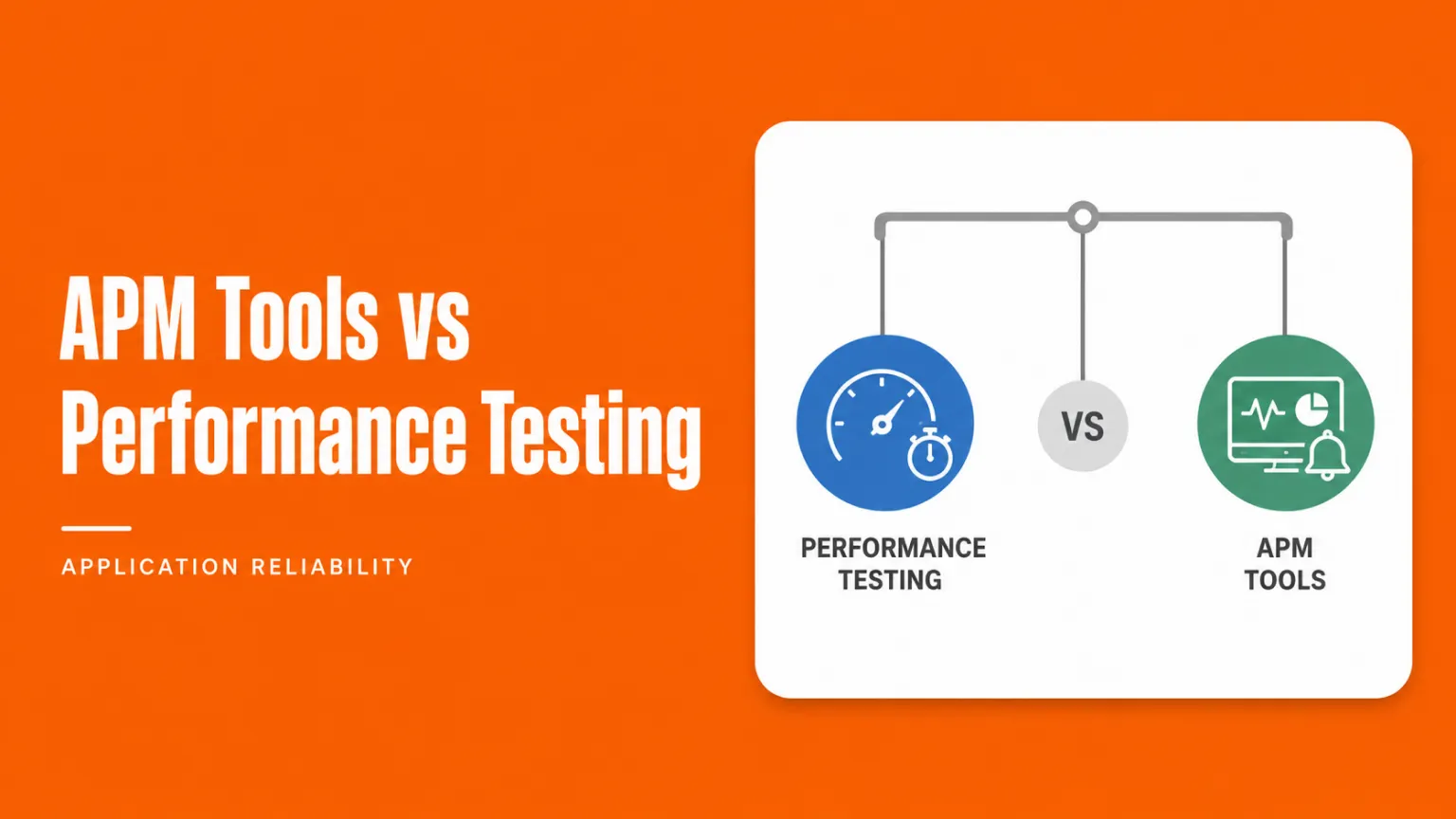
APM tools and performance testing solve different problems, even though the two get lumped together constantly in vendor pitches. Performance testing (load testing, stress testing, API testing) validates how a system behaves before release, simulating traffic in a controlled environment so failures show up on a dashboard instead of a customer's screen. APM tools take over from there, monitoring real transactions, traces, and errors once real users show up.
A release can pass every check in staging and still degrade under real traffic weeks later, once a marketing push sends more concurrent users than anyone tested for. That gap is where these two disciplines meet.
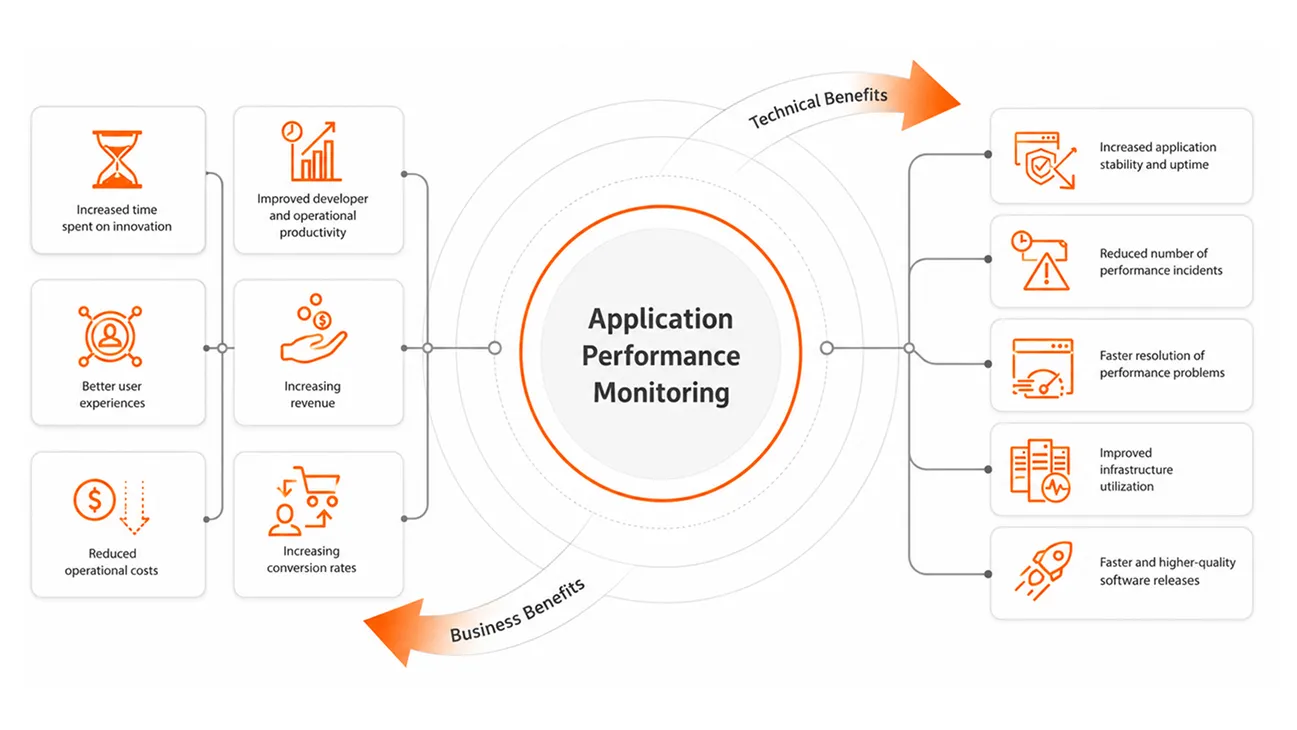
APM tools are software that watches an application while it runs in production, capturing every transaction, its response time, and whether it succeeded, so teams see problems as they happen. Call it an APM tool, an application performance monitoring tool, an application performance management tool, or simply one of many APM products, the job stays the same.
The category also goes by application performance monitoring software, application performance management tools, application performance management software, application monitoring tools, or application monitoring software, depending on the vendor's label.
Datadog, New Relic, and Dynatrace are the application performance monitoring vendors most teams already run; there is no single best APM, only the one that fits your stack. Web application performance monitoring tools also weigh browser-side metrics like page load time alongside backend traces.
Whatever performance monitoring tool sits in your stack, it can only watch traffic that has already happened. No application performance monitoring tool, however good the vendor, can show how a system behaves under a traffic pattern it has never seen. That is a different job, and it belongs to performance testing.
Software performance testing is the practice of checking how an application behaves under real-world traffic before it ships: Speed, stability, and how it holds up when many users arrive at once, tested in a controlled environment instead of found out from a support ticket.
What actually matters is setting thresholds before the test runs, not after:
What is load testing? It is simulating expected user volume to see where response times start to slip; one of three types of performance testing splits into:
JMeter suits teams with an established suite already built around it; k6 load testing fits natively into a CI/CD pipeline, scripted in JavaScript instead of XML. Together with Gatling, these are the performance testing tools and open source load testing tools most engineering teams reach for first, sometimes paired with a commercial load testing software platform for reporting.
Working out how to load test a release comes down to three steps: Define thresholds, script realistic flows using randomised synthetic test data so no run touches real records, then scale up. Performance testing services and performance engineering teams exist for exactly this gap.
APM tools and performance testing overlap because they track the same core metrics: response time, throughput, and error rate, just at two different points in a release: production versus pre-release. That shared vocabulary is what makes them comparable instead of redundant.
A team already running an APM tool in production has real traffic data sitting right there: peak concurrent users, which endpoints spike under load, what a genuine failure looks like versus a blip. That data is a better starting point for a load test than a guess.
APM tools cannot replace performance testing, full stop; there is no way for a monitoring tool to show how a system behaves under load it has never encountered.
Our Take: Teams that only run APM find out about capacity problems from their customers. Teams that only run performance testing find out about the drift from real traffic during an outage months later. Running both avoids paying for the same mistake twice.
Running both together means wiring load test results into the same CI/CD gate already used for other tests, so a performance regression blocks a release the way a failing test does.
Effort estimate: A basic k6-to-CI/CD gate takes roughly a day to wire up. Mapping APM alerts back into test scenarios properly, closing the loop both ways, takes a sprint the first time.
- name: Run performance gate
  run: |
    k6 run --out json=results.json load-test.js
k6-threshold-check results.json --p95=500ms --error-rate=1%Aligning the SLA thresholds in a load test's pass or fail criteria with the alert thresholds in the APM tool means both systems measure against the same bar. Without that alignment, it is possible to pass a load test and still get paged an hour after launch. The other half of the loop gets skipped just as often: feeding production traffic patterns back into the next round of load test scenarios.
A team buys an APM licence, watches the dashboard fill with green checkmarks for a few weeks, and assumes the performance question is settled. A marketing push then doubles traffic overnight, and the checkmarks turn red at once, because nobody tested what "double" does to the database connection pool.
According to the 2024 DORA State of DevOps report, elite teams keep their change failure rate near 5%, while low performers sit closer to 40%, a gap often visible in a climbing MTTR before anyone names the root cause.
A few patterns worth naming directly:
This is the specific performance testing service we bring: engagements built to plug into whatever APM tool a client already runs, not rip it out and start over. In one banking engagement, our team paired load testing with a client's existing APM tooling ahead of a mobile app launch, so test data and live production monitoring spoke the same language from day one.
A focused engagement that connects realistic testing scenarios with the APM metrics your team already uses.
Teams that already run an APM tool but have no formal pre-release testing process fit here, as do teams whose APM tool caught an incident too late. The fix usually starts with a conversation about what your stack is and is not catching, not a sales pitch.
"APM tells you what broke. Performance testing is how you find out before your users do."
.webp)
The APM tools versus performance testing question is not really a versus at all. Production monitoring and pre-release validation are two stages of the same release process, and treating them as competing purchases leaves blind spots on both ends.
Teams that get this right are not the ones with the biggest APM contract or the most elaborate load testing tools stack. They built a handoff between the two and kept it working after the initial setup excitement wore off.
Ans: Not when it is automated. A scripted load test wired into an existing CI/CD pipeline adds minutes, not days, once thresholds and traffic scenarios are defined in advance.
Ans: Ideally yes, since a staging environment that differs in scale or configuration produces results that do not translate to how the application behaves once real traffic arrives.
Ans: Focusing only on averages. A test can pass on average response time while a meaningful share of requests still breach the threshold, which averages hide by design.
Ans: Largely the same principles apply, but serverless adds cold-start latency and auto-scaling behaviour as extra variables, so test scenarios need to account for both explicitly.
Ans: Cost depends on application complexity and expected concurrent user volume; most engagements are scoped after a discovery call rather than quoted from a fixed price list.



.webp)