A QA lead we spoke with recently had a familiar complaint. Her team ran three UI automation frameworks in parallel, had no dedicated API testing layer, and only found a performance testing gap when a launch nearly buckled under load. There is no shortage of tools for testing software, and that was never her problem.
Every tool had been added to plug a fire, never to fill a plan. This top 10 software testing tools breakdown groups each entry by the layer it solves and the test coverage it adds, so test automation platforms work as one stack, not ten separate habits.
What Makes a Testing Tool Worth Adding to Your Stack
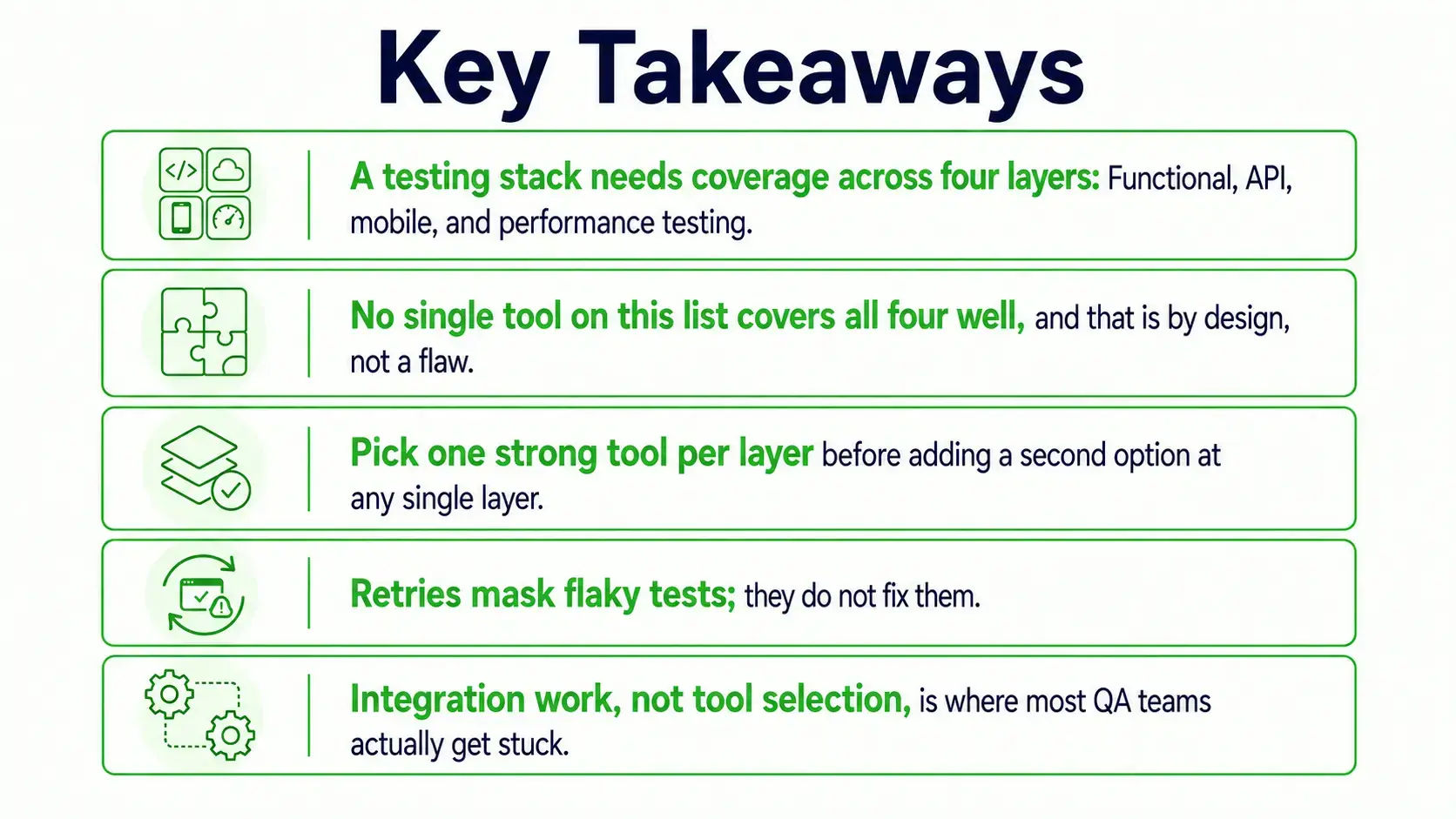
Most testing stacks grow reactively, with a tool bolted on after an incident and left there long after anyone remembers why. Software testing technologies keep evolving, but the four layers stay fixed:
- Functional testing: For UI flows and everyday workflow checks users rely on.
- API testing: For the services and data contracts underneath the interface.
- Mobile testing: For native and cross-platform apps across iOS and Android.
- Performance testing: For load, response times, and stability under real traffic pressure.
Miss one layer, and that gap breaks in production while everything else looks green. Before adding any tool, ask two questions: Does it plug into your CI/CD pipelines without custom glue code, and does it fit the automation control your team has over test scripts and test data? A tool that cannot run inside CI/CD workflows becomes a manual step someone stops doing. Testing application software before release is the cheapest insurance a team can buy.
10 Powerful Testing Tools QA Engineers Should Know
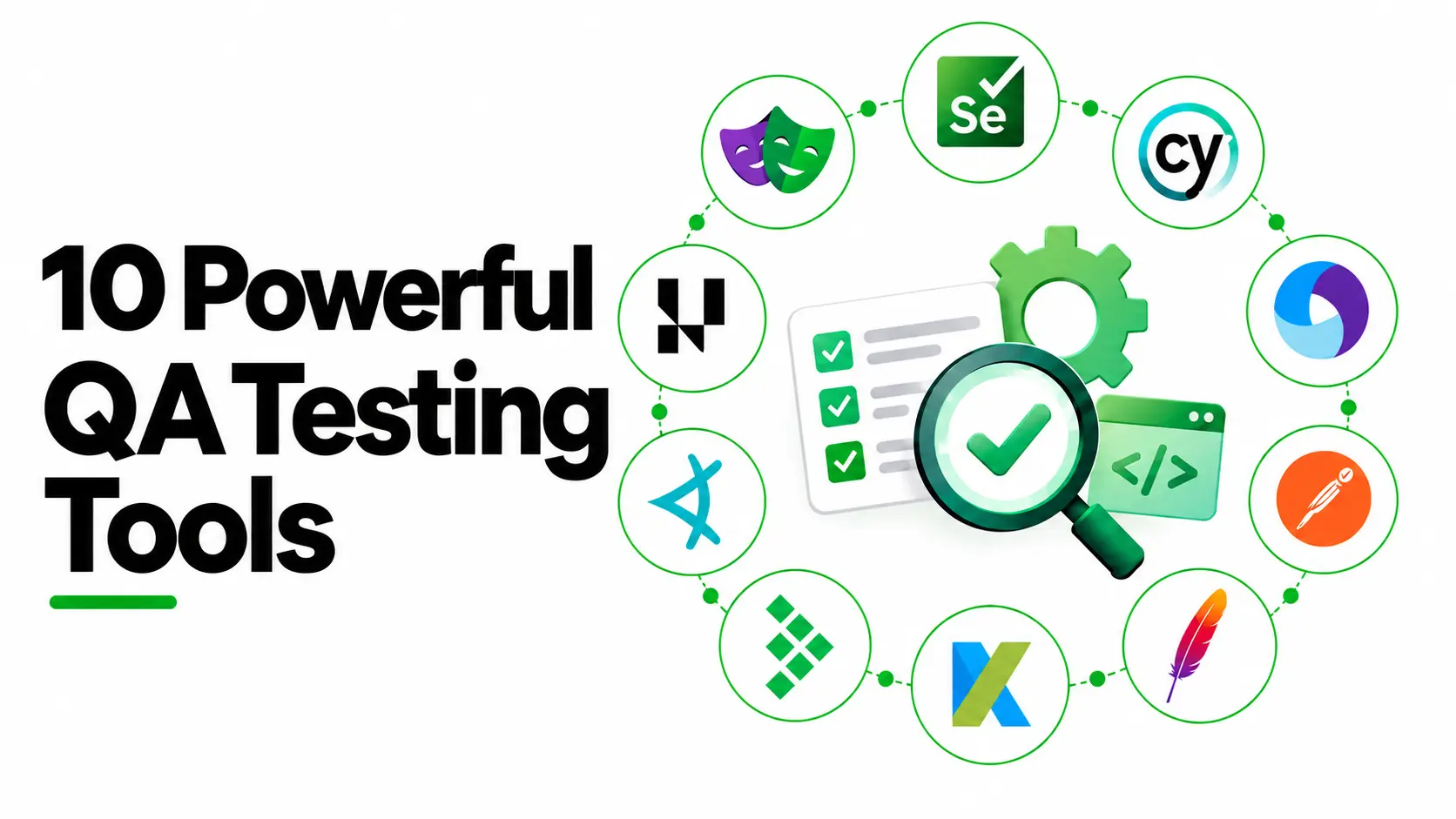
This testing tools list groups each entry by what it is built for, not popularity. Selenium, Playwright, and Cypress are common examples of automated testing tools for the functional layer, while the rest of this automation testing tool list covers API, mobile, performance, management, and visual checks. For teams that want to compare those categories at a glance, a Tier list maker can turn the same evaluation into a clear visual ranking.
Selenium
What It Does: Selenium is the most widely used open-source framework for browser automation, running test scripts across Java, Python, and C#.
Key Strengths:
- Still the most popular free software testing tool for teams starting out.
- Wide language and browser support, backed by a large community.
Limitations:
- Demands real coding skill from QA teams.
- No built-in test reports; pair it with a test management tool for test cases and results.
Playwright
What It Does: Built by Microsoft, Playwright automates Chromium, WebKit, and Firefox from a single API, handling modern web patterns more cleanly than older test automation frameworks.
Key Strengths:
- Browser compatibility is where it shines, catching UI changes that slip past narrower tools.
- Has become the practical default for software development teams already invested in a modern front end.
Limitations:
- Strongest tooling support sits with JavaScript and TypeScript, less so elsewhere.
Cypress
What It Does: Cypress runs inside the browser, giving developers real-time, visual debugging as test flows execute.
Key Strengths:
- Fits neatly into Continuous Integration setups.
- Keeps test scripts readable for engineers who are not automation specialists.
Limitations:
- Browser-only, with no native path into mobile testing.
Appium
What It Does: Appium automates native, hybrid, and cross-platform apps across iOS and Android from a single framework, extending regression and functional testing reach beyond the browser.
Key Strengths:
- One of the more dependable mobile testing tools once a product ships on both platforms.
- Slots into most QA automation testing tool stacks without a full rebuild.
Limitations:
- Rarely runs alone; most pair it with a device cloud rather than a real device lab.
Postman
What It Does: Postman is one of the most widely adopted api testing tools and the default API platform for building request collections, writing assertions, and wiring API integrations into CI.
Key Strengths:
- Handles test data cleanly across environments.
- Doubles as a software engineer tool for debugging service calls.
Limitations:
- Not a browser or performance tool treating it as either creates gaps elsewhere in the stack.
Apache JMeter
What It Does: JMeter sits among the most established web performance testing tools, handling load testing across HTTP, REST, and other protocols.
Key Strengths:
- Entirely free to run.
- Earns its place whenever a launch needs proof the system holds up under real traffic.
Limitations:
- QA teams often underestimate configuration and result interpretation time.
Katalon Studio
What It Does: Katalon works as a broader software testing platform than most single-purpose frameworks, covering web, API, and mobile testing with scriptless test automation and full scripting paths.
Key Strengths:
- Supports model-based testing patterns for teams building test suites without deep coding resources.
- Lowers the barrier for newer QA teams choosing between test automation tools.
Limitations:
- Less depth than a dedicated framework at any single layer, so it suits generalists more than specialists.
TestRail
What It Does: TestRail is not an execution tool. It is where test cases, test suites, and bug reports live and get tracked over time.
Key Strengths:
- One of the more established test management tools and test case management platforms available.
- Gives QA managers visibility into gaps that raw CI logs never surface.
Limitations:
- Runs on a paid subscription rather than staying free.
Applitools
What It Does: Applitools represents the newer wave of AI testing tools, adding AI-powered testing and visual AI testing on top of an existing automation framework.
Key Strengths:
- Catches pixel-level UI changes and visual regression that ordinary functional assertions miss.
- Natural language prompts now drive AI-driven test creation, edging toward generative AI testing tools and other AI tools for software testing within the wider AI automation testing tools space.
Limitations:
- Adds a layer on top of Selenium, Cypress, or Playwright rather than replacing them, so setup takes extra planning.
TestMu AI (formerly LambdaTest)
What It Does: LambdaTest rebranded to TestMu AI in January 2026, evolving from a cross-browser testing cloud into a full-stack agentic AI quality engineering platform that plans and executes tests across browsers and devices.
Key Strengths:
- Turns browser compatibility into a solvable problem rather than a recurring fire drill.
- A practical fit for QA teams practising Agile methodologies with frequent releases.
Limitations:
- Complements the automation testing frameworks above; it does not write the test scripts itself.
More tools are not automatically a stronger stack, and even the latest testing tools cannot fix a pipeline nobody has integrated. A team running three overlapping UI frameworks with no API coverage is worse off than one running a single framework wired into CI and CD, with a tool at each layer.
Testing Tools Comparison Table
Once you know which layers your stack covers, this comparison table makes the gaps easier to spot in your testing tools list.
How Frugal Testing Helps You Deploy Software Without the Overhead
Picking tools from a list like this is the easy part. Wiring ten of them into one pipeline a team can trust is a different job, and it is usually where a software testing company gets called in.
As a qa software testing company, we see the same integration gap on most engagements: An existing tool nobody finished setting up, quietly leaking bug reports and vulnerability issues nobody is watching. A software deployment tool closes that loop, once testing actually works.
What Testing Engagement Looks Like
- Week 1: We audit the toolchain against the four coverage layers as part of our software testing process, including any dependency scanners in use.
- Week 2: We identify where gaps or duplication sit across test environments.
- Week 3: We implement missing pieces or hand off a documented integration plan.
- Week 4: We support the pipeline after launch, so the client leaves with a working, documented test stack, not a sales pitch.
Common Pitfalls When Building a Testing Stack
One client came to us with 400 Cypress tests and a 20% flake rate. Their instinct was to add a retry mechanism, but retries just hid the failures for a month.
A few pitfalls show up again and again across QA processes:
- Treating retries as a fix rather than a mask for unstable, flaky tests.
- Adding a second UI framework instead of fixing selectors tied to CSS classes that break on every update.
- Ignoring user experience signals and website feedback that point to regression testing gaps before a bug report gets filed.
Conclusion
A testing tools list earns its keep only when it stops teams adding tools reactively, one incident at a time. The four layers - functional, API, mobile, and performance- do not change, and neither does the value of testing tools in software engineering as a discipline rather than a shopping list. Real coverage comes from deliberate choices, not whatever tool fixed last month's outage.
What changes constantly is which combination of tools a team needs, and whether anyone has time to wire that combination together properly. Get that right, and software quality stops being a fire drill handled after the fact. It becomes a quiet advantage instead, one that compounds release after release and steadily builds genuine digital authority for the product behind it.
People Also Ask (FAQs)
Q1. How much does it cost to set up a professional QA testing tool stack for a mid-sized team?
Ans: Costs vary widely by team size and tool mix, ranging from a few thousand pounds for mostly open-source tools to significantly more with paid platforms, licences, and integration support included.
Q2. How often should QA teams review and update their testing tool stack?
Ans: Most mature QA teams review their stack every six to twelve months, checking for overlapping coverage, unused licences, and gaps that new product features may have quietly introduced along the way.
Q3. Can automation testing tools fully replace manual testing?
Ans: No. Automation testing tools handle repetitive, predictable checks reliably, but exploratory testing, usability judgement, and edge-case reasoning still benefit from a human tester's attention and context.
Q4. What skills should QA engineers develop to work effectively with generative AI testing tools?
Ans: Strong scripting fundamentals still matter, alongside prompt writing, test data awareness, and the judgement to verify AI-generated test cases rather than trusting them without review.
Q5. How long does it typically take a software testing company to onboard a new client's QA process?
Ans: Onboarding usually takes two to six weeks, depending on codebase size and existing tooling, covering discovery, a stack audit, and the first documented integration handover.

.webp)

.webp)