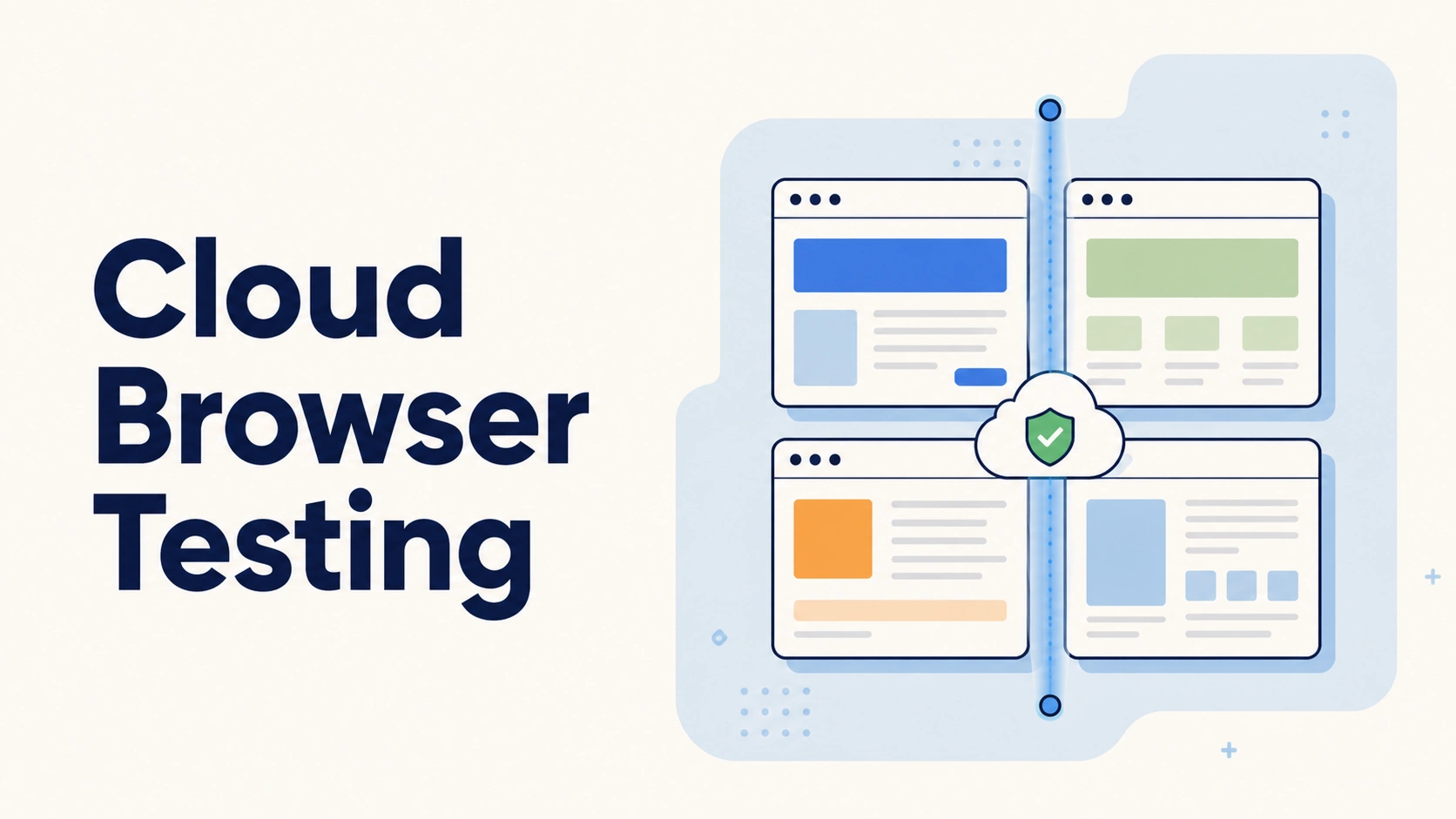
A release gets held up on a Friday because a checkout button breaks on Safari, on an iPad, and nobody on the team owns one to check it. This is the exact gap cloud browser testing closes: A test automation approach that runs cross-browser checks on hosted browser instances instead of local machines, so Chrome, Firefox, Safari, and Edge tests run in parallel across real operating systems and devices. Done right, cross-platform browser testing protects user experience across the web applications your team ships.
Most teams do not start here by choice. They start with web browser testing on whatever machines are in the office, then hit a wall once release cadence picks up and testing different browsers by hand stops being realistic. This piece covers how the infrastructure works, how to scope browser coverage that will not balloon, and how the leading cloud-based testing platforms compare.
What is Cloud Browser Testing?
Not all browser testing looks the same, and that distinction matters more than most teams realise. Cloud browser testing runs automation scripts against browser instances hosted on someone else's infrastructure, not the laptop under your desk. The framework opens a remote session, the provider spins up the browser, and results stream back over the network.
The connection itself is not complicated:
- A script talks to a remote endpoint using WebDriver APIs or Chrome DevTools Protocol (CDP), the mechanism remote browser testing tools have used for years.
- Different browser engines (Blink, WebKit, Gecko) and their JavaScript engines render the same page differently, exactly what cross-browser testing tools exist to catch.
- The trade is a small amount of latency for browser coverage no laptop could hold.
This is ultimately a build or buy decision, sitting at the heart of cross-browser testing cloud infrastructure. Build your own grid, and you own every patch and browser driver. Buy into a cloud platform instead, and you inherit someone else's uptime problems.
Cloud Browser Testing vs. Local Browser Automation
Local automation starts fast. Install a driver, point scripts at a browser already on the machine, and tests run within the hour. The ceiling shows up quickly, since coverage stops at whatever browser types are installed, usually Chrome on one real desktop.
Testing different browsers manually used to mean a shelf of ageing laptops nobody updated. Cloud browser testing trades that quick start for elastic reach, testing what real users actually run, in parallel, without provisioning extra machines.
Signals Your Team Needs Cloud Coverage Now
A few signals tend to show up first:
- User analytics showing meaningful traffic split across three or more browser and OS combinations.
- Shipping multiple times a week, once manual spot-checks stop scaling.
- A recent incident traced back to a browser-specific bug.
Multi-browser testing pays off fastest once release cadence climbs past a couple of ships a week. A small tool used by forty people on company Chromebooks does not need this yet.
How Cloud Browser Testing Infrastructure Actually Works
Strip away the marketing and the mechanism breaks into a handful of concrete steps:
- Session request: The automation script sends a request to the provider, specifying which browser, OS, and version it needs.
- Instance allocation: The provider's grid picks that request up, spins up a matching browser instance somewhere in its own infrastructure, and hands back a session ID the script uses for every command that follows.
- Command execution: The script sends ordinary commands (navigate to a URL, click an element, type into a field, read a value back), each travelling over the network to the remote instance and executing exactly as it would locally.
- Result streaming: The result comes back along with screenshots, video, or console logs if the provider captures them, since this is browser-based testing at its core, with the actual rendering and execution happening inside a real browser process sitting in someone else's data centre.
- Session teardown: Once the test finishes, the session closes, and the instance is torn down or recycled for the next one in the queue.
Real Device Clouds vs. Emulated/Virtual Browser Grids
Real device clouds run tests on physical devices, phones, and tablets in a data centre, including iOS devices that no emulator fully replicates. They catch bugs unique to real hardware: Camera and biometric authentication quirks, GPU rendering differences, and touch timing on a mobile browser.
Virtual browser testing runs a virtual instance instead, cheaper and faster to spin up, and sufficient for CSS rendering, layout rules, and responsive design checks. Reserve physical devices for checks that genuinely depend on hardware behaviour.
Connecting Your Framework to a Remote Grid
The wiring differs slightly by framework. Selenium connects through RemoteWebDriver, pointing at the provider's hub URL instead of a local driver binary. Playwright connects with connectOverCDP or a remote WebSocket endpoint per session, and Appium follows the same approach for mobile.
Most providers also expose developer tools consoles for live debugging, giving teams real-time browser testing visibility into a session. Some also support live browser testing, where an engineer manually drives a session during triage.
const browser = await playwright.chromium.connectOverCDP(
  'wss://cloud-provider.example.com/session?key=YOUR_KEY'
);
Setup time is usually modest: Roughly thirty minutes for a clean repository. Migrating an existing Selenium suite tends to take two to four days, depending on hardcoded local paths.
Building and Running Your Cross-Browser Test Matrix
Building a matrix means turning a list of browser, OS, and device combinations into an actual configuration your automation framework can read, usually a JSON or YAML file that maps each combination to a provider capability set. Running it means triggering that configuration against your test suite, either on demand or automatically inside the pipeline, and collecting the pass/fail results back into one report instead of five separate dashboards.
More combinations in that file are not automatically better, and this is where automated cross-browser testing programmes often go wrong. A matrix with forty combinations and a 30% flake rate is worse than one with twelve the team trusts.
We scope every matrix from the client's own user analytics, not a generic "top ten browsers" list. Cross-browser automation testing works best starting from real traffic: Pull browser and device share, scrub bot noise, and prioritise whatever covers most real users.
Choosing Browsers, OS Versions, and Devices from Real Analytics
Start with the analytics platform already wired into the product, not a spreadsheet of assumptions. Filter out bot traffic first, since it skews the picture. Often five to eight combinations account for the overwhelming majority of sessions.
It is enough to ensure a site works on the browsers and devices that matter most, rather than chasing exhaustive test coverage. Browser version testing matters too, since an outdated build can behave differently from the current release. Website cross-browser testing usually comes down to the handful of pages that drive signups or revenue.
A scoped matrix rarely stops at functional checks alone. Most engagements also fold in:
- Functional Testing: User flows like checkout and login on every browser.
- Visual Testing / Visual Regression Testing: Catching UI regressions and UI issues from CSS rendering differences, using Visual AI to flag real problems and filter out visual noise.
- Performance Testing: Load and interaction timing across browsers and JavaScript engines.
- Accessibility Testing: Keyboard navigation and screen-reader behaviour.
- API testing: Backend calls a UI test alone will never catch.
Cross-browser testing and cross-browser visual testing keep user experiences consistent no matter which engine renders the page. Cross-browser device testing catches layout breaks on mid-range phones that hold fine on desktop.
Parallelisation and CI/CD Pipeline Integration
A matrix only earns its keep once it runs automatically inside CI pipelines, ideally with a dry run in staging environments first. Teams that need to test multiple browsers at once lean on parallel execution: Twelve combinations run sequentially turns a five-minute suite into an hour-long wait, while parallel runs keep wall-clock time close to five minutes.
Which approach fits your CI/CD pipelines?
- Suite runs under ten minutes already? Parallelise later.
- Suite creeping past twenty minutes? Parallelise now.
- Session limits capping out during CI spikes? Ask about burst capacity first.
Common Failure Patterns: Flaky Tests and Session Limits
Scale up a cloud test matrix and two failure patterns show up reliably across automation runs:
- Flaky tests: Usually network latency to a remote session, not an actual bug in the application.
- Concurrent-session limits: A CI spike triggers more parallel runs than the plan allows, and part of the suite queues instead of running.
We triage flakiness before touching code or test data: Rerun the failing test in isolation, check whether it fails on a real desktop browser too, and escalate only once it reproduces outside the remote session.
Cloud Browser Testing Platforms Compared
Cross-browser testing tools now split into two broad camps. Established automation platform tooling is built on WebDriver APIs and browser drivers, while newer AI-native platforms use natural language programming to write scripts. Most browser testing software also bundles real devices, virtual grids, and dashboards, and some let teams test browsers online directly.
Which one fits your team?
- Broad real-device coverage, no in-house build? BrowserStack or Sauce Labs.
- AI-native platform with natural language authoring? LambdaTest.
- Strict data residency, spare infrastructure? Self-hosted Selenium Grid.
- Weekly shipping, no QA capacity? A managed service.
How Frugal Testing Runs Cloud Browser Testing at Scale, Without the Infrastructure Overhead
Most of the platforms above solve infrastructure well. What they do not solve, for QA testers and web developers alike, is deciding what belongs in the matrix and keeping it honest as the product changes.
We scope the matrix from real user analytics, build the automated suite using existing automation frameworks, run it in parallel inside the client's CI/CD platforms, and triage failures before they reach the team. This is cross-browser compatibility testing built as an ongoing service, not a one-off audit, and the matrix itself rarely costs teams time; flake triage does.
What a Frugal Testing Engagement Looks Like
That engagement breaks into three stages:
- Days 1-3: Discovery, pulling real analytics, scrubbing bot traffic, and scoping the initial browser, OS, and device matrix around what your users actually run.
- Days 4-7: Suite build, wiring functional, visual, and performance checks to the chosen provider and connecting the matrix to a working automation framework.
- Week 2+: CI/CD integration and flake triage, running the suite in parallel inside the pipeline and stabilising the pass rate before handing it over.
At close, the client owns a maintained suite running inside their own pipeline, not a black box.
Who This Is For
This fits teams shipping multiple releases a week without QA capacity to own a matrix. Three signals point toward outside help:
- A recent browser-specific incident that reached production.
- A device lab nobody wants to maintain.
- A release cadence that has outpaced manual QA.
Conclusion
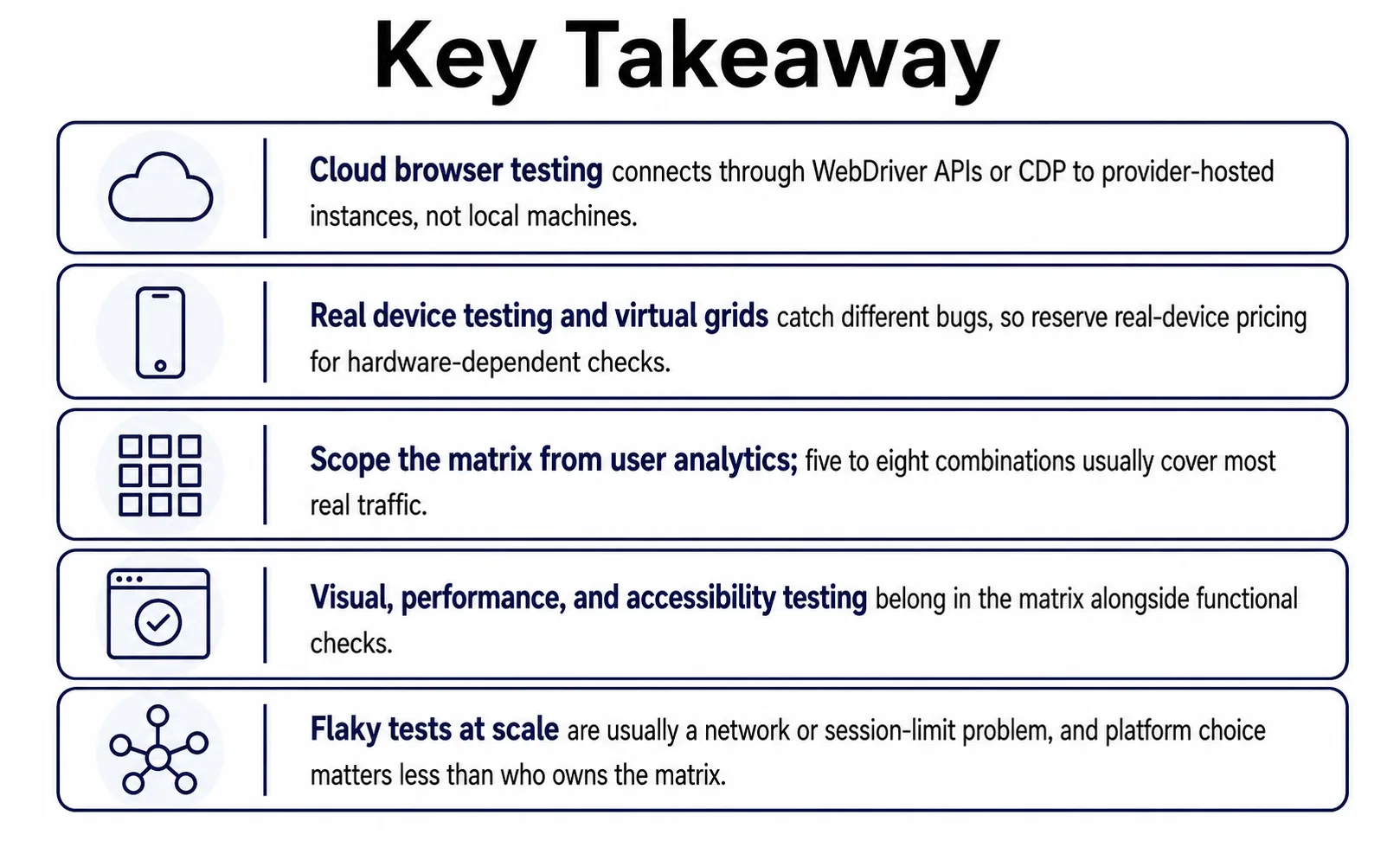
Cloud browser testing is not really an infrastructure decision, even though it looks like one. It is a decision about who owns the browser matrix six months in, when a new device ships and nobody has updated the coverage list.
Scope it from real analytics, run it in parallel inside the pipeline that already exists, and treat flakiness as an infrastructure problem to triage first. Get that right, and cloud browser testing stops being a recurring fire drill and starts being infrastructure the team can actually rely on.
People Also Ask (FAQs)
Q1. Does cloud browser testing work with private staging environments behind a login?
Ans: Yes. Most providers support VPN tunnels or reverse proxies so testing can reach staging environments and internal builds without exposing them publicly, though setup steps vary by vendor.
Q2. How much does cloud browser testing typically cost each month?
Ans: Pricing usually scales with parallel sessions rather than total tests run, so a small team on five parallel sessions pays far less than an enterprise running fifty sessions at once.
Q3. Can cloud browser testing run tests written in Cypress?
Ans: Cypress historically needed workarounds for remote execution, but most major providers now offer official Cypress support or a compatible runner, so existing suites rarely need a full rewrite.
Q4. Does cloud browser testing help with SEO or page speed scoring?
Ans: Indirectly. Catching rendering and script errors across browsers keeps pages loading correctly for every visitor, which supports steadier Core Web Vitals, though it is not a dedicated SEO tool.
Q5. What happens if a cloud provider has an outage during a release?
Ans: Most teams keep a small local fallback suite for release-blocking checks, so a provider outage delays full coverage without necessarily blocking the release if that fallback suite still passes.