
What Is Software Testing?
Software testing is the practice of evaluating a software application to verify it works as intended and to identify defects before users encounter them. This introduction to software testing starts with a simple truth: every application has bugs. The purpose of software testing is to find those bugs systematically rather than letting your customers find them for you.
At its core, software testing basics come down to one question: does this software do what it's supposed to do, reliably and correctly? Testing answers that through structured execution, observation, and comparison against expected behavior. The purpose of testing is not to prove software is perfect, it is to reduce risk to an acceptable level.
Why Software Testing Matters (And What Happens When You Skip It)
The importance of software testing becomes painfully obvious when it is missing. Consider a simple scenario: an e-commerce checkout page fails to apply discount codes correctly. Customers abandon carts, support tickets pile up, and revenue drops all because a single calculation was never verified against edge cases.
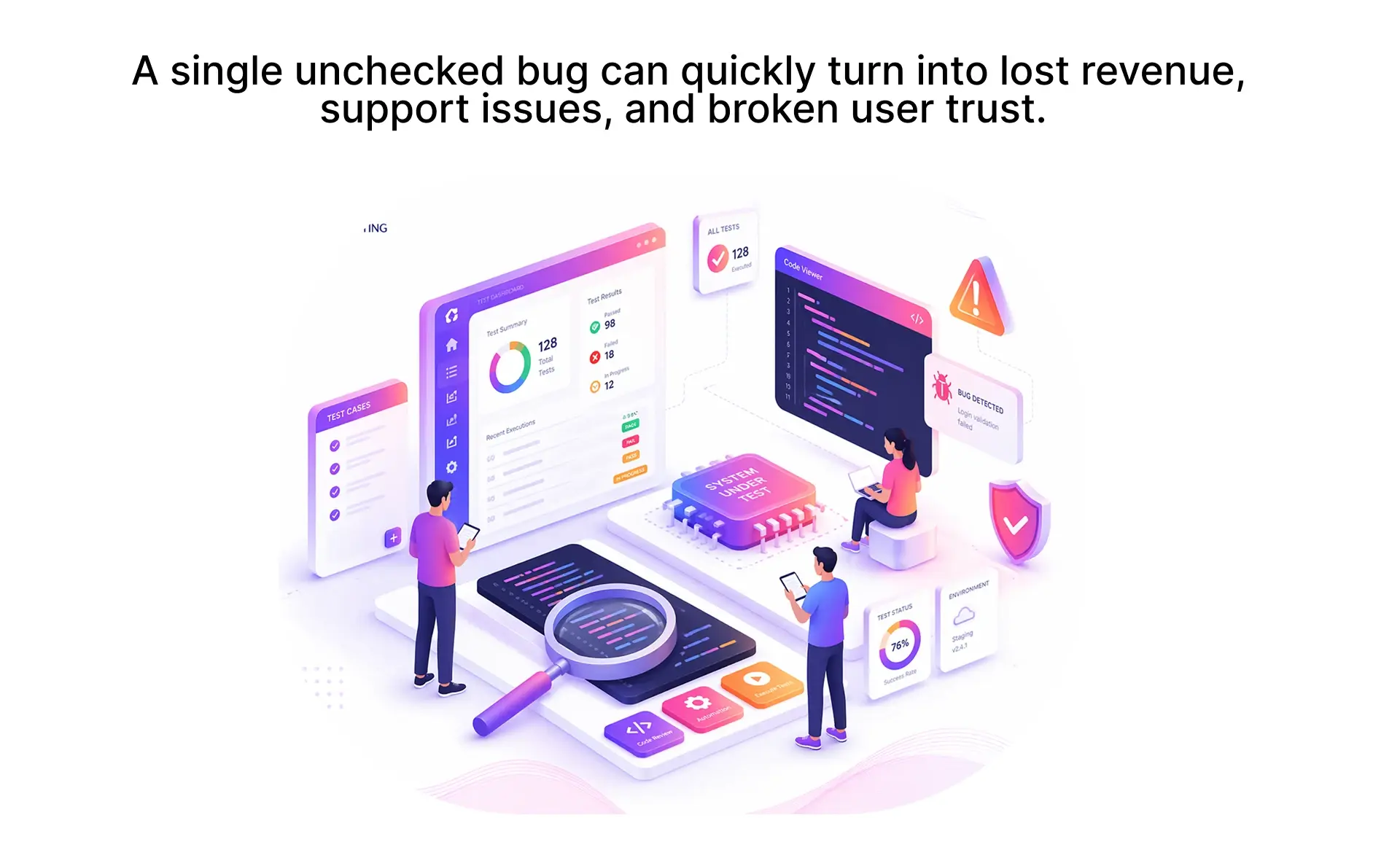
According to IBM's research on software testing, the cost of fixing a bug after release can be up to 100 times higher than one identified during design. This alone makes a strong case for the importance of software testing early.
Three reasons the importance of software testing is non-negotiable:
QA vs Software Testing Not the Same Thing
One of the most common misconceptions in qa basics is treating QA and testing as interchangeable terms. They are related but fundamentally different. Understanding the difference between qa and software testing helps beginners position themselves correctly in a team.
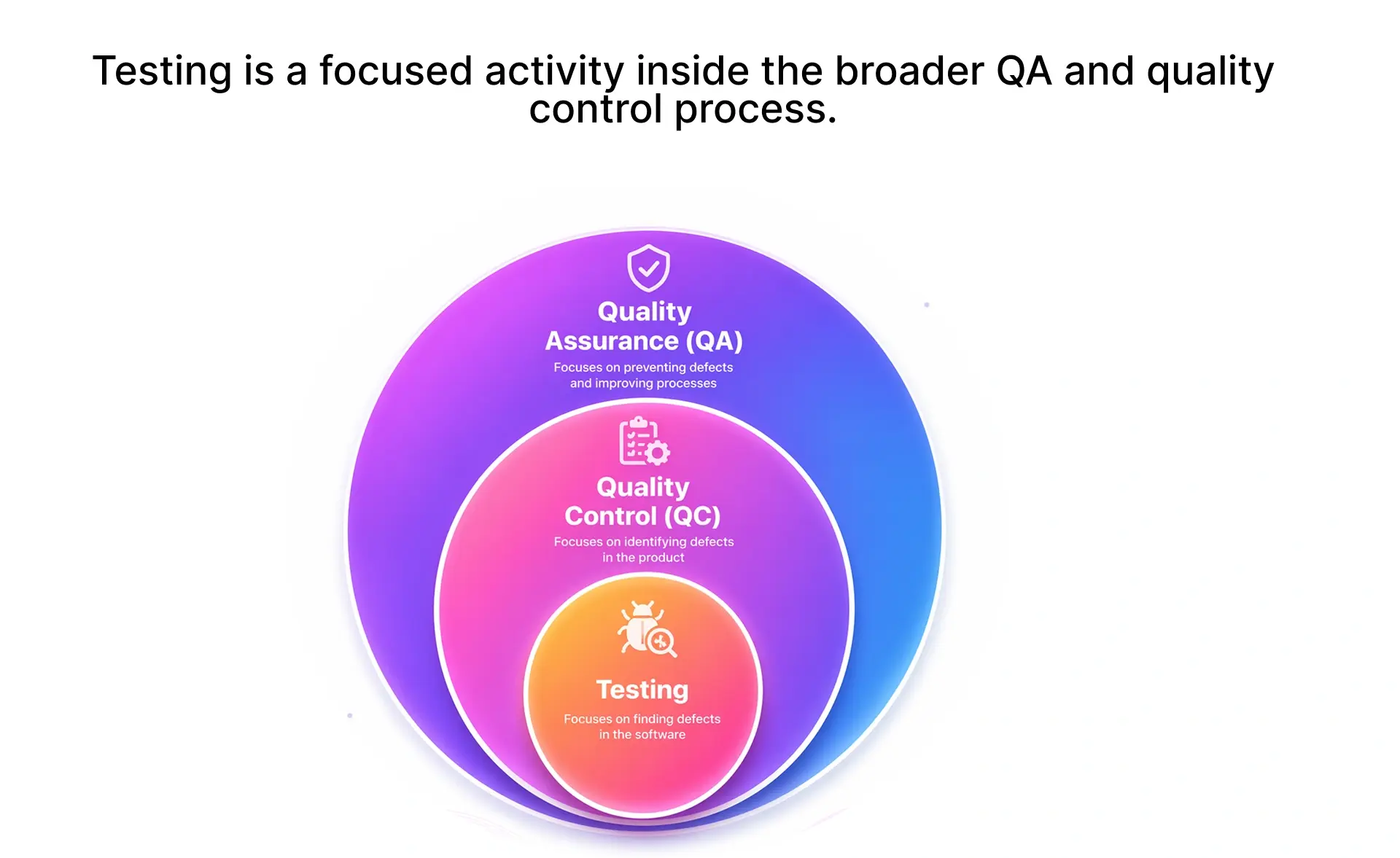
QA is the umbrella. Testing is one of the tools under it. A QA strategy might include code reviews, process audits, and standards enforcement testing is where you actually execute the software and check results. Both qa fundamentals and testing skills matter, but they serve different purposes.
7 Principles of Software Testing Every Beginner Should Know
These testing principles in software engineering have guided QA professionals for decades and are codified in the ISTQB Foundation Level Syllabus.
- Testing shows the presence of defects, not their absence. You can prove bugs exist, but you cannot prove a system is bug-free. This is why "fully tested" is misleading.
- Exhaustive testing is impossible. You cannot test every input combination, path, or environment. Prioritize based on risk. Focus testing where failures hurt most.
- Early testing saves time and money. Defects found during design cost a fraction of those found in production. Start testing before a single line ships.
- Defects cluster together. A small number of modules usually contain the majority of bugs. This is often called the Pareto principle of testing. Follow the bugs they travel in groups.
- The pesticide paradox. Running the same tests repeatedly stops finding new defects. Review and update test cases regularly. Stale tests catch stale bugs only.
- Testing is context-dependent. A banking app and a gaming app require completely different software testing approaches. Match your strategy to your product's risk profile.
- The absence-of-errors fallacy. A bug-free application that does not meet user needs is still a failure. Testing must verify business requirements, not just code correctness. Bug-free does not mean user-ready.
The 4 Levels of Software Testing (And When Each Applies)
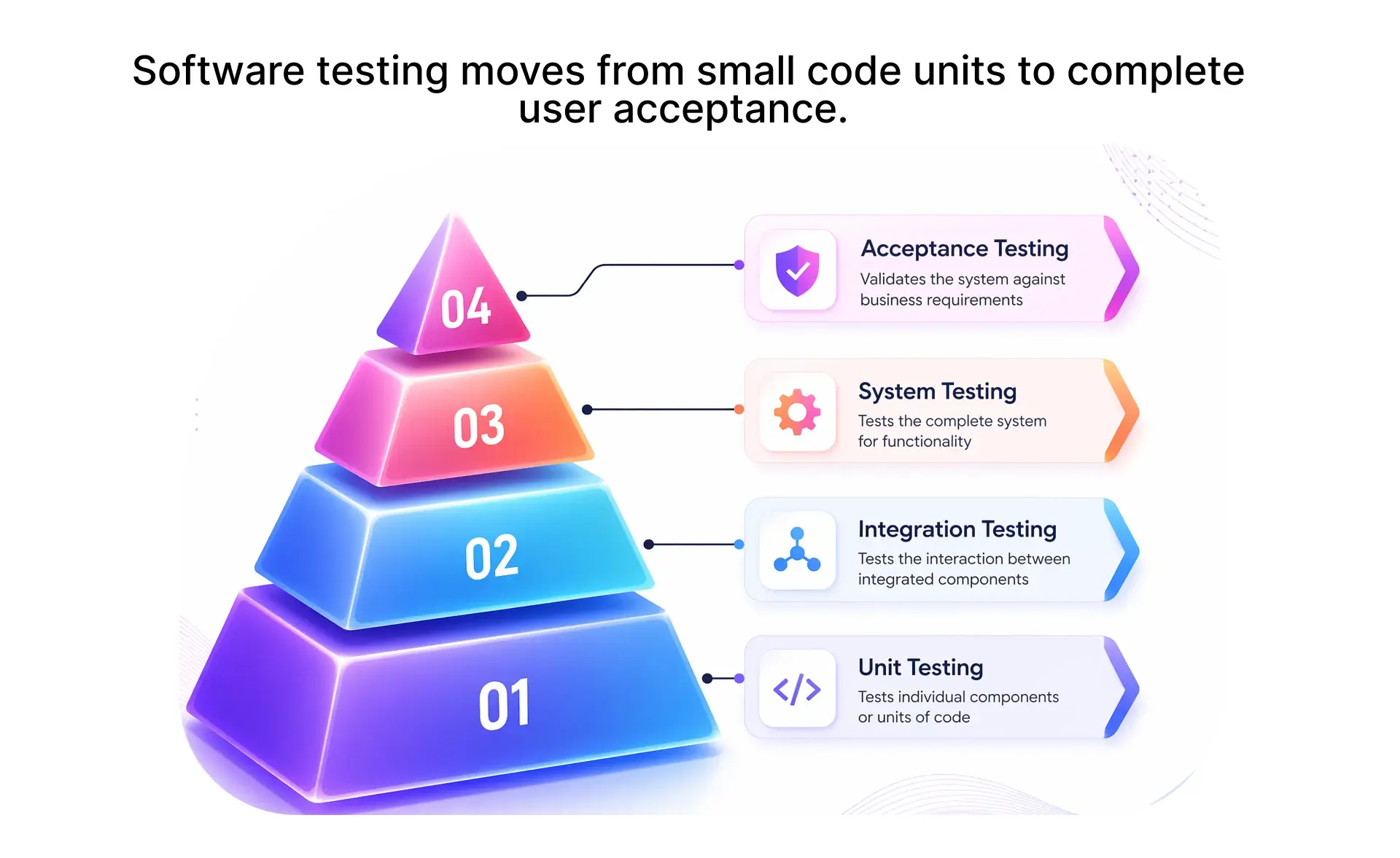
The levels of software testing represent a progression from isolated code to the complete system. Understanding each level is a key part of software testing basics.
Unit Testing verifies individual components of a single function, method, or class in isolation. Developers typically write and run unit tests during coding. Example: testing that a calculateTax() function returns the correct value for a given input.
Integration Testing checks how modules interact when combined. It catches issues like incorrect data formats between services or broken API contracts. Example: verifying that the payment module correctly communicates with order management.
System Testing evaluates the complete, integrated application against its specified requirements. A dedicated testing team usually handles this level. Example: running end-to-end tests on a fully deployed staging environment.
Acceptance Testing determines whether the software meets business requirements and is ready for release. This is often performed by end users or product owners. Example: a client verifying that the invoicing workflow matches their approved specifications.
Each level catches a different category of defect. Skipping any level of software testing increases the risk that bugs reach production.
Types of Software Testing Functional, Non-Functional, and Beyond
Understanding every different type of testing helps you build a balanced strategy. Here are the 8 types of testing that cover most real-world needs, split into functional and non-functional categories.
Functional Testing Types
Non-Functional Testing Types
Beyond these 8 types of testing, software testing approaches can also be classified by visibility into the code: black-box testing (testing without knowledge of internal code), white-box testing (testing with full code visibility), and grey-box testing (partial knowledge of internals). For security testing specifically, the OWASP Testing Guide is the industry-standard reference.
Manual vs Automation Testing Which Do You Actually Need?
The difference between manual testing and automation testing is not about one being better it is about applying each where it delivers the most value.
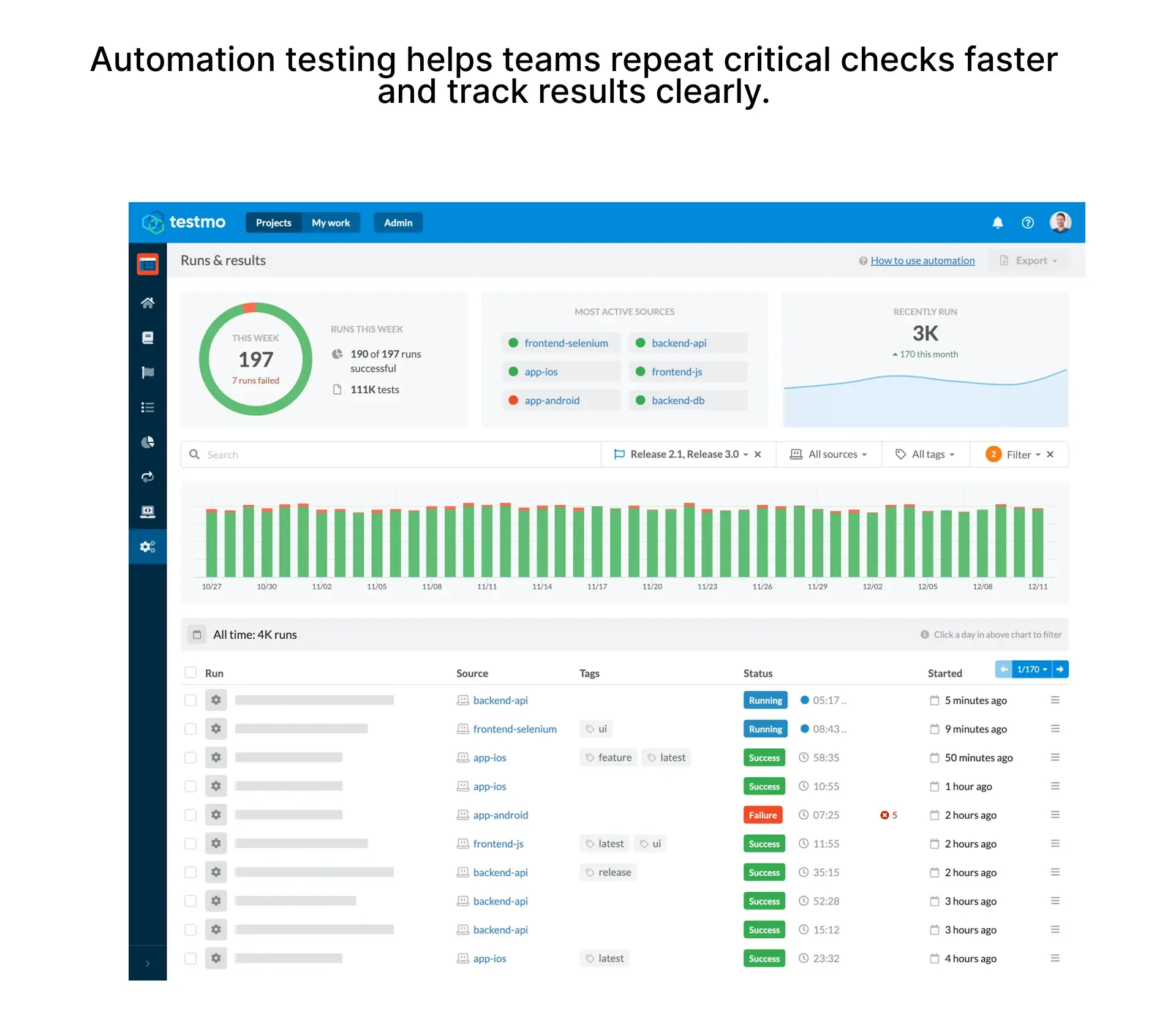
If you are starting out, manual testing types like exploratory and ad-hoc testing give you the fastest feedback with the lowest investment. Automation becomes essential as regression risk increases. The practical answer: start manual, automate what you repeat.
Verification vs Validation A Simple Breakdown
Verification and validation in software testing answer two different questions. This distinction is fundamental to qa fundamentals.
Verification asks: Are we building the product right? It checks conformance to design specs through code reviews, walkthroughs, and inspections without executing the software.
Validation asks: Are we building the right product? It checks whether the software meets actual user needs through functional testing, UAT, and beta testing.
Example: verification confirms a login page follows the approved wireframe. Validation confirms real users can log in smoothly.
Types of Test Cases Every QA Beginner Should Know
Understanding types of test cases in software testing helps you write thorough, effective tests from day one. Mastering types of test cases is one of the most practical skills in qa basics.
Positive test cases verify that the system works correctly with valid inputs. Example: entering a valid email and password to log in successfully.
Negative test cases confirm the system handles invalid inputs gracefully. Example: submitting a login form with a blank password field and verifying an error message appears.
Edge cases test the boundaries of expected behavior. Example: entering exactly the maximum allowed characters in a username field.
Boundary value cases test values at the exact limits of input ranges. Example: if a field accepts 1–100, test with 0, 1, 100, and 101.
Here is a simple test case template that beginners can adapt immediately:
What You Don't Need to Learn Yet
Not every testing concept is relevant on day one. Here is what you can safely skip as a beginner:
Performance testing at scale is important for high-traffic systems, but not your first priority. Security penetration testing requires specialized knowledge; leave it to dedicated engineers until you have solid QA foundations. Chaos engineering is valuable for distributed systems, but far beyond beginner scope. Obsessing over 100% code coverage is a useful metric, not a goal. Chasing 100% leads to low-value tests.
Learn these when your project demands it not on day one.
Where to Go From Here
You now understand the foundations that every QA professional builds on testing levels, types, testing principles in software engineering, and test case design. These are not abstract concepts. They are the exact skills that separate teams who ship confidently from teams who firefight every release.
Three things to carry forward: test early and where risk is highest, start manual before automating, and write test cases that cover real user behavior not just happy paths. Master these software testing basics, and you are ahead of most teams already.
But fundamentals only matter if they reach your product. If you are unsure where to start testing, what to automate first, or how to build a QA process that does not slow your team down, talk to someone who has solved this before.
Talk to a QA Expert at Frugal Testing
One call. Real answers. No obligation.
FAQs (People Also Ask)
Q1.What are the basics of software testing?
Ans: Software testing basics include understanding the four levels of software testing, different types of testing approaches (functional and non-functional), writing test cases, and knowing the difference between manual testing and automation testing.
Q2.What is the difference between QA and testing?
Ans: The difference between qa and software testing is that QA is a process focused on preventing defects, while testing is an activity focused on detecting defects by executing software. QA is proactive; testing is reactive.
Q3.What are the 4 levels of software testing?
Ans: The four levels of software testing are unit testing, integration testing, system testing, and acceptance testing.
Q4.How do I start learning software testing?
Ans: Start with manual testing: learn to write types of test cases, understand requirements, and practice exploratory testing. Build a foundation in qa fundamentals before moving to automation.
Q5.What is a test case?
Ans: A test case is a documented set of conditions, inputs, and expected results used to verify a feature works correctly. Key types of test cases in software testing include positive, negative, edge, and boundary value scenarios.


.webp)

.webp)