An engineer powers on a new circuit board and watches for smoke. If nothing burns, it moves on. If it does, testing stops there. Software borrowed the term directly, and in practice, smoke testing means running a small set of checks against a fresh build to confirm its most critical functions work before anything deeper begins. Fail one of those checks, and the build goes back to development instead of forward to QA.
It traces back to the daily-build discipline Steve McConnell describes in Code Complete: Fix a broken build before anything else. Skip that, and teams burn an afternoon on full regression against a build that failed on the first click. This guide covers the definition, how it compares with sanity testing, and how to run one in CI/CD.
What Is Smoke Testing?
Smoke testing is a shallow, preliminary check of a build's most critical paths, run to confirm the basics work before anything deeper begins. It isn't a defect hunt; it simply flags whether a build is stable enough to test further. Common aliases include build verification testing (BVT), confidence testing, and build promotion testing.
What a Smoke Test Actually Checks
A smoke suite stays narrow by design, checking only what would make the application genuinely unusable if it broke:
- The build starts without crashing.
- Login accepts valid credentials.
- The core workflow completes end to end.
Anything past that - edge cases, field validation, permission matrices- belongs to regression testing instead. This boundary management is what keeps smoke vs sanity testing distinct in practice, and what keeps a smoke suite fast for the long run.
Why Smoke Testing Matters Before Every Release
Ask any QA engineer what smoke testing in software engineering is, and the answer usually comes down to protecting the release timeline. The cost argument is simple: Catching a broken build early costs almost nothing; catching it late costs real hours.
- A two-minute smoke run costs almost nothing.
- The same failure caught after full regression costs a full afternoon.
- Engineers get fast feedback while the change is still fresh.
- Managers keep the release timeline intact.
This holds across every business sector shipping software. The gap between catching a problem early and catching it late only gets wider as a suite grows.
Smoke Testing vs. Sanity Testing: What's the Difference?
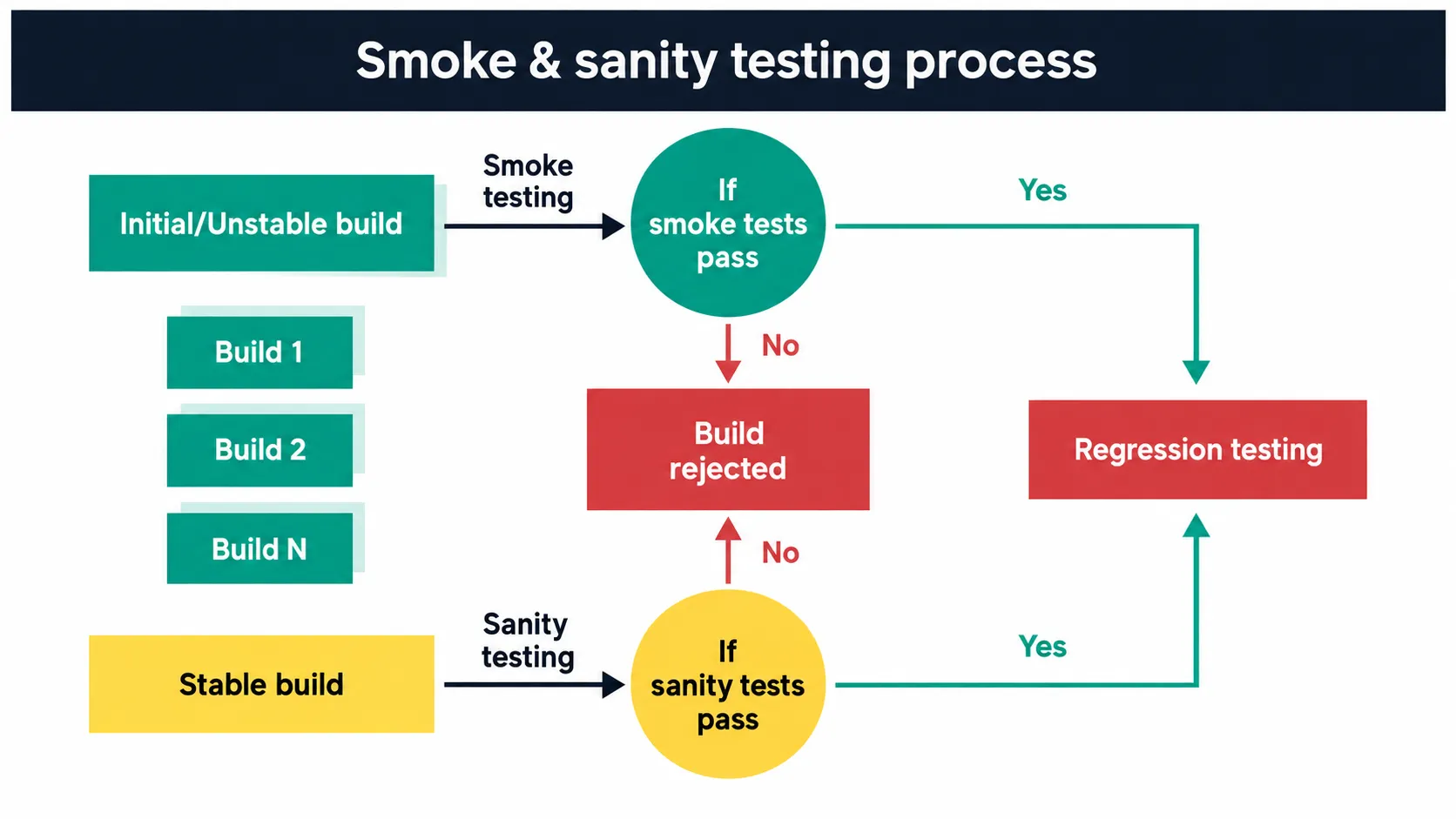
The difference between smoke and sanity testing comes down to depth versus breadth. Smoke testing checks if the system is alive at all, while sanity testing checks if one specific fix works- the sanity testing definition in a nutshell. Understanding smoke testing vs sanity testing early saves confusion, since both run quickly and both gate a release, but smoke and sanity testing solve different problems.
The Smoke Testing Process, Step by Step
The cycle is short by design, and each stage exists to answer one question before moving to the next:
- Build produced: A fresh artefact comes out of the pipeline after every merge, ready for its first automated check.
- Suite runs: Critical-path checks fire automatically against that build, with no manual trigger needed.
- Pass: The build moves to functional and regression testing next, earning deeper scrutiny.
- Fail: It goes straight back to development, no exceptions, no partial credit.
A failure that just logs a ticket while the pipeline keeps moving isn't a gate. It's a warning light nobody's required to look at.
.webp)
Choosing Your Critical Test Cases
The selection rule is simple, even if applying it takes discipline: Include a path only if the application is genuinely unusable without it. For a typical SaaS product, that usually means:
- App loads: The entry screen renders without errors, within a couple of seconds.
- Login succeeds: Valid credentials get a real user past authentication, not a stub.
- Dashboard renders: The main screen loads with actual data, not a blank state.
- Primary save action completes: The core create or update flow works end to end.
- One key integration responds: The most business-critical third-party or internal call returns successfully.
Most mid-sized teams land somewhere between eight and fifteen checks in total, and scoping an initial suite usually takes two to four days, depending on how automated the underlying framework already is.
Running the Smoke Test After a New Build
Placement in the pipeline matters as much as what the suite checks:
- Runs right after the build step, before deployment to any test environment.
- Finishes in minutes, not tens of minutes.
- Sits in the same spot whether the pipeline is GitHub Actions, Jenkins, or GitLab CI.
Wiring tests into your CI/CD pipeline this way checks the artefact that will ship. If a "smoke test" takes twenty minutes, it has quietly become a regression suite.
Smoke Testing Examples From Real Applications
Theory is easy. Here's what smoke testing actually looks like against two very different builds: One on the UI side, and one purely at the API layer.
Smoke Testing a Login and Checkout Flow
A QA lead we worked with ran a full 300-test regression suite on every build, including builds where checkout returned a blank screen. Nobody caught it for two days because their smoke check only verified the homepage loaded. A proper check covers:
- Page loads without a blank screen or console errors.
- A test user logs in against the security service successfully.
- The cart accepts an item and updates the total correctly.
- Checkout completes with a test card, confirming payment processing.
Most teams script this in Selenium or Playwright. Skipped: Discount code edge cases and malformed data in payment fields.
Smoke Testing After an API Deployment
The API version is narrower still, and usually the fastest smoke check available, since it skips browser startup entirely. It typically covers:
- Authentication succeeds.
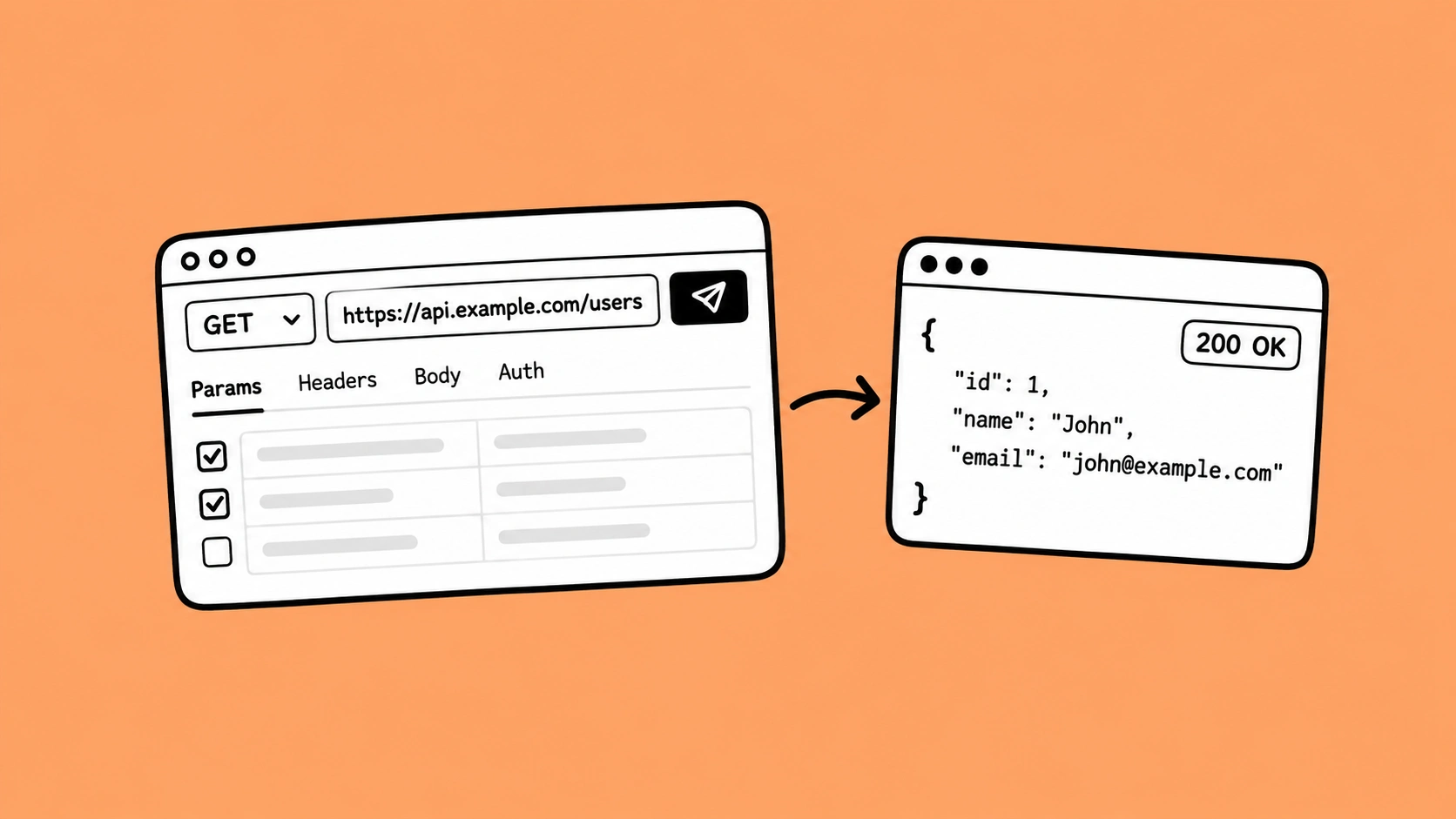
- One core GET returns a 200 with the expected shape.
- One core POST completes a full round trip, confirmed with a direct SQL command against the test database.
A GET-only suite tells you the API is reachable. It doesn't tell you whether anything can actually be written to whichever database platform sits behind it, usually the part that breaks first.
Common Smoke Testing Mistakes to Avoid
Three mistakes account for most smoke suites that quietly stop working:
- Scope creep: A ten-check suite grows to forty over six months, each addition justified on its own, until nobody trusts it enough to block a release.
- Infrequent runs: A smoke suite only earns its keep running on every build, not once a day.
- Soft failures: A check that files a ticket but lets the pipeline continue isn't gating anything; it's documentation of a problem, not prevention of one.
Left unchecked, any one of these turns a fast, trusted gate back into a slow suite nobody relies on. Once that trust erodes, teams quietly stop treating the gate as a gate at all.
Smoke Testing Best Practices
The fix for each mistake above is roughly its mirror image:
- Keep the suite scoped to critical paths only, and review that scope every sprint so it tracks the product.
- Move to automated smoke testing as soon as builds ship more than once a day.
- Wire it into CI/CD with a hard stop on failure, not a warning.
- Treat the eight-to-fifteen check range as a ceiling worth defending, not a starting point.
- Consider wiring in a lightweight security solution scan alongside the functional checks to catch exposure to common online attacks before code ships further.
Done consistently, this becomes a source of ongoing quality improvement rather than a one-off task. Teams that treat the suite this way tend to trust it.
How Frugal Testing Helps You Build a Reliable Smoke Testing Process
In our experience working with engineering teams across B2B SaaS, the single most common root cause of broken builds reaching QA isn't a lack of testing. It's a smoke gate that either doesn't exist or has quietly rotted, when the real goal is solving business problems rather than producing reports nobody reads.
Our QA engineers scope, build, and maintain automated smoke test suites as part of a broader engagement, backed by management expertise in scaling QA programmes. Teams can sign up for a free audit before committing to a full engagement. We hand off with documentation that supports knowledge sharing, building a knowledge base your team can maintain.
What Our Smoke Testing Engagement Looks Like
- Week 1: We audit your current release process and map the critical paths with your team.
- Week 2: We build and automate the smoke suite around those specific paths.
- Week 3: We integrate the suite into your existing CI/CD pipeline as a hard gate.
- Week 4: We hand off with full documentation, so what you own at the end is a maintained, version-controlled suite running in your own pipeline.
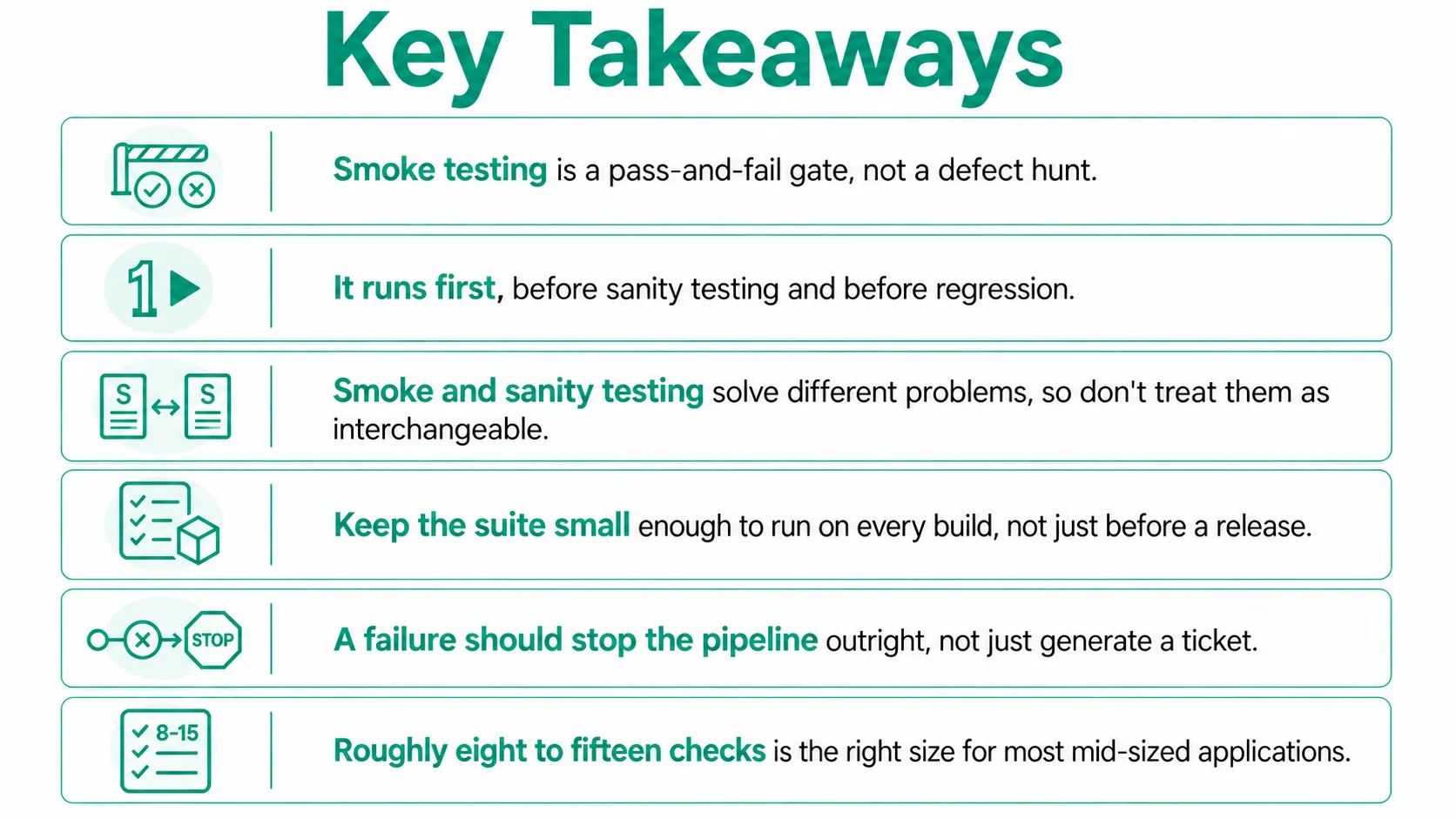
Conclusion
Smoke testing earns its place by staying small. The moment it grows past a handful of critical paths, or stops blocking failures outright, it's no longer doing the job it was built for.
Teams that treat it as a serious gate, not an afterthought bolted onto CI, catch their worst builds in minutes instead of hours. Getting sanity testing vs. smoke testing right protects releases without slowing anyone down. Teams that skip this step tend to find out the hard way, usually right before a release.
People Also Ask (FAQs)
Q1. What is sanity testing?
Ans: The sanity testing meaning is narrow: A quick check confirming one specific bug fix or change works as intended, run right after that change rather than after every new build.
Q2. Who is responsible for running smoke tests?
Ans: Usually whoever owns the pipeline: A DevOps engineer or the CI system for automated suites, or the on-call QA engineer for manual releases. Ownership matters more than the tool.
Q3. Can smoke testing be skipped for small releases?
Ans: It's tempting, but risky. Even a small hotfix can break a build in ways a smoke suite catches in minutes, trading a short time save for a much bigger risk.
Q4. What happens if a smoke test fails intermittently?
Ans: An intermittent, or flaky, failure usually points to test environment issues rather than the build itself. Treat repeated flakiness as a signal to fix the test, not ignore it.
Q5. Does smoke testing replace the need for manual QA?
Ans: No. Smoke testing only confirms the basics work it doesn't replace exploratory testing, usability checks, or the judgment a human QA engineer brings to edge cases and user experience.

.webp)