A platform team at a fast-growing SaaS company picked their CI tool the way most teams do: fastest setup, cheapest tier, best marketing page. Within months, they bolted on a second tool because the first couldn't own test automation. That gap, running builds versus running a real test suite, is where manual effort piles up and software quality slips.
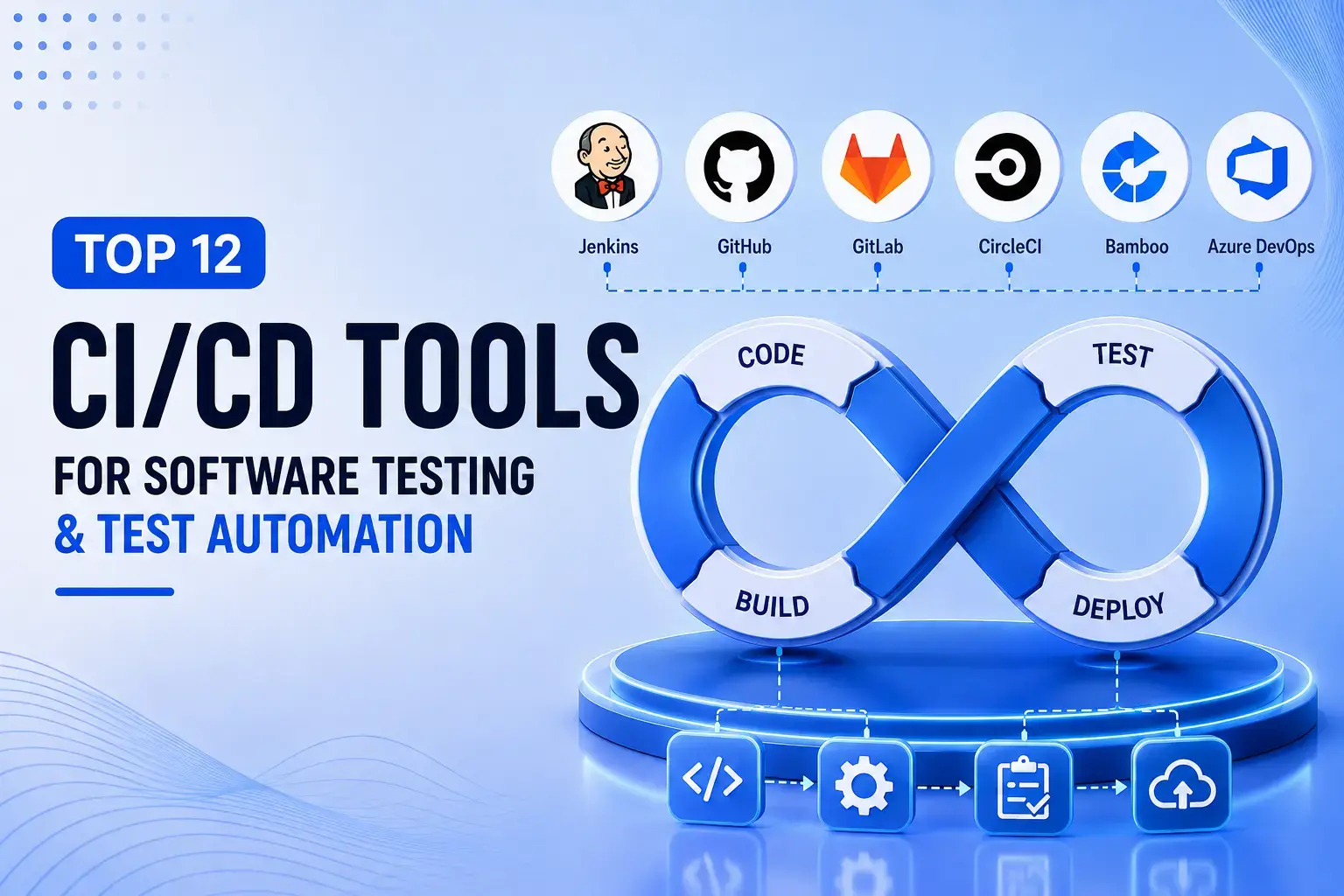
CI tools - Jenkins, GitHub Actions, GitLab CI/CD, CircleCI, and Azure DevOps are the most widely deployed. They build and test code on every commit inside a ci/cd pipeline, so problems surface in minutes rather than later. This piece compares 12 ci cd tools, drawn from the wider pool of continuous integration tools and continuous delivery tools in DevOps, on deployment model, integration depth, and test automation fit.
What Counts as a CI Tool
A QA lead we spoke with last year described her team's "CI pipeline" as three Jenkins jobs, a Slack webhook, and a prayer. It ran builds. It tested little.
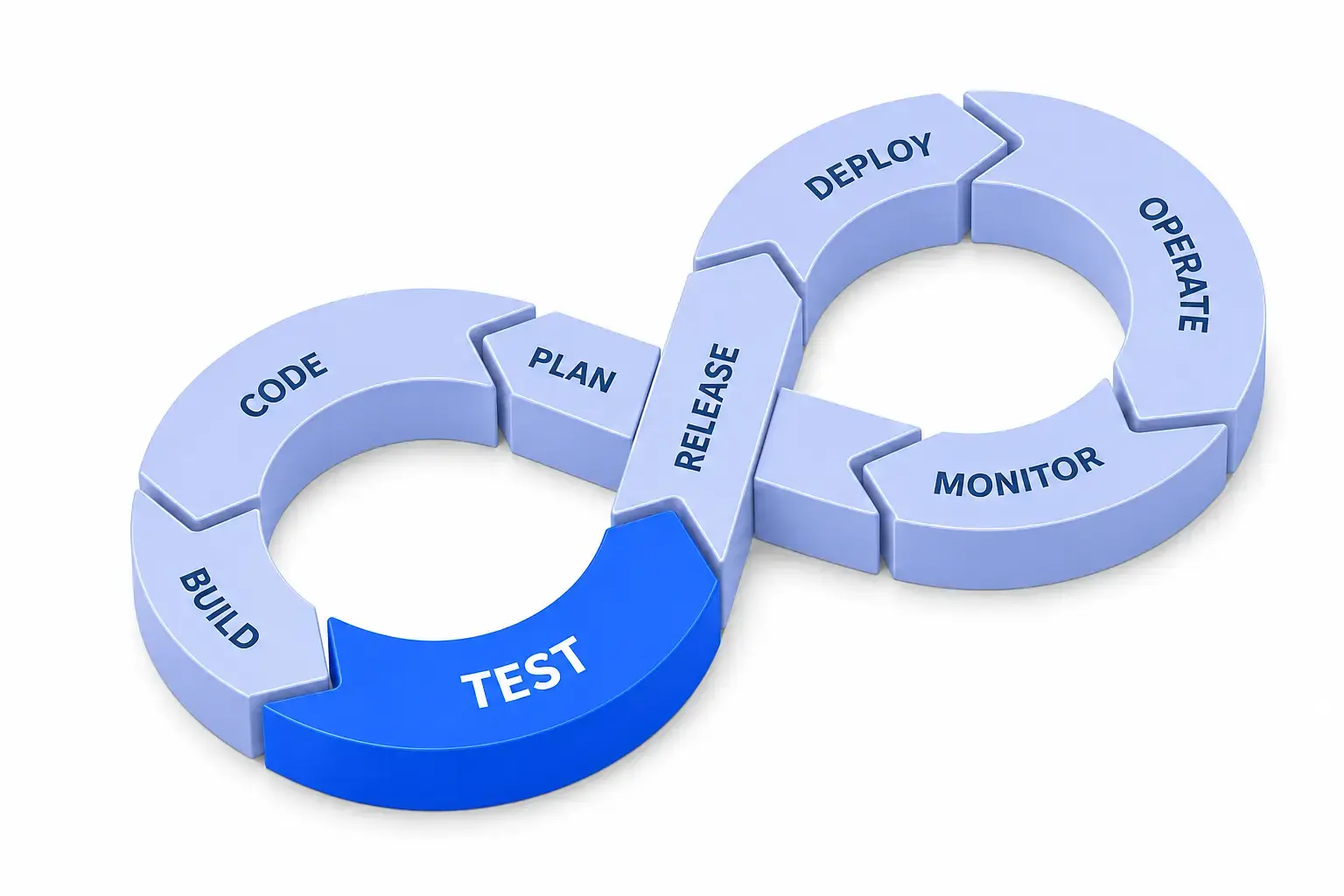
CI means building and testing every commit against a shared repository, inside a CI pipeline running the same checks each time. CD is the layer governing what happens after tests pass: Staging, production, rollback, and feature flags. Together, the two form a ci/cd pipeline or ci cd pipeline. A CI server runs the pipeline; a test automation framework, Katalon being the clearest example, authors the checks. Teams typically choose self-hosted, managed SaaS, or hybrid delivery, depending on compliance needs and infrastructure control.
The 12 Best CI Tools for Software Testing and Test Automation
Each tool below: What it is, who it fits, one trade-off, and its test automation angle.
Jenkins
- What it is: Jenkins is the original open source CI tool, still the most flexible. Pipelines run as pipeline-as-code in a Jenkinsfile, and 2000+ plugins mean it talks to almost anything in a DevOps pipeline.
- Who it fits: DevOps-heavy teams with capacity to run their own infrastructure rather than hand it to a vendor.
- Trade-off: Your team owns the server and every plugin conflict that shows up.
- Test automation angle: Triggers any framework you point at it, commonly Selenium Web UI suites, but authors none itself. Pairing it with a real automation framework is not optional.
GitHub Actions
- What it is: GitHub Actions builds CI directly into the repository. Pipelines live as YAML workflow files, and matrix builds run parallel executions across operating systems and language versions.
- Who it fits: Teams already living inside GitHub, with no platform to adopt and no server to patch.
- Trade-off: Portability suffers; workflows rarely move cleanly to another CI tool if you switch.
- Test automation angle: Its marketplace makes it easy to trigger test scripts, commonly Playwright Web UI or Cypress Web UI suites, but real test management is left to whatever you bolt on separately.
GitLab CI/CD
- What it is: GitLab CI/CD runs on a single data model spanning source control, the pipeline, and security scanning. Configuration lives in GitLab CI variables, set at the project level, keeping secrets out of the pipeline file.
- Who it fits: Platform teams tired of stitching tools together; GitLab CI is often the consolidation move, one login and one permissions model.
- Trade-off: Cost ramps quickly at higher tiers as usage and seats grow.
- Test automation angle: GitLab CI/CD integrates cleanly with REST Assured API suites and other frameworks for API testing, though nothing runs natively without one.
CircleCI
- What it is: CircleCI is the compliance-first managed option, carrying FedRAMP and SOC 2 Type II certification out of the box, with a reusable "Orbs" system for packaging common pipeline tasks.
- Who it fits: FinTech, healthcare, and government teams, since certification narrows the shortlist before feature comparisons even start.
- Trade-off: Pricing runs on credits, and costs climb fast at volume once parallel executions and larger build minutes enter the picture.
- Test automation angle: Orbs exist for Postman API testing and other automated testing tools, but wiring them into a real pipeline still takes deliberate setup.
Azure DevOps
- What it is: Azure DevOps is built for Microsoft-standardised teams, with native integration across Azure Repos, Boards, and Artifacts. An Azure DevOps pipeline handles build and release in one place.
- Who it fits: Teams already living in Visual Studio or the wider Azure ecosystem who want everything under one single roof.
- Trade-off: Little reason to pick it over a more open alternative outside that world.
- Test automation angle: Azure Test Plans unifies manual and automated testing tools in one view, including Appium Mobile suites covering cross-platform testing across mobile applications.
TeamCity
- What it is: TeamCity is built around a build-chain dependency model, where complex pipelines break into linked stages tracked and audited independently, paired with strong Test Reports throughout.
- Who it fits: Enterprise and government teams that need audit trails and hierarchical build dependencies more than speed of setup.
- Trade-off: Overkill for a ten-person startup; governance features that matter at scale sit largely unused on a small team.
- Test automation angle: Reporting is genuinely strong, but test maintenance tooling around cross-browser testing and regression tests stays thin.
Bamboo
- What it is: Bamboo lives inside the Atlassian stack, with native Jira and Bitbucket integration and a deployment project model for release tracking without a separate tool.
- Who it fits: Teams already living in Jira tickets who don't want another login just for pipeline status.
- Trade-off: Offers little that GitHub Actions or GitLab CI/CD do not do more cheaply outside that ecosystem.
- Test automation angle: Basic on its own; most teams pair it with an external automation framework and separate test management platform for anything beyond pass or fail signals.
Google Cloud Build
- What it is: Google Cloud Build runs serverless, with no infrastructure to patch and a shared build history that keeps the whole team looking at the same pipeline state.
- Who it fits: GCP-native teams already on Cloud Run or GKE who prioritise collaboration over granular on-premise control.
- Trade-off: The free tier caps at 120 build minutes a day, easy to burn through before lunch once k6 Performance tests join.
- Test automation angle: Minimal natively, so teams wire in external test automation tools for performance testing, tracking multi-user workflows and performance bottlenecks.
Travis CI
- What it is: Travis CI offers a self-hosted option with build-matrix testing for cross-platform testing needs, running the suite against multiple language versions and operating systems in parallel.
- Who it fits: Regulated industries that need pipelines running behind a firewall rather than trusting a public SaaS endpoint entirely.
- Trade-off: Your team owns the scaling and support burden, and Travis has lost real mindshare since its ownership changes.
- Test automation angle: Still works and triggers automation scripts reliably, but is an increasingly niche choice next to newer, better-supported alternatives.
Buildkite
- What it is: Buildkite splits the job in two; it hosts the orchestration UI and pipeline logic, while build agents run on infrastructure you fully control.
- Who it fits: Teams with strict data-residency or air-gapped requirements, a genuinely underused pattern outside that niche.
- Trade-off: Fewer ready-made integrations than more common tools carry, so expect to wire more by hand.
- Test automation angle: Because agents run on your own infrastructure, it works with most automated software testing tools without the licensing friction of a fully managed SaaS platform.
Harness
- What it is: Harness pairs CI with genuinely AI-assisted CD. Built-in deployment verification, automated rollback, and feature flags management sit inside the same platform as the build pipeline.
- Who it fits: Platform teams standardising CI and CD under one vendor rather than stitching two products together.
- Trade-off: A heavier commitment than most tools here, both in setup and in restructuring pipelines around its model.
- Test automation angle: Leans on AI-driven development for release gating, using machine learning signals to flag risky deployments, not to maintain test scripts.
Katalon
- What it is: Katalon is not a pipeline runner, but the test automation framework connecting to Jenkins, GitHub Actions, GitLab CI, CircleCI, and Azure DevOps, running inside whichever CI tool a team already has.
- Who it fits: Teams that solved CI but still hand-maintain test scripts every time the UI changes.
- Trade-off: Adds a second platform to manage on top of the CI tool itself.
- Test automation angle: Covers Selenium Web UI-style automation, Appium Mobile testing, and Postman API checks, leaning on AI testing tools for test generation and self-healing tests to cut manual effort.
CI Tool Comparison at a Glance
How Frugal Testing Closes the Gap Between Your CI Pipeline and Real Test Coverage
Across our QA engagements, the most common root cause of a shaky release isn't the CI tool; it's a test suite one engineer built two years ago that nobody has touched since. The pipeline runs fine, and what it's testing has quietly rotted underneath it. We identify the exact gap: CI/CD integrations for regression, API testing, and performance testing, wired into whichever tool a client already runs, not a Jenkins rip-and-replace.
Beyond CI integration, we operate as a software qa services and test automation services provider, offering test automation solutions and continuous delivery solutions alongside functional QA and, where needed, penetration testing and company-level security reviews for teams that need both coverage and compliance handled in one place.
What Our CI Integration Engagement Looks Like
- Pipeline audit: Map the CI/CD pipelines you run.
- Test gap analysis: Find what's tested manually across business processes.
- Automation build: Write test cases, scripts, and test data inside the existing tool.
- Handoff or support: Documented, not locked to us.
Who This Is For
This fits teams whose CI tool runs cleanly but whose testing is manual, flaky, or owned by one bottlenecked person: A failed release traced to a coverage gap, a key engineer leaving, or a compliance need manual notes can't meet.
Conclusion
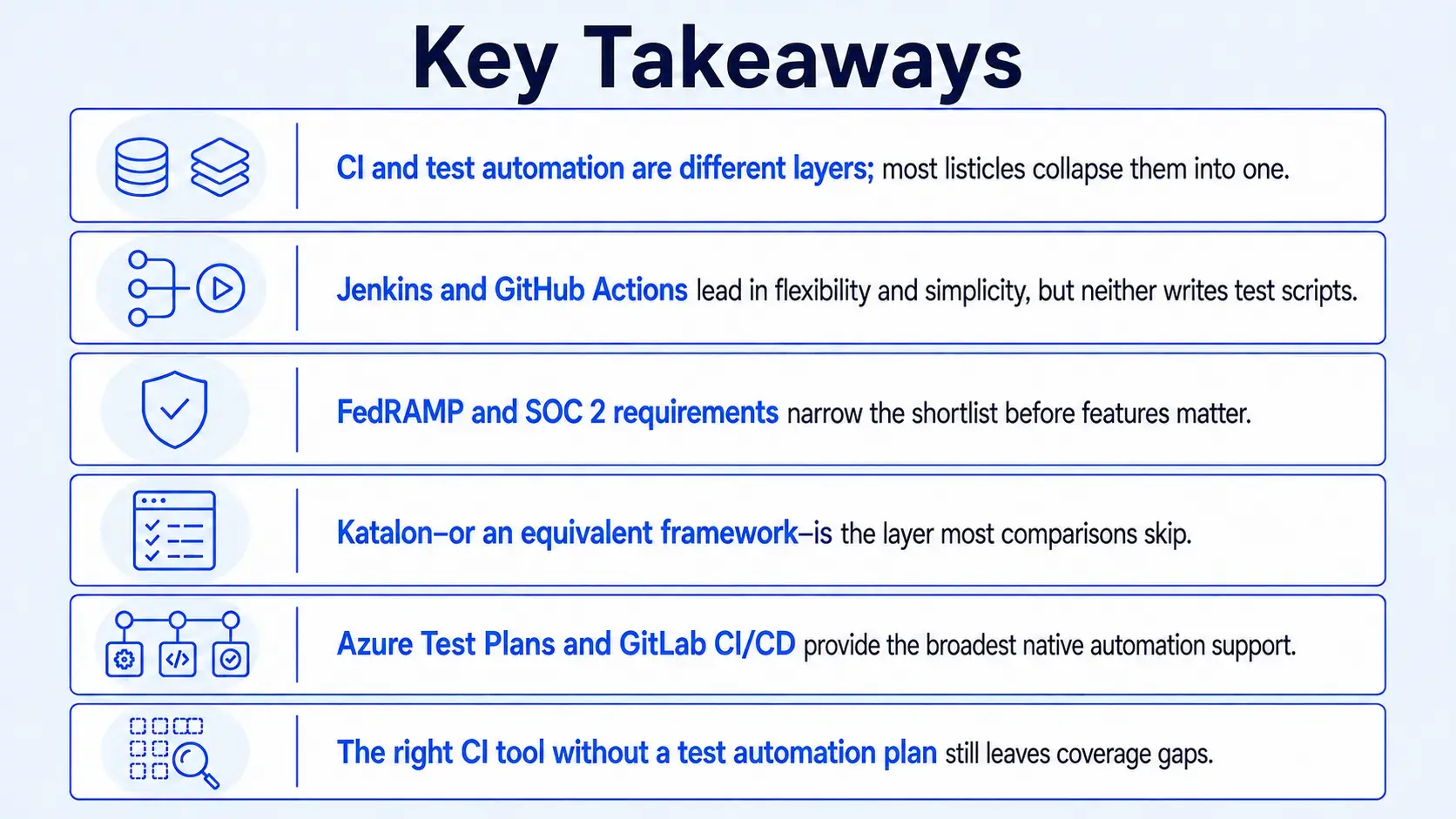
The twelve tools above will all build and deploy code reliably. Where teams get burned is assuming build automation and test automation solve the same problem. They don't. Deployment model and existing stack narrow the shortlist fast, but test automation fit is the axis almost nobody scores on.
That's the gap worth closing before the next release, not after a coverage miss forces the conversation. Pick the CI tool that fits your stack and compliance needs, then treat the test automation layer as a separate, deliberate decision rather than an afterthought bolted on once the pipeline is already live.
People Also Ask (FAQs)
Q1. How much engineering time does migrating from Jenkins to a SaaS CI tool actually take?
Ans: Most mid-size teams underestimate this by half. Budget two to four weeks for a straightforward pipeline, longer if custom plugins do undocumented work. Migrate one pipeline first, validate it in parallel, then move the rest once trust builds.
Q2. Can a test automation framework move with us if we switch CI tools later?
Ans: Yes, if built as a separate layer from the start. Frameworks like Katalon or Selenium suites live outside the CI tool and get re-triggered next. Teams hard-coding test logic into CI scripts rewrite everything during migration.
Q3. Is a more expensive CI tool ever the cheaper option long-term?
Ans: Often, yes. A tool with better native test automation support can save more in engineer-hours than its list price adds, especially past a few hundred tests. Model current manual triage time before comparing sticker prices across vendors.
Q4. What breaks first when a fast-growing team outgrows its CI setup?
Ans: Build queue times, almost always. Parallel execution limits and shared runner contention show up long before storage or compliance become the bottleneck. Watch queue wait time as a leading indicator, not just pass or fail rates.
Q5. How do we know if our current test suite is actually trustworthy?
Ans: Track flake rate and mean time to detect a real regression, not just pass percentage. A suite passing 98 percent of runs but taking three days to catch a broken checkout flow is not trustworthy, whatever the dashboard says.


.webp)

.webp)