It started the way most squads fall apart - not with a fight, but with distance. College ended. Jobs happened. The open mic nights stopped. The midnight crew that used to hang out until 3 am went quiet.
Then someone dropped a message in the group chat. "Discord. Tonight. Fun Train Time."
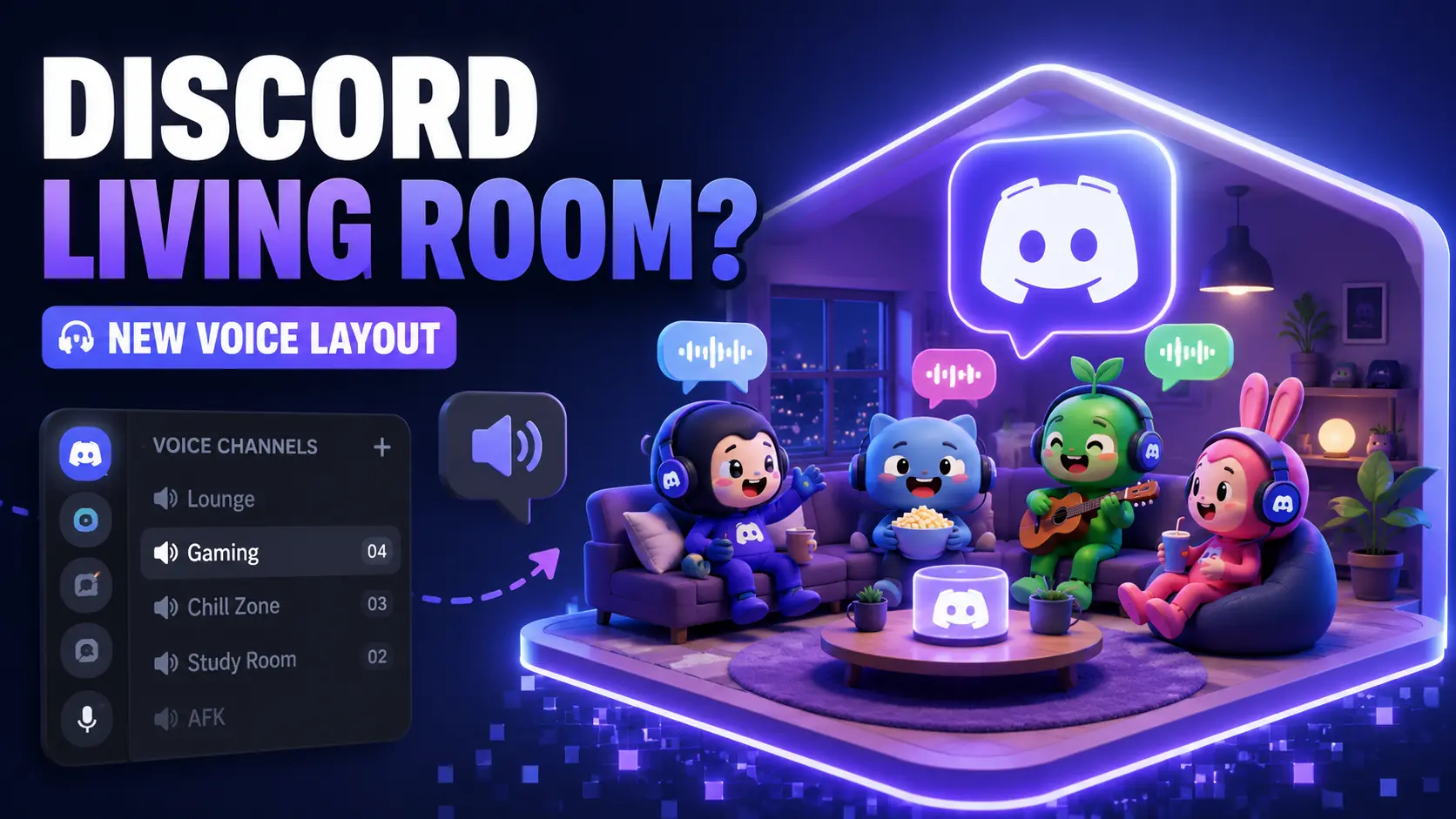
That feeling is exactly what Discord's new Living Room layout is built to recreate at scale. A spatial hangout inside Discord voice channels where users drift between virtual spaces, find mutual interest groups, connect through Bots and Activities, and let spatial audio do the rest.
It is not live for everyone yet. That is intentional - and the QA story behind it is what every engineering team should study.
What Is Discord's New Living Room Layout?
The Living Room layout reimagines voice channels as virtual spaces where users can simply be present - no agenda, no structured call, just ambient social connection. Avatars sit in a room-like arrangement. Spatial audio shifts based on where users are placed. Activity indicators show who is around without demanding that anyone speak first.
It is not VRChat. It is not Gather. town. It lives inside your existing Discord server, with your existing user profiles and custom roles intact, with zero additional setup.
Right now, a standard voice channel shows a flat list of names. It works. But it carries the energy of a meeting. The Living Room layout replaces that with something closer to walking into a shared space and settling in.

How Is It Different from a Regular Voice Channel?
What stays the same: your server, your custom roles, your Bots and Activities, your friends list. What changes is how occupying that space together actually feels.
Why This Makes Online Hangouts Actually Feel Like Hanging Out
Sociologists call them "third places" - spaces that are neither work nor home, where people gather simply to be around others. Discord has quietly become that virtual third place for millions of users. The Living Room layout is Discord's most direct attempt yet to honour that role.
The feature leans into ambient presence. A study group is working quietly in parallel. A gaming crew keeps the Red House server warm between matches. Long-distance friends sharing a cup of tea over voice and video chat. These are real moments that a flat avatar list cannot hold.
The Communities That Will Love This Most
- Study-with-me servers, where mutual interest keeps people present without requiring conversation
- Gaming crews use servers like Yellow House for downtime between sessions
- Creative communities built around niche interests, serendipitous encounters, and open mic energy
- Long-distance friend groups who want presence, not a scheduled call
What Features Come With the Living Room Layout?
Based on what Discord has shared publicly:
Some of this is still being refined. Spatial audio performance at larger group sizes is one area Discord is actively testing before broadening access.
Can You Customise Your Space?
Discord has signalled that personalisation fits their broader push around digital identity - the same thinking behind contextual profiles and custom roles in servers. Whether the Living Room layout extends to room themes or decorations is still being worked through publicly.
Let’s feel the Virtual world . Gather with your Friends and Just Vibe
How Discord Is Testing the Living Room Before It Reaches You
Discord does not ship a feature this different by flipping a single switch for 200 million users. The Living Room layout goes through a careful, staged rollout - starting internally, then moving to a limited beta cohort, then expanding gradually based on what the data shows.
If you have seen a banner design in Discord marking something as "in testing," this is exactly that process in action.
What Does Beta Testing Mean for a Feature Like This?
Beta testing is a real but limited rollout designed to catch what internal testing cannot: actual user behaviour under real conditions. For the Living Room layout, Discord is likely watching:
- Does spatial audio hold up when group sizes scale?
- Does the layout render correctly across Discord web, desktop, and mobile?
- Do users with different custom roles experience the feature consistently?
- Do people return to it after the first session, or does engagement drop off?
Feedback and Surveys built into the app feed directly into this process - shaping decisions before the feature reaches everyone.
Why Discord Rolls Out Features Gradually - Not All at Once
Opening to 200 million users on day one with no soft launch, no feedback loop, and no room to fix problems quietly - that is the scenario staged rollouts exist to prevent.
Discord watches three things during a staged rollout: technical stability, user behaviour, and community feedback through Discord Product News and Updates channels. The Living Room layout is a meaningful shift in how voice channels work. Getting it wrong for a small test group is manageable. Getting it wrong at full scale is not.
Feature Flags - The Switch Discord Uses to Control Who Sees What
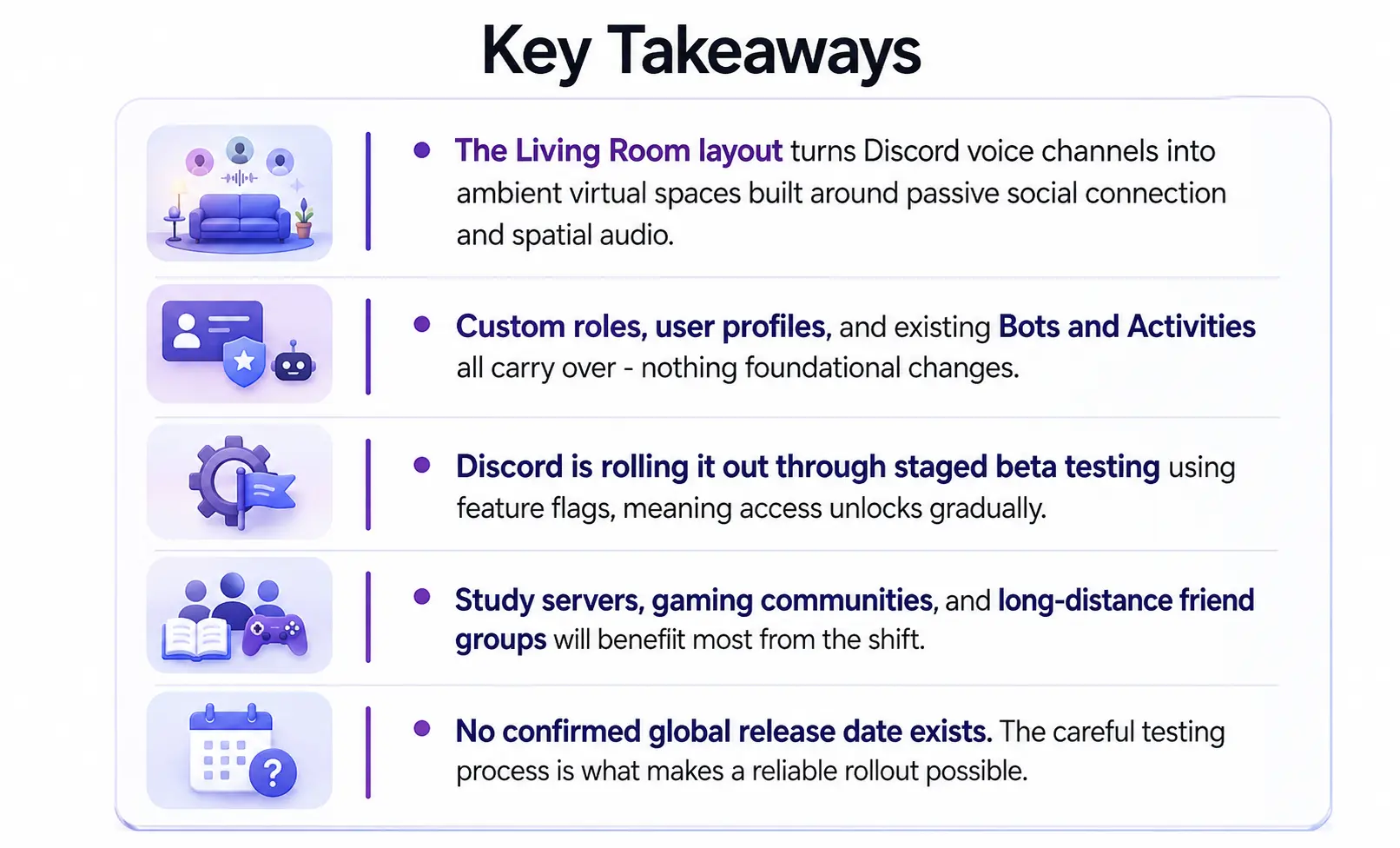
A feature flag is a switch built into the app that controls whether a specific user or server sees a new feature. Discord builds the Living Room layout into the client for everyone - but only activates it for users inside the current test group.
This is why your friend might already have the Living Room visible in their voice channels while yours looks unchanged. Same app. Different cohort.
How Discord Listens to Testers During a Beta
Discord collects feedback through in-app prompts, Feedback and Surveys tools, bug report channels, and usage data. Joining Discord's beta programme through the desktop app settings puts you in the rooms where these decisions get made.
When Will Discord's Living Room Be Available to Everyone?
No confirmed date has been given publicly. That is the honest answer - and the right one. A Living Room layout that breaks ambient presence at 50 users would be worse than no Living Room at all. Watch Discord's official announcement channels and your voice channel interface for changes in the coming months.
Conclusion
The midnight crew went quiet. Then someone sent a message. And suddenly the room felt full again. That is what Discord is chasing with the Living Room layout not a better voice chat, but a virtual third place where spatial audio fills the silence and showing up is enough. No agenda. No schedule. Just presence.
Whether it is a big day worth celebrating together or a quiet Tuesday where interest-based subspaces keep different friend groups warm in the background, the Living Room holds it. No big brother energy forcing everyone onto a call. Just people occupying the same space, the way they used to.
The staged rollouts, the Feedback and Surveys, the careful beta testing that is not slowness. That is how you build something that holds up when millions of people try to use it to rebuild what distance took from them. The open mic nights stopped. Discord is building the room to bring them back.

People Also Ask (FAQs)
Q1. What is Discord's Living Room layout?
Ans: A spatial voice channel experience designed for ambient social connection. Less structured than a call, more like sharing a room with your friends while everyone does their own thing.
Q2. Is the Living Room layout available now?
Ans: It is currently in limited beta testing. A broader rollout is planned, but no confirmed date has been announced publicly.
Q3. How is it different from Stage Channels or Watch Together?
Ans: Stage Channels are for broadcasting. Watch Together is for co-viewing. The Living Room is purely about ambient presence - no agenda, no required activity.
Q4. Why can my friend see it, but I cannot?
Ans: Discord uses feature flags to activate the Living Room layout for a percentage of users first. Your friend is in the current test cohort. Broader access follows in waves.
Q5. Will it affect audio quality or server performance?
Ans: Discord is testing specifically for this during the beta phase, including spatial audio stability at different group sizes. Early Feedback and survey data will shape optimisation before the full rollout.

.webp)