Generative AI is transforming software testing in 2026 by helping QA teams draft test cases, find regression gaps, summarize defects, and prioritize CI/CD risk faster. For Frugal Testing readers, the point is not replacing testers; it is giving QA teams better starting material while human reviewers keep ownership of release decisions.
That matters because modern software teams now test cloud-native applications, AI-assisted code, API endpoints, security risks, and performance changes in the same sprint cycle. This guide explains where Generative AI improves QA coverage, where it creates risk, and how teams can use it without turning quality assurance into a black box.
Why Generative AI Is Changing QA Coverage in 2026
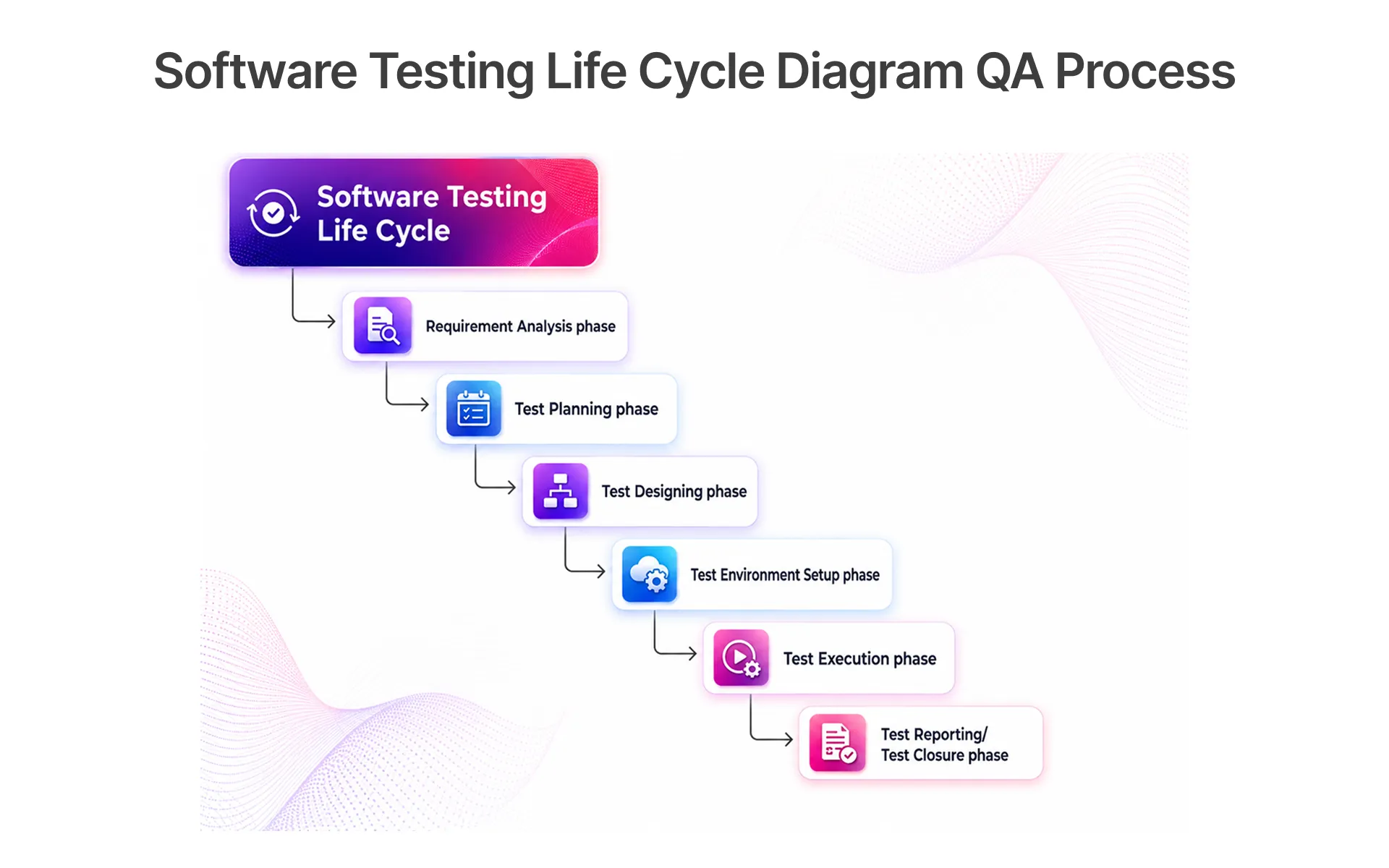
QA teams are under pressure to cover more product behavior without slowing releases. Cloud-native applications, frequent canary releases, AI-assisted development, and fast CI/CD pipelines create more change than a manual test strategy can comfortably inspect. Generative AI helps by reading requirements, repository context, bug histories, user testing notes, and production telemetry to suggest cases a tester might not list from a blank screen.
The gain is not automatic Test Coverage. It is better starting material. A QA Automation Engineer still has to ask whether the proposed cases match release risk, customer behavior, compliance exposure, and real-user data. If that review step is skipped, AI-generated test cases can become noise at scale.
Where Manual Test Design Misses Behavior Risk
Manual test design often reflects what the team remembers from the last sprint. That is useful, but it can miss older defects, integration testing edges, API endpoints that changed quietly, and user paths seen only in production behavior. Generative AI can search across these sources and surface patterns faster.
Common missed areas include:
- regression paths affected by small code generation changes
- Test Data combinations that expose role, region, or permission errors
- API contract changes that do not break happy-path smoke checks
- security vulnerabilities hidden behind unusual input sequences
This is where machine learning and large language models are useful as assistants. They can gather candidate risks, but Quality Analysts still decide which ones belong in the test execution plan.
How Generative AI Expands Test Ideas Beyond Manual Coverage
Generative AI expands test ideas by combining requirement text, historical defect leakage, and repository context into draft scenarios. For example, a checkout change may produce boundary tests, negative tests, accessibility checks, API testing cases, and regression tests tied to previous bug fixing patterns.
The useful workflow is simple:
- feed the model a specific requirement, acceptance criteria, and related defects
- ask for positive, negative, boundary, and integration scenarios
- remove duplicates and low-value cases
- map each accepted case to release risk and expected outcome
That process improves coverage without pretending that AI understands business priority on its own. Test Strategists still control the test strategy, confidence score, and final release recommendation.
How Generative AI Supports Test Case Generation
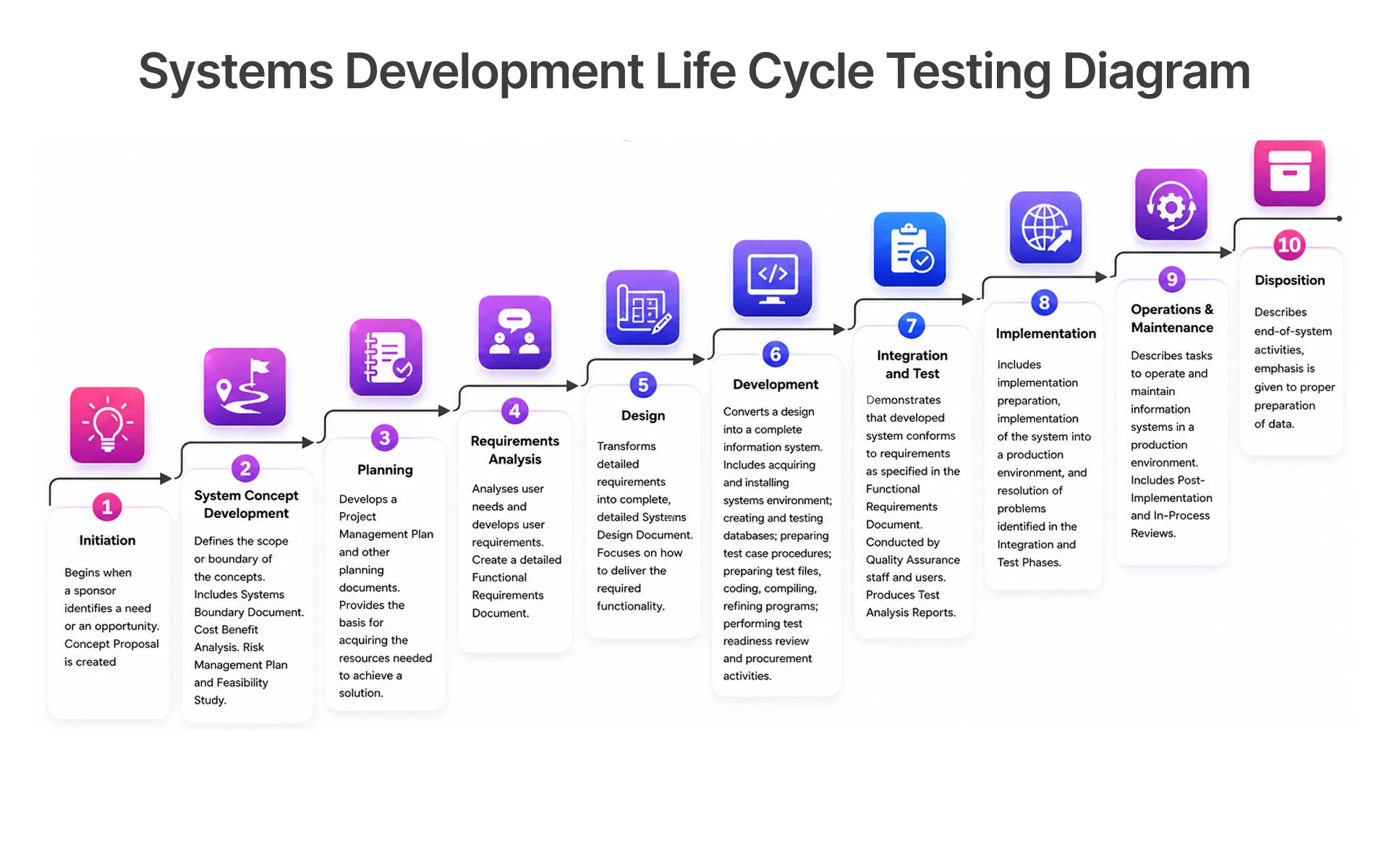
Test Case Generation is one of the clearest 2026 uses for generative artificial intelligence in QA Testing. The model can turn user stories, Gherkin format scenarios, API documentation, and conversational interfaces into draft cases that testers can refine. It can also help produce edge cases when requirements are incomplete.
The table below maps where generative AI assists versus where human QA retains final ownership across five core testing activities:
The best results come when teams treat the model output as a review queue, not a finished artifact. Good QA teams ask: does this case protect a real customer journey, a critical integration, a compliance rule, or a release blocker? If not, it does not belong in the regression suite just because an AI tool generated it.
Turning Requirements and User Stories Into Test Cases
A practical requirement-to-test workflow starts with clean context. QA teams can provide acceptance criteria, user roles, data sets, API endpoints, and known defect patterns. Generative AI can then draft tests for normal flows, boundary values, permissions, error states, and integration behavior. Similar AI-driven workflows can also be used in specialized product-development tools such as an ai techpack, where structured product information can be organized and reviewed more efficiently.
A useful prompt asks for:
- business rule being tested
- preconditions and Test Data
- test steps or automation intent
- expected result
- risk if the case fails
This structure helps QA teams avoid shallow test documentation. It also gives automation engineers a cleaner bridge from manual thinking to Automation Scripts, especially when GitHub Copilot or similar coding assistants are used for script scaffolding.
Keeping Human QA Ownership Over AI-Generated Cases
AI-generated test cases should never enter test suites without review. A tester should approve scenario relevance, expected outcomes, test data safety, and whether the case belongs in smoke, regression, exploratory testing, or release-blocking coverage. That ownership protects teams from false confidence.
Review should check three things:
- whether the case maps to a real product risk
- whether the expected result is specific and testable
- whether the same intent is already covered elsewhere
This is also where Knowledge Debt, intent debt, and cognitive debt matter. If product rules live only in scattered tickets and old conversations, AI Agents may generate plausible but wrong tests. Clear ownership and better test documentation keep the workflow grounded.
AI Test Automation Workflows for Regression and CI/CD
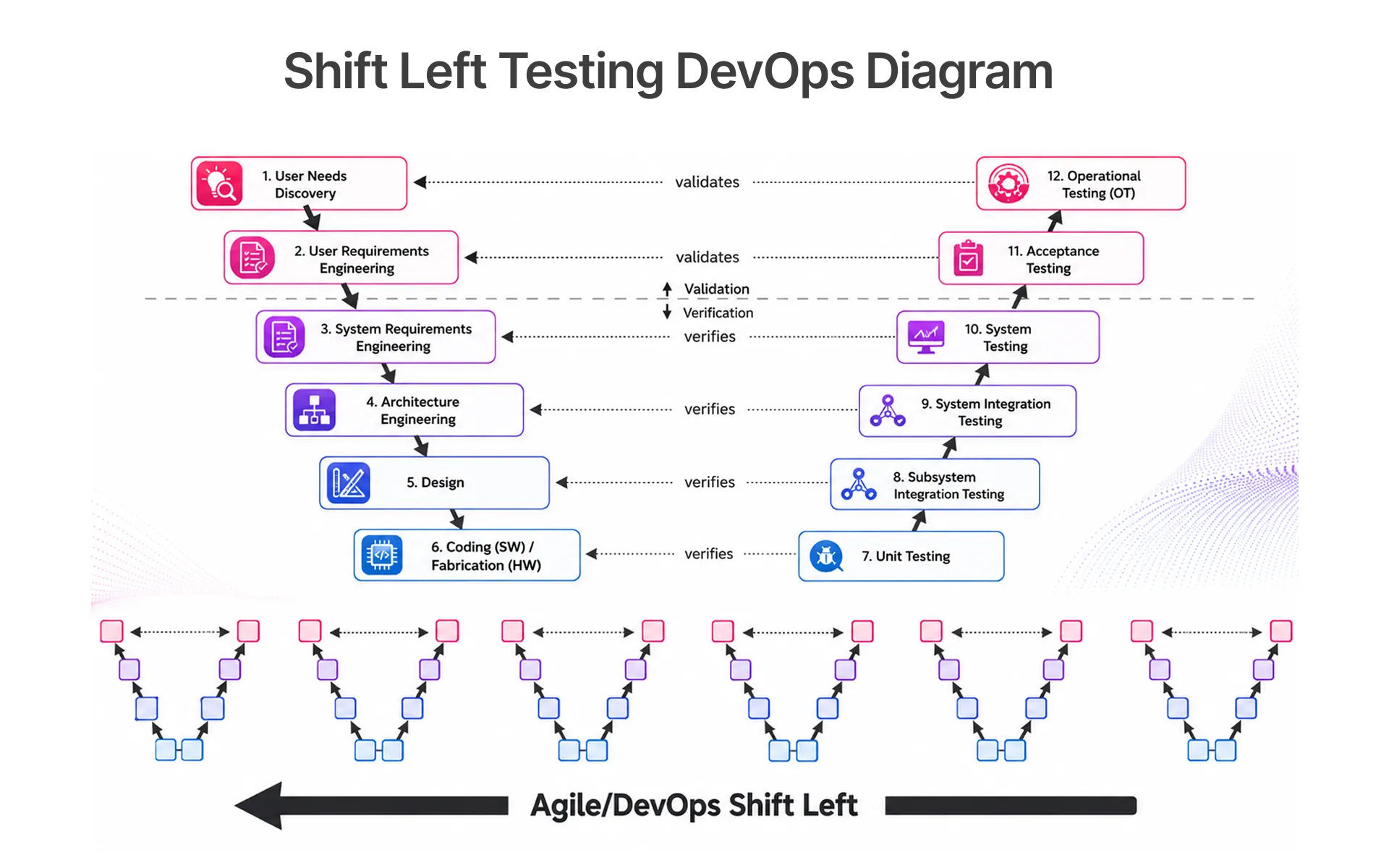
AI test automation is most useful when it reduces repetitive maintenance and improves risk selection. It should not simply generate more scripts. In fast-moving software engineering teams, the expensive part is often script maintenance, flaky test triage, and deciding which regression tests matter for a specific change.
For CI/CD pipelines, AI can help classify commits, suggest affected test areas, summarize failed runs, and prioritize defects. DevOps QA Engineers can use those signals to decide whether a build should move forward, pause for investigation, or trigger deeper Automated Testing.
In Frugal Testing's AI-assisted QA engagements, teams that introduced generative AI for regression test prioritization and defect clustering reduced test maintenance effort by 30-40% within the first two sprint cycles while catching 15-20% more escaped defects through AI-surfaced coverage gaps that manual test design had consistently missed.
Reducing Script Maintenance Across Fast-Changing UI Flows
UI flows change often, especially in cloud-native architectures and AI-driven software development environments. Generative AI can assist script maintenance by comparing old locators, new UI structure, screenshots, and failure logs. It can suggest updated selectors or point to the likely break.
Patterns that are useful in practice:
- locator repair for renamed buttons, labels, and form fields
- failed assertion summaries from test execution logs
- reusable helper suggestions for repeated UI actions
- duplicate script detection across similar flows
The QA team still needs to approve changes. A self-healing suggestion can hide a real product defect if the new behavior was not intended. Automation is helpful only when the tester can trace why a script changed.
Using Risk-Based Prioritization Before Test Execution
Regression testing becomes expensive when every change triggers every test. Generative AI can support risk-based prioritization by reading code diffs, defect history, production telemetry, and recent user satisfaction signals. It can then suggest which test suites should run first.
A strong prioritization model considers:
- files and services touched by the commit
- recent defect rates in the affected area
- customer impact and usage frequency
- security scanning or compliance violations tied to the change
This supports continuous assurance rather than blind automation. DORA metrics may show faster deployment, but QA teams still need defect leakage and production behavior data to know whether speed is improving quality.
AI in QA Testing Workflows With Concrete Implementation Examples
AI in QA testing works best when teams pick narrow, inspectable workflows. Broad promises create confusion. Concrete workflows make responsibilities visible: AI drafts, summarizes, classifies, or compares; testers decide, approve, and improve.
Good starting points include exploratory testing support, API testing analysis, defect clustering, Test Data review, and failure summary generation. These workflows reduce time spent reading repetitive material while preserving human judgment.
Exploratory Testing With Logs, Tickets, and User Behavior
Exploratory testing improves when testers can see patterns across logs, support tickets, real-user data, and Customer Behaviors. Generative AI can summarize that material and propose charters for areas that need investigation. The tester then chooses what to explore and what evidence to collect.
Examples of practical charters include:
- investigate checkout failures after a payment API change
- explore permission behavior for new admin roles
- test mobile recovery paths after network interruption
- compare production telemetry with expected user journeys
The value is focus. Instead of beginning with a blank session, testers begin with a set of plausible risk areas and then use their judgment to confirm or reject them.
API Testing, Contract Checks, and Defect Detection Support
API testing is a strong fit because API documentation, payloads, schemas, and logs are structured enough for AI tools to summarize. Generative AI can suggest missing negative tests, compare API endpoints, and identify contract testing gaps between services.
Useful checks include:
- missing validation cases for required fields
- unexpected status codes in logs
- mismatch between documentation and actual response shape
- repeated defect patterns across integrations
Defect Analysis also becomes faster when the model clusters similar failures. But root cause remains a human task. The model can show what looks related; QA teams and developers still verify the failure path.
AI Testing Tools and Platform Evaluation
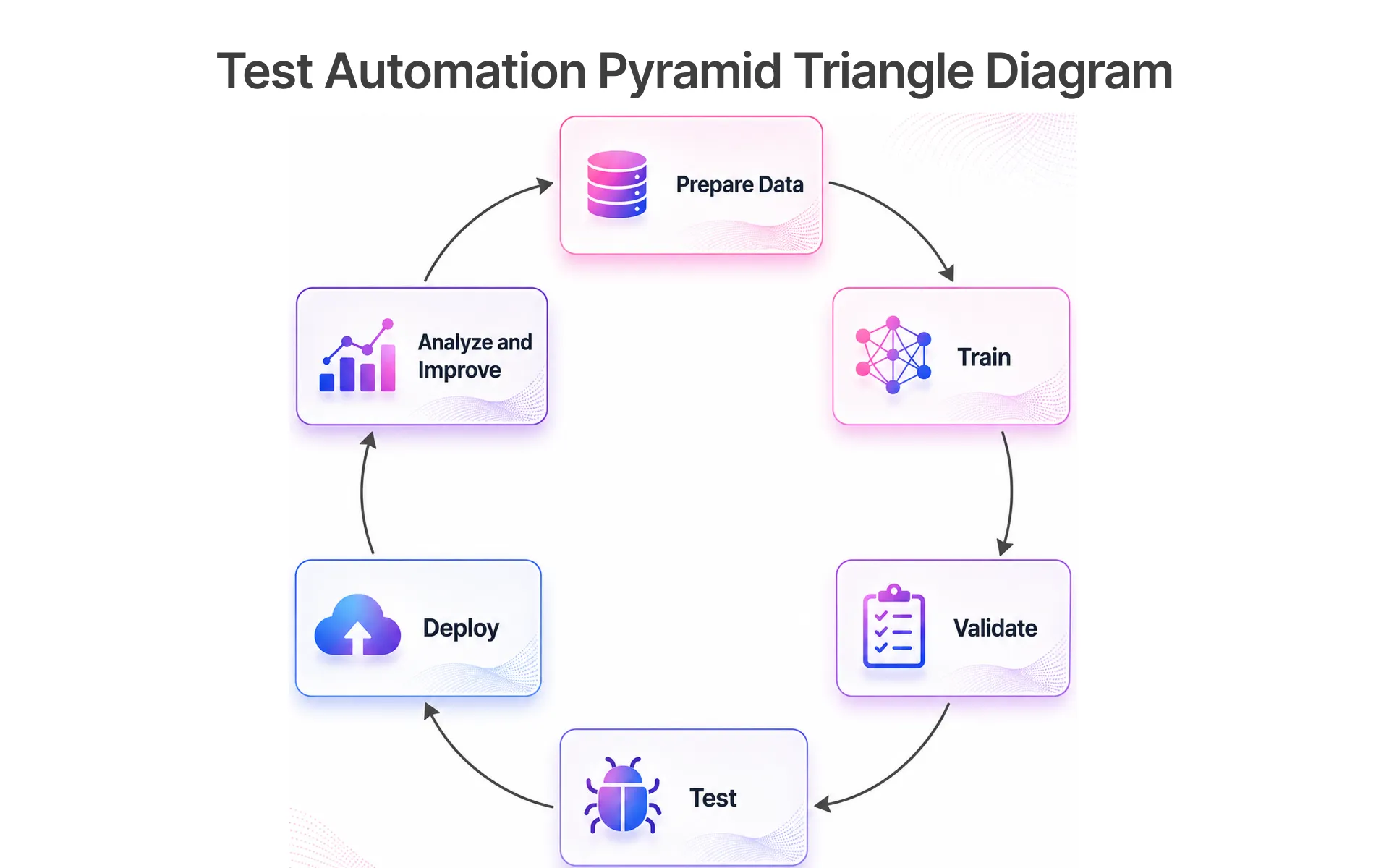
Tool selection should start with workflow fit, not feature lists. AI testing tools vary widely: some focus on visual testing, some on script maintenance, some on Test Case Generation, and some on analytics. A platform that helps one QA team may create Technical Debt for another.
The safest evaluation approach is to run a small pilot against real test assets. Use a representative regression suite, real CI/CD behavior, sensitive Test Data constraints, and a few known defects. The tool should prove that it improves test coverage or reduces maintenance without making ownership unclear.
What QA Teams Should Compare Before Adopting AI Testing Tools
Before buying or adopting generative AI tools, QA teams should compare how each platform handles context, traceability, test data, and review. A tool that generates many cases is less useful than one that explains why those cases matter.
Evaluation points include:
- repository context and supported frameworks
- integration with DevOps platforms and CI/CD pipelines
- review controls for QA Automation Engineers and Test Strategists
- reporting for coverage, defects, and confidence score
- data handling for regulated or sensitive environments
Teams should also check whether the tool supports their actual stack. Microsoft 365 workflows, Power BI reporting, cloud-native applications, and platform engineering environments may need different integration paths.
Security, Privacy, and Test Data Controls to Verify
Security testing and privacy controls should be reviewed before any AI workflow touches production-like data. Test Data may include user identifiers, payment patterns, access permissions, or business-sensitive logs. Sending that into an external model without controls can create risk.
A practical review covers:
- what data the tool stores or trains on
- whether sensitive values can be masked
- access controls for QA teams and vendors
- audit logs for generated tests and accepted changes
- handling of online attacks, malformed data, SQL command payloads, and similar security scenarios
AI can support security scanning and defect detection, but it can also create new exposure if teams treat it as a casual text box. Governance belongs inside the testing lifecycle, not after the pilot.
AI Testing Services, Ownership, and Implementation Choices
Some teams can build AI-assisted QA workflows internally. Others need AI testing services because they lack time, tooling experience, or enough QA Automation Engineers to design safe workflows. The decision depends on risk, team maturity, and how quickly the organization needs results.
Service support is most useful when teams need test strategy, framework selection, pilot design, risk-based assurance, and quality engineering guidance. Internal ownership still matters. A partner should improve the QA system, not become a black box.
When Internal QA Teams Should Keep Ownership
Internal QA teams should keep ownership when domain knowledge is deep, data is sensitive, or product rules change frequently. They understand release context, user impact, and the difference between a useful test and a noisy one.
Keep ownership when:
- requirements depend on internal business rules
- test data is highly sensitive
- CI/CD release decisions require product context
- the team already has strong automation and review practices
In these cases, external tools can assist, but internal testers should approve the test strategy, regression suites, and release confidence criteria.
When External AI Testing Support Reduces Delivery Risk
External AI testing support helps when teams need a faster start, a neutral audit, or implementation experience across similar systems. A QA partner can help design the first pilot, compare tools, and define review gates before the workflow scales.
Support is useful for:
- building an AI-assisted test generation workflow
- reviewing existing automation scripts and flaky tests
- adding API testing, visual testing, or performance testing coverage
- creating quality gates for continuous assurance
The goal is not to outsource judgment. The goal is to reduce delivery risk while the internal team builds confidence, governance, and repeatable quality practices.
Conclusion: Build AI-Assisted Testing With Clear QA Ownership
Generative AI is transforming software testing by making QA work faster to start, easier to analyze, and broader in coverage. The real advantage appears when teams combine AI-generated suggestions with disciplined human review. Without that review, teams can end up with more test cases but less confidence.
In 2026, the strongest QA teams will use AI for drafting, summarizing, clustering, and prioritizing while keeping humans responsible for test strategy, Test Coverage decisions, risk trade-offs, and final release confidence. To plan that balance with a QA partner, visit the Frugal Testing website and explore a testing approach built around clear ownership, practical coverage, and release confidence.
Practical Next Steps for QA Leaders in 2026
QA leaders can start with one focused workflow instead of redesigning the whole testing lifecycle. Choose an area where the team already has enough data to review the output: regression testing, API testing, defect analysis, or test documentation.
A practical first month can include:
- choose one product area with recurring regression risk
- collect requirements, defects, logs, and existing tests
- generate draft test cases or failure summaries
- review every output against real release risk
- measure coverage, maintenance effort, and defect leakage
That small, measured approach gives teams evidence before scale. It also keeps quality assurance in control of the process while still gaining speed from Generative AI.
People Also Ask (FAQs)
Q1. How should QA teams validate AI-generated test cases before adding them to regression suites?
Ans: QA teams should validate AI-generated test cases by checking each case against release risk, expected outcomes, Test Data, and existing coverage. A test should enter regression suites only when it protects a real user journey, integration, compliance rule, or defect-prone area.
Q2. What metrics show whether generative AI is improving test coverage?
Ans: New risk areas covered, duplicate cases removed, escaped defects reduced, and time saved during test design show whether generative AI improves test coverage. Coverage should still be measured by risk protected, regression suite relevance, and defect leakage, not just by test count.
Q3. Which risks should teams check before using AI testing tools in CI/CD?
Ans: Teams should check data privacy, flaky test behavior, review controls, false confidence, vendor retention policies, and whether generated changes can be traced. CI/CD pipelines need clear gates so AI suggestions do not automatically approve risky releases.
Q4. How can teams protect test data when using generative AI in QA?
Ans: Teams can protect test data by masking sensitive values, using synthetic data, limiting model access, reviewing retention policies, and avoiding production secrets in prompts. Test Data governance should be part of the AI testing workflow before a pilot begins.
Q5. When should a QA team use AI testing services instead of only internal tools?
Ans: A QA team should use AI testing services when it needs faster pilot design, tool evaluation, or help building review gates. Services are most useful when internal teams want implementation guidance without losing ownership of quality decisions.


.webp)