


A single crash on a real user’s device that your QA team never saw coming that’s the gap this article is about. With rising user expectations and faster release cycles, ensuring consistent mobile app testing and software testing quality has become increasingly difficult.
Some teams build an in-house QA setup to maintain control, while others rely on mobile testing tools, outsourced QA services, or cloud-based device farms to scale without expanding their teams. The challenge is not choosing between manual and automated testing, including AI-driven test automation services, but deciding which approach actually supports your product as it grows.
The best choice depends on your team size, budget, and how complex your updates are. This guide compares building your testing capabilities with using outside services. It looks at costs, testing strategies, and outcomes. This will help you choose what works best for your product in 2026.
Mobile Testing Tools: Are They Really Worth It for Your Team?
Choosing a mobile testing tool seems simple at first. But a few months in, things start to look different test scripts become flaky, compatibility gaps show up, and teams begin to question whether they can fully rely on automation.
The promise is speed and scalability. The reality depends on how well the tool fits into your workflow and how mature your QA automation process actually is.
What issues do mobile testing tools really fix?
Mobile apps behave differently across devices, operating systems, and network conditions, making consistent mobile app testing difficult to manage manually. Trying to handle this variation across every device quickly becomes overwhelming without the right tools.
Testing tools bring some order to that complexity. They help teams track coverage, run consistent regression tests across devices, and actually measure things like defect leakage instead of guessing.
Is your team spending too much time on manual testing? How Tools Help
Over time, this repetition causes delayed releases, missed bugs, and quality assurance engineers wasting hours on tasks that can be easily automated.
With a setup, automated tests can run immediately after a new build is available, identifying problems early and giving more time for significant testing tasks. Repeating the same test cases every sprint slows down the overall testing process. The right setup of automated tests helps catch issues and frees up time.
Top Advantages of Mobile Testing Tools That Give Teams a Competitive Edge
- Tests can run in parallel across multiple devices, cutting execution time significantly
- Tools like Appium allow the same scripts to work across both Android and iOS
- Backend issues can be caught early through API-level testing
- Test cases can be reused and scaled as the product grows
- Performance testing becomes much more practical compared to manual efforts
Real-World Example: How a Fintech App Reduced Regression Testing Time Using Automation
A fintech and retail tech company operating India’s first self-ordering mobile POS platform approached Frugal Testing when their in-house team could not handle 50 concurrent users running 100 transactions simultaneously under peak load. Manual testing was simply not built for that scale. Frugal Testing built an automated framework using Selenium Grid that ran consistently without human intervention, cutting repetitive regression testing cycles, catching numerous functional defects affecting application performance that the manual process had missed, and delivering a consolidated analysis report across all 50 concurrent users for the first time.
Read the full case study here to see how Frugal Testing delivered scalable functional testing solutions for high-load fintech applications
Before You Buy 5 Limitations of Mobile Testing Tools Teams Often Overlook
- High setup cost: Open-source frameworks like Selenium WebDriver and Playwright framework require real engineering time to build properly
- UI change breakage: Test scripts tied to specific interface elements break every time the user interface is updated
- No exploratory coverage: Automated test suites miss usability issues that only a QA tester with human judgment can catch
- Device coverage ceiling: Even cloud-based device farms cannot cover every real device your users actually own
- Scaling costs: Commercial tools get expensive fast as parallel execution and test environment demands grow with your app
In-House QA Team: The Right Move or an Expensive Commitment?
Many teams build an in-house QA team to maintain control, improve collaboration, and keep product knowledge within the team.
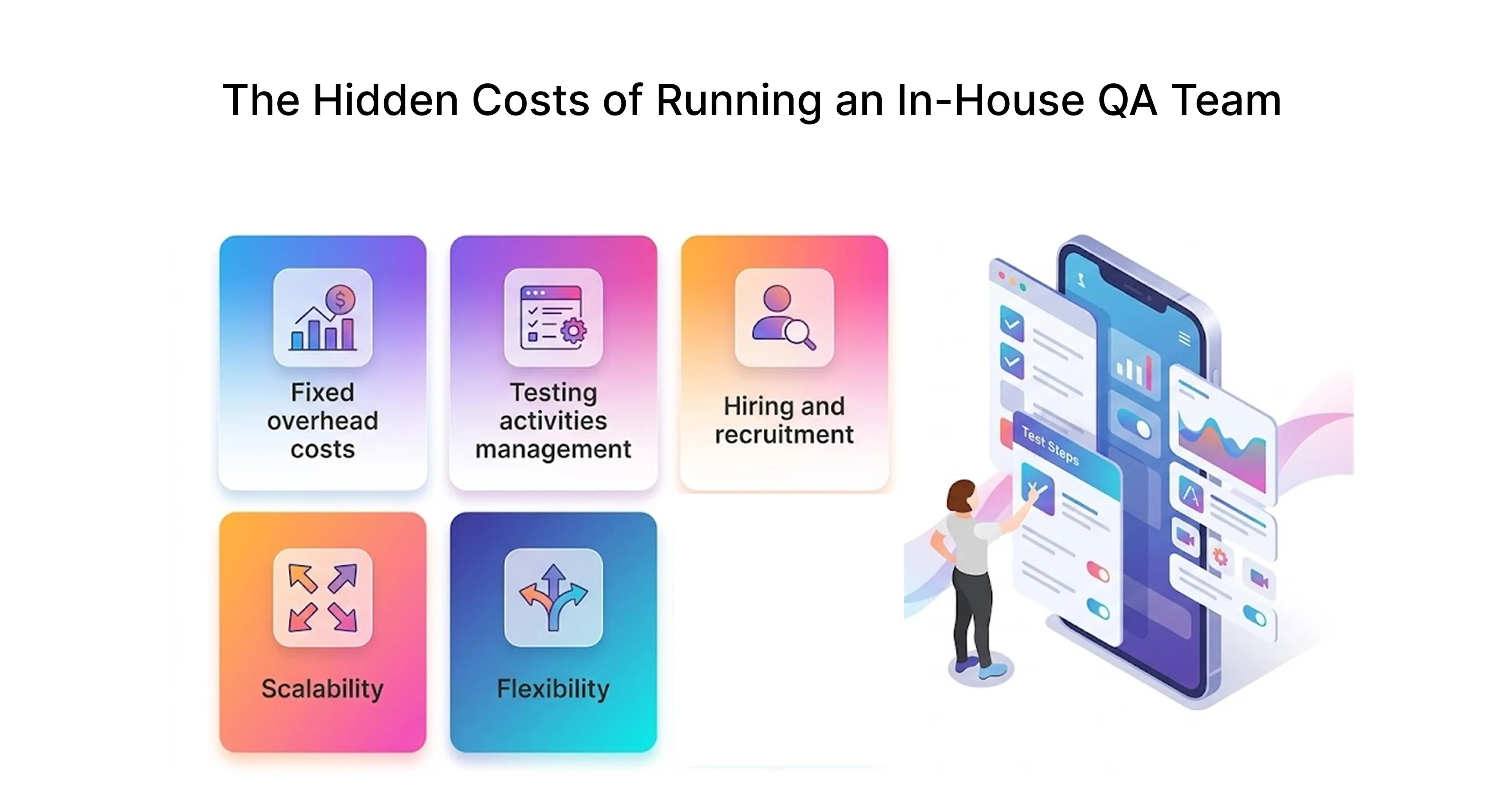
What often gets overlooked is how quickly the cost and effort of maintaining that setup grows. As release cycles speed up and the product scales, keeping mobile app testing, test coverage, and overall software testing quality consistent becomes significantly harder.
How Does an Internal QA Team Appear? Functions, Organization, and Accountability
Most people think QA is about testing features. But it actually goes much deeper than that.
A typical team has testers, automation engineers, and a test lead. The test lead keeps everything on track, with release timelines. Depending on the product, there may also be specialists. They handle performance testing, security, or compatibility testing.
Behind the scenes, teams handle tasks like maintaining test cases, managing environments, tracking defects, and collaborating with developers to resolve issues. These tasks do not stop when your team moves from one sprint to the next. They continue across releases and require consistent effort to maintain software testing quality.
Why Many Product Teams Still Prefer Keeping QA In-House
- Deep product familiarity: In-house QA engineers already know the fragile workflows and the UI changes that break something three screens away from where you touched the code
- Faster communication: No back-and-forth with external software testing service providers, issues get caught and fixed inside the same team.
- Stronger security protocols: Products handling sensitive user data or SOC 2 compliance cannot afford third-party access to their test environment.
- Test-driven development culture: When QA engineers sit next to developers daily, software reliability improves because the culture makes it unavoidable.
The Unspoken Difficulties of Managing an Internal QA Team
As product complexity and release frequency increase, scaling an in-house QA team becomes harder to manage. Maintaining consistent mobile app testing, compatibility testing, and overall software testing quality across devices often leads to gaps in coverage, allowing defects to reach real users.
At the same time, your team has to deal with a wide range of devices, adding another layer of complexity to mobile app testing. Covering enough real devices to reflect actual user behavior becomes less about team effort and more about infrastructure, something headcount alone can’t solve.
So, Which One Is Actually Right for You? A Simple Decision Framework
The right answer depends on three factors: compliance requirements, release frequency, and how much QA automation testing expertise already exists in your team.
- Choose in-house QA if → SOC 2 compliance matters or release cycles are stable enough to justify a permanent QA and software testing team.
- Choose outsourced QA testing services if → you need mobile app QA testing to scale fast, and have no automation strategies expertise in-house.
- Choose hybrid if → core quality assurance stays internal, while outsourced software QA handles cross-browser testing and peak release periods your team cannot cover.
Comparing Efficiency and Effectiveness
Speed and quality pulling in opposite directions is the reality most QA teams live in daily. Push releases faster, and test coverage takes the hit. Slow down for thorough testing, and the product roadmap suffers.
This comparison looks at how mobile testing tools and in-house QA teams perform across speed, software testing quality, and adaptability helping you understand where each approach fits as your product scales.
Speed of Testing
Quality Assurance Outcomes
Regression control is no longer a guessing game; test scripts run the same in every build, and defect leakage rate can be tracked thanks to consistency. What they cannot catch is when a checkout process feels three steps longer than it should or when a UI modification made something theoretically sound but actually difficult to use. That judgment belongs to someone who actually uses the app like a real person would. Teams with the strongest software reliability records figured this out early tools handle the volume, humans handle the nuance.
Flexibility and Adaptability
Mobile testing tools can struggle when frequent UI changes break existing test scripts, requiring constant updates
In-house QA teams adapt better to changing requirements but only up to a point, especially as workloads increase. In practice, many teams combine bothusing automation for repetitive tasks while relying on manual testing for exploratory and user-focused scenarios
Mobile Testing Tools vs In-House QA: What Does It Actually Cost Your Business?
Budget conversations around QA rarely go well when teams underestimate what either option truly costs. The licensing fee for a mobile app testing tool is the number everyone sees but the engineering hours, maintenance overhead, and scaling surprises are the numbers that actually hurt.
Breaking Down the Real Costs: Initial Setup, Licensing, and Ongoing Expenses
ROI Comparison Mobile Testing Tools vs In-House QA Over 12 Months
A recent Forrester Total Economic Impact™ study commissioned by TestRail found that teams using test management software combined with QA automation testing achieved measurable improvements in efficiency, test coverage, and defect tracking, with ROI typically realized within 12–14 months. (Source: Forrester Total Economic Impact™ Study commissioned by TestRail)
In contrast, in-house QA and software testing setups often take longer to reach full efficiency due to hiring, onboarding, and process standardization. The return depends on how quickly teams can scale mobile app testing, implement automation, and maintain consistent test coverage across releases.
Long-Term Financial Implications: What Happens as Your App Scales?
Scaling a mobile app testing tool setup means higher licensing tiers, more parallel execution capacity, and wider cloud-based device farm coverage, all of which accumulate quickly. Scaling an in-house team means more QA engineers, more test infrastructure, and longer hiring cycles every time your app development complexity jumps. Neither path gets cheaper as the product grows. The question is which cost structure your business can actually absorb without breaking the delivery pipeline especially when advanced requirements like a load testing service become critical as your app scales.
How a Cloud-Based SaaS Company Optimised QA Without Expanding Their Team
A fintech SaaS company offering cloud-based credit repair software across 3,000+ cities needed to replicate real production behavior at scale, something their in-house team could not handle without heavy infrastructure investment. Frugal Testing stepped in as an outsourced QA testing partner, benchmarking website capacity to identify bottlenecks, monitoring CPU utilization and DB connections under load, and delivering infrastructure testing results the client could act on immediately without adding a single permanent headcount.
Finding the Right Balance: How to Build a Cost-Efficient QA Strategy for Your Team
- Early stage: lean on open-source frameworks and mobile app testing tools before hiring
- Growth stage: outsourced QA services handle volume, in-house QA owns strategy
- Enterprise stage: In-house QA backed by qa automation testing services and cloud-based device farms
- Always track: cost per defect, defect leakage rate, and Mean Time to Detect.
Industry Trends and Best Practices
QA has become a critical part of product delivery, especially as mobile app failures directly impact user experience, retention, and revenue.
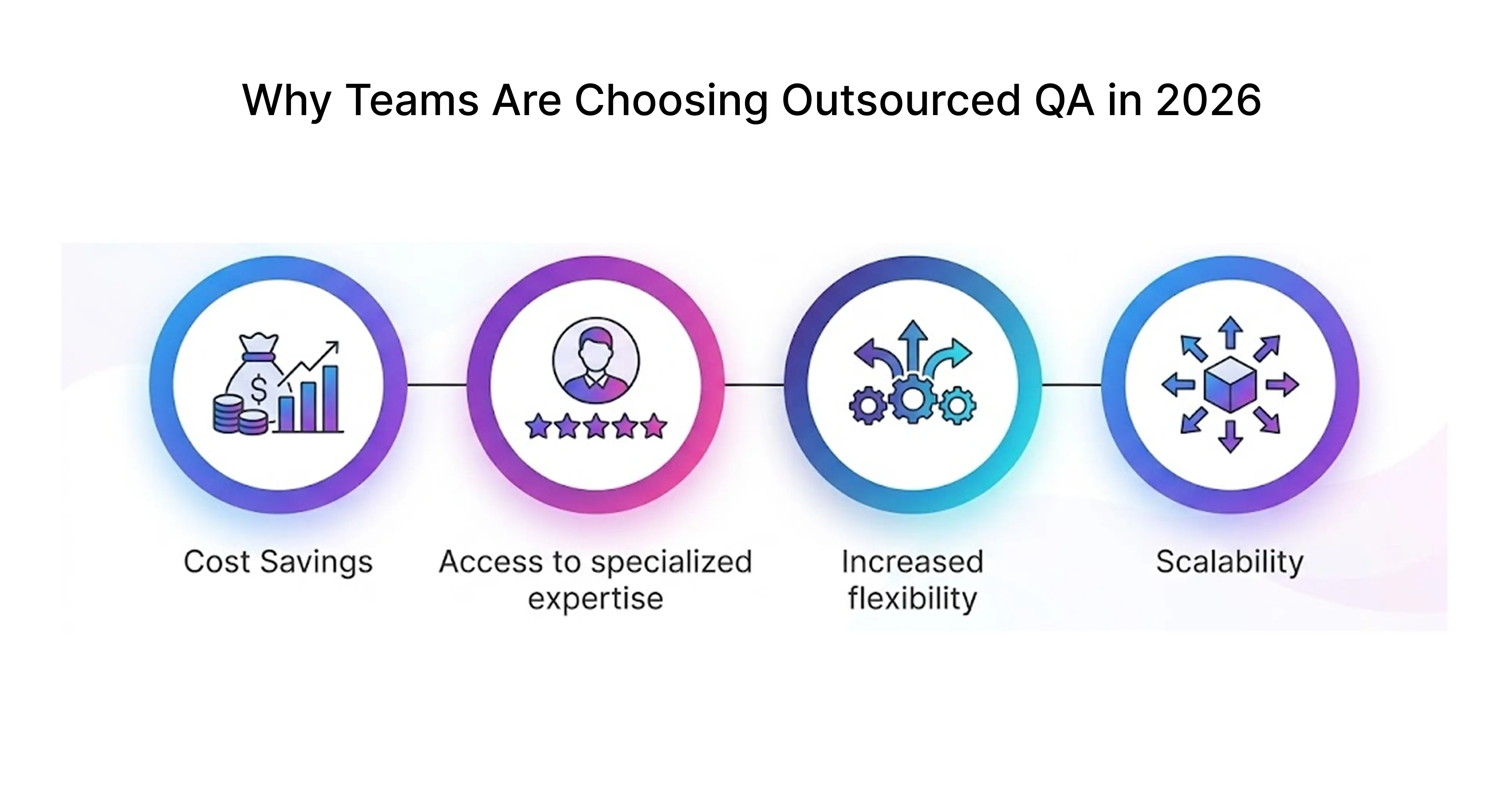
Growing Popularity of Outsourced QA
54% of organizations now supplement or replace in-house QA with outsourced testing, up from 42% three years ago (Capgemini World Quality Report 2024–25).
The global software testing market continues to grow rapidly, driven by rising demand for QA automation testing, AI-driven testing, and faster release cycles (Grand View Research). The reasons show up the same way across most teams: hiring takes time, building QA automation testing expertise in-house is expensive, and release cycles rarely slow down to accommodate either.
App development teams juggling cross-browser testing, compatibility testing, and mobile app security testing across time zones hit a ceiling with internal teams that outsourced QA partners simply do not face.
Future of Mobile Testing
AI tools now generate test scripts in minutes that previously took QA engineers days, accelerating mobile automation testing and overall software testing efficiency. Cloud-based device farms have reduced the hardware problem but shifted the challenge to configuration and coverage strategy.
At the same time, the role of QA engineers is evolving from repetitive execution to improving test coverage, optimizing QA automation testing, and making release readiness decisions.
Best Practices for Successful Testing
- Build your testing approach around your actual release cadence, not the ideal one.
- Integrate mobile automation testing into your CI/CD pipelines early retrofitting it later increases effort and cost.
- Focus first on critical user flows before expanding test coverage across the application.
- Regularly track defect leakage rate and Mean Time to Detect to catch issues early.
Conclusion
Mobile testing tools are better for speed, scalability, and handling repetitive regression testing, especially when paired with QA automation testing and cloud-based device farms. In-house QA teams work best when deep product knowledge, security control, and stable release cycles are critical.
For most growing teams, a hybrid approach delivers the best results combining mobile app testing tools for scale with in-house QA for context and decision-making. The right choice depends on your release frequency, compliance needs, and how quickly you need to scale software testing without impacting quality.
That’s where Frugal Testing comes in as a software testing services provider. They help teams adapt their QA and software testing strategy based on product needs, scale, and release requirements.
Schedule a free 30-minute consultation to evaluate the right QA strategy for your teamIf you're evaluating software testing companies in Hyderabad or looking for a scalable QA partner, this can help you make a more informed decision.
People Also Ask (FAQs)
Q1.Which mobile testing tool works best for small teams with no dedicated DevOps setup?
Ans: Small teams typically prefer tools like Appium combined with cloud-based platforms such as Browser Stack. These solutions reduce the need for device setup and provide scalable testing environments without requiring extensive infrastructure.
Q2.How do I know when my app has outgrown in-house QA and needs external testing tools?
Ans: Common indicators include slower testing cycles, delayed releases, and limited defect discovery. A useful benchmark: if regression testing takes more than 48 hours manually, it’s time to consider QA automation testing or outsourced QA testing services.
Q3.Why do apps pass in-house QA testing but still crash on real user devices?
Ans: This usually happens due to limited device coverage during internal testing. Real users operate across a wide range of devices, operating systems, and network conditions that are difficult to fully replicate in an in-house environment.
Q4.Is a hybrid approach of mobile testing tools and in-house QA worth it for mid-size teams?
Ans: Yes, a hybrid approach is often effective for mid-size teams. It allows organizations to maintain control over critical testing areas while leveraging automation tools and external support to improve scalability and efficiency.
Q5.How are AI-powered mobile testing tools changing the role of in-house QA engineers in 2026?
Ans: AI-powered testing tools are shifting the role of QA engineers from manual execution to strategic responsibilities. This includes improving test coverage, optimizing automation frameworks, and identifying complex edge cases that require human insight.

.webp)



.webp)
